To test a notification permission prompt again, you have to give the browser back its first-visit state, because Chrome asks each site once and remembers the answer. Reset the permission in the site's settings, or open the page in a browser profile that has never been there. On a first visit Notification.permission reads default, and only then can Notification.requestPermission() show the prompt.
Why the prompt stops appearing
The permission has three states. default means nobody has decided. granted and denied mean somebody has, and from then on a call to requestPermission() resolves with the stored answer and draws nothing. So the most common bug report for a push opt-in flow, "the prompt does not show any more", usually means the tester's browser already said yes or no on an earlier run.
There is a quieter version of the same thing. If you close the prompt with its x several times instead of choosing, Chrome can start holding requests back for that site for a while, and the console says the permission was blocked because the prompt was dismissed several times. During that pause the page can read denied although nobody ever pressed Block, so a tester who checks only that value will go looking for a click that never happened. Chrome can also swap the full prompt for a quieter one, a small crossed-out bell in the address bar, which is easy to miss in a test and looks like nothing appeared.
Every profile is drawn from one real computer, not from separate listsIn Mosaic: Machines that exist. GPU, screen, CPU and fonts from one real device. Free holds 3 profiles. Pro is $49 a month for any number.
Mosaic is a desktop app
Email yourself the link and open it on your computer.
How it works: Machines that exist
Three ways to get a first visit back
- Reset the site's permission. Click the icon to the left of the address, open the site settings and reset notifications to Ask.
chrome://settings/content/notificationslists every site that has an answer. Reload the page afterwards. - Clear more than the permission. A push flow also leaves a service worker and a subscription behind. Unregister the worker in DevTools under Application, or clear the site's data, or your next test starts half-subscribed.
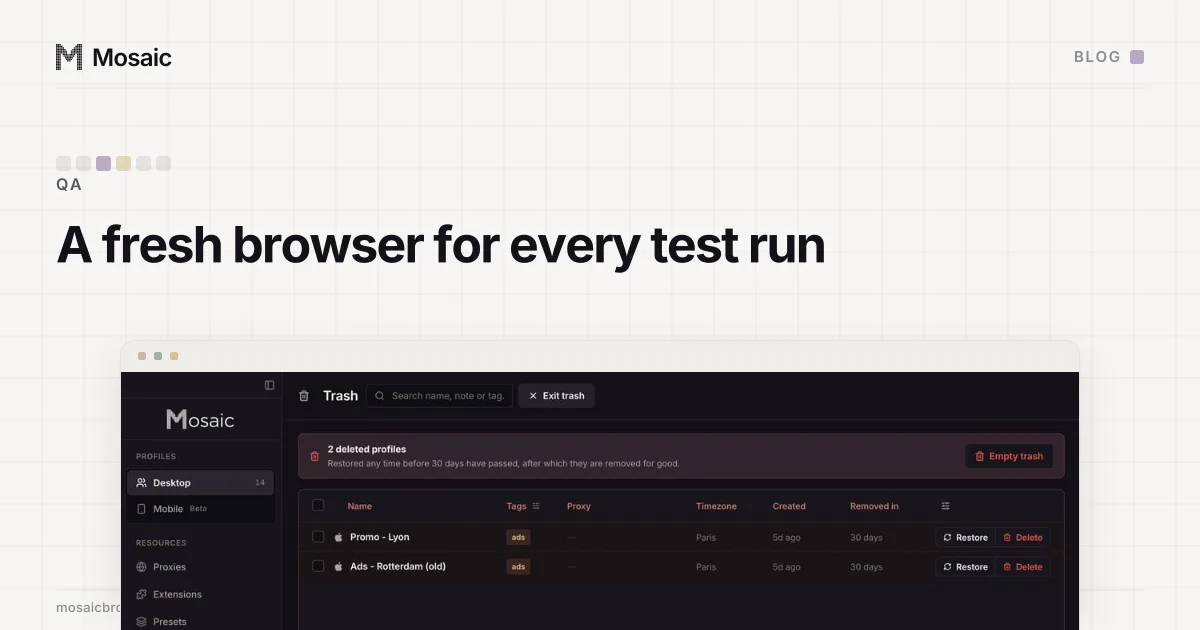
- Use a browser profile that has never seen the site. This is the only one that is a first visit by construction, because nothing has to be undone. It is also the one that scales past a single tester (a fresh profile per test run covers why leftover state makes tests flaky).
Incognito looks like the shortcut and is not. Chrome handles notification requests differently there, so the prompt you test in Incognito is not the one your visitors get.
The value a new visitor has, and how we got it wrong
Testing as a new visitor assumes your test browser starts where a real one does. Ours did not, for a while, and the way it failed is worth knowing if you build test setups yourself.
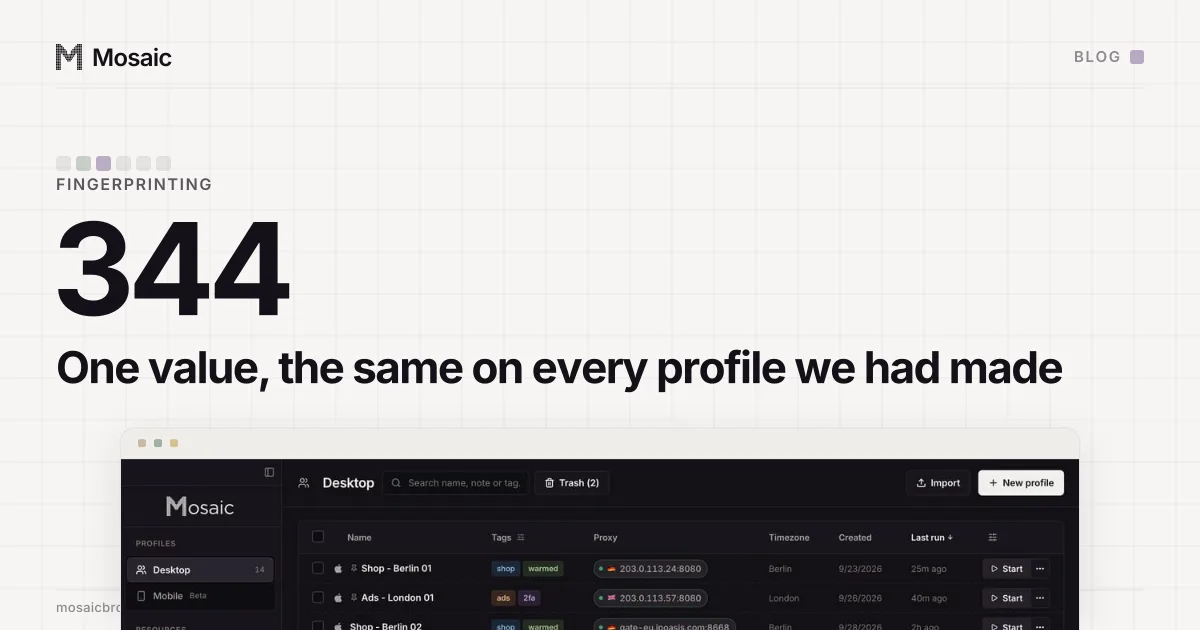
Mosaic launched every profile with the notifications content setting forced to block. The reason was real when we wrote it: each profile had its own macOS app identity, and macOS greets every new identity with a notifications banner, so a test run that made forty profiles made forty banners. When we moved app identities to one per window slot, the banner stopped being a problem, but the forced setting stayed. Every profile on our machine, 344 of them, answered denied where an unconfigured Chrome answers default (the whole story, with the check that excused it).
For a QA team that was two faults in one. A site could read the same unusual value on every profile, and nobody testing an opt-in flow in those profiles could ever see the prompt, because the browser had refused before the page asked. We made blocking a per-profile switch, "Block web notifications" in the profile editor, off by default. Measured afterwards through the app: Notification.permission read "default" and navigator.permissions.query({name: 'notifications'}) read "prompt".
Ask twice
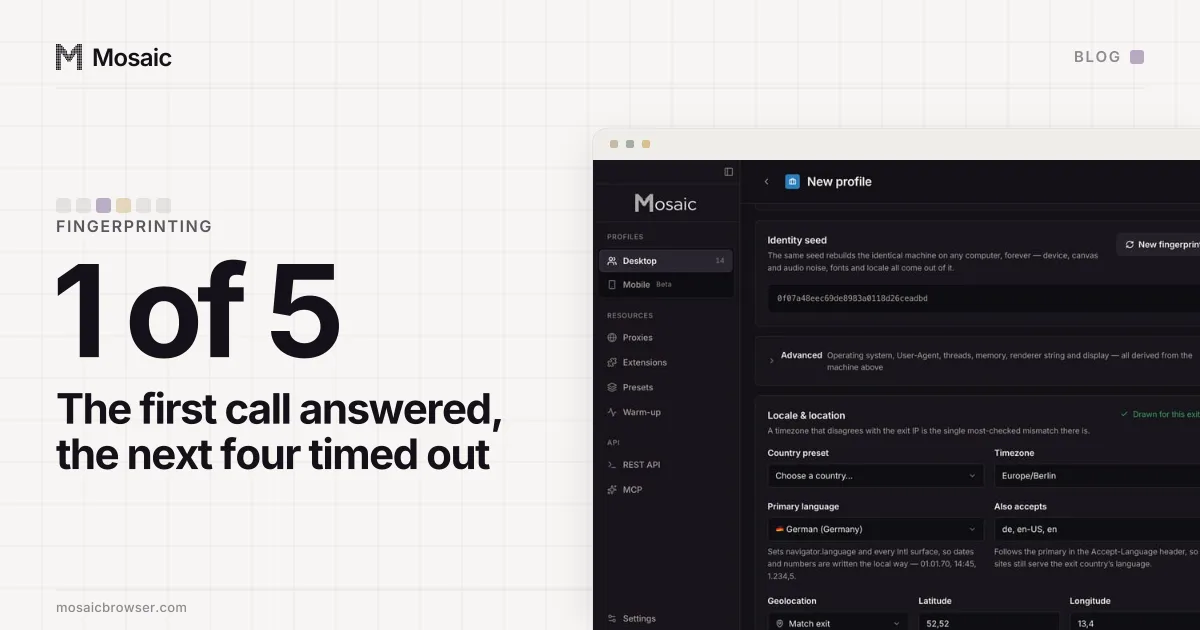
The question that finds this kind of fault is not "does it work" but "does it work twice". Every manual test is a first call, which is how geolocation that answered only the first call got past us. For notifications the checks are short:
- a new profile reads
defaultbefore the page asks - the prompt appears on a click
- after Allow or Block, the same profile reads
grantedordeniedand the next call shows nothing - a second new profile reads
defaultagain
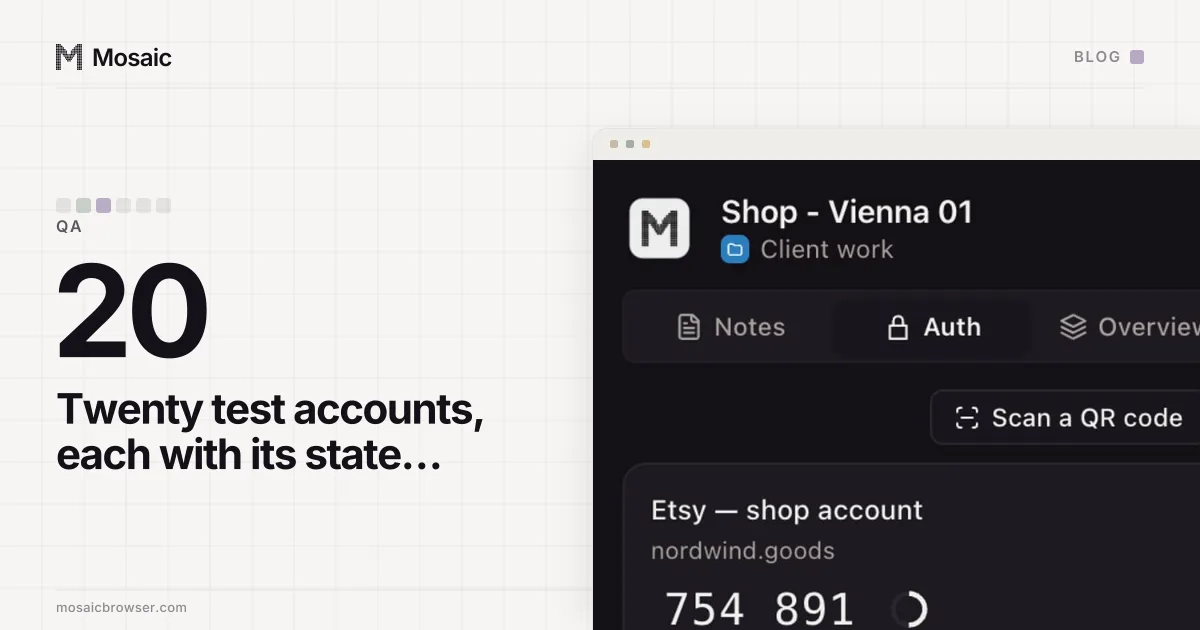
In Mosaic, each profile is its own browser with its own permissions, cookies and service workers, so a new one is a new visitor and an old one remembers exactly what its tester clicked. Name them by what they are testing (keeping QA test accounts straight has a way to label them), and keep the one that said yes apart from the one that said no.