Managing test accounts for QA goes wrong in one predictable way: the facts about each account live in people's heads. Which persona is an admin, whose password was reset on Tuesday, which one is stuck on step three of onboarding, which one has two-factor turned on and on whose phone. With five accounts somebody remembers. With twenty, the first hour of a test run goes on finding out.
The fix we use is to give every persona its own browser profile and to write what is true about it beside it, where the next tester will look first.
Why test personas drift
A test account changes every time it is used. A tester signs in as trial-expired, upgrades it to check the payment page, and now it is a paid account with the old name. Someone resets a password to test the reset email and forgets to put it back. A persona built to sit halfway through onboarding gets pushed to the end by an automated suite. None of that is anybody's fault. It is what test accounts are for.
The usual record is a spreadsheet with an email, a password and a role, and a spreadsheet is a snapshot. It says what was true when somebody last edited it. The browser says something else: it still has last week's session cookie for one persona, a feature flag cached in local storage for another, and a half-filled form that the app restores on load.
Sharing one browser across personas makes it worse. Sign out of one and into another and the app's own cookies and storage carry over, so the second persona can be shown a banner, a cached setting or an A/B bucket that belongs to the first. A bug found that way is a bug in the test.
Everything the window does, from a script on your own computerIn Mosaic: REST API. Everything the window does, from your own scripts. Free holds 3 profiles. Pro is $49 a month for any number.
Mosaic is a desktop app
Email yourself the link and open it on your computer.
One profile per persona
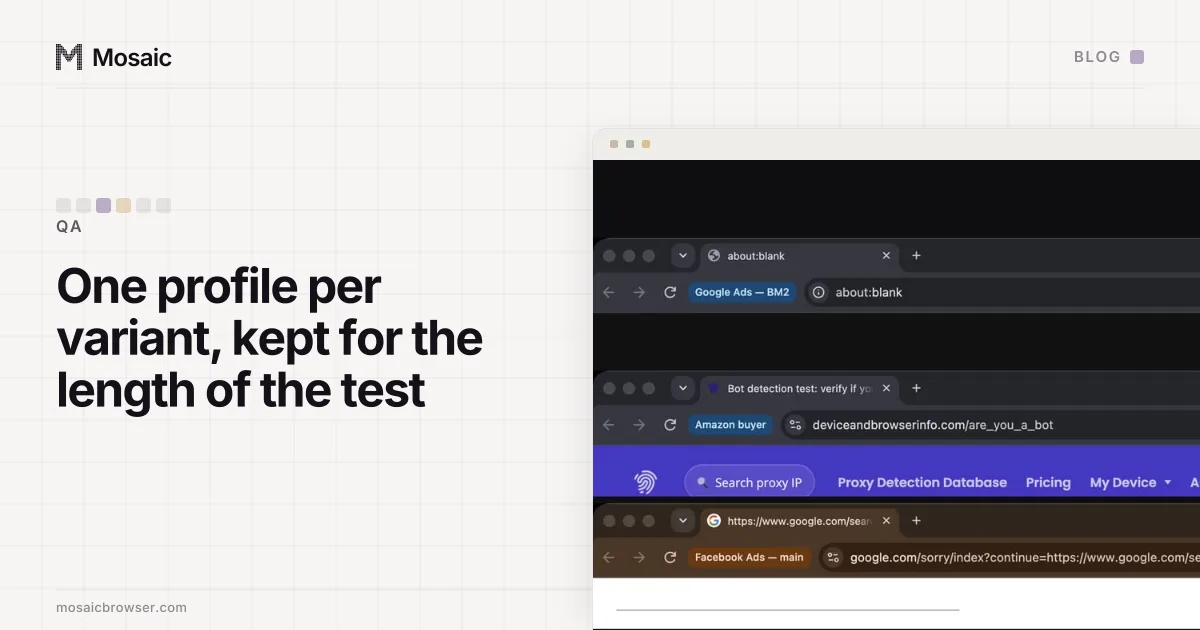
In Mosaic each profile is its own browser, with its own cookie jar, storage and history, so a persona's state stays with that persona. Opening trial-expired opens a browser that has only ever been trial-expired.
We split the library the way the projects and tags write-up describes: what does not change goes in a project, and what does goes in a tag.
- a project per product or environment under test, such as "Billing staging" or "Mobile web prod checks"
- a profile name that says who the persona is and what role it has:
staging · admin · ana,staging · viewer · ben,staging · trial-expired - tags for the state that moves:
onboarding-3,locked,2fa-on,needs-reset, the ticket it is tied up in
When a run changes a persona, the tester changes the tag in the same minute, and a bulk edit changes it on every selected row at once.
Filter by needs-reset before a release and the list of accounts to fix is on screen, not in a thread.
Write the login and the state where the browser is
Two things in a profile do the work a spreadsheet was trying to do.
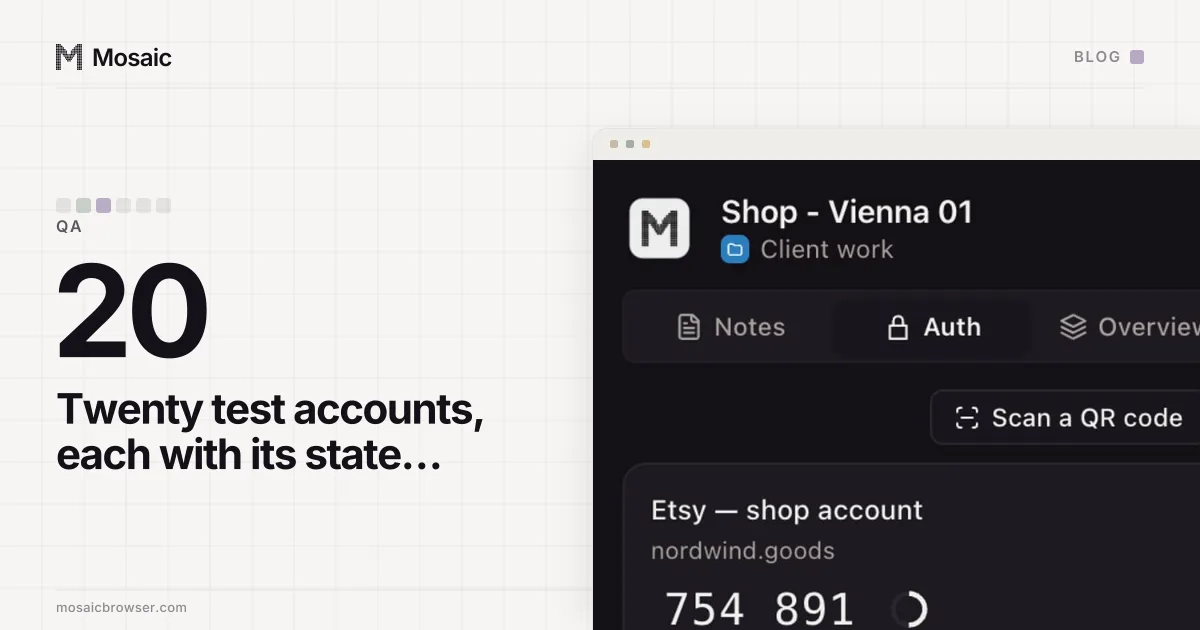
The profile's credentials hold each login for that persona: a label, the site, the username, the password and, where the account has it, the two-factor setup key. A setup key that cannot make a code is refused when it is saved, not on the morning somebody needs it. The companion, the small extension inside each profile's browser, shows that profile's logins and its current code, and fills them into the page with real keystrokes. Nobody asks in chat for a code from a phone that is in someone else's bag.
The profile's notes say what is true about the persona right now, in Markdown, edited in the same place they are read, in the profile editor or in the companion. Ours look like this:
**Role:** org admin, 3 seats used of 5
**Plan:** trial, 9 days left (do not upgrade)
**Seed data:** 2 projects, 40 invoices, one overdue
**Last reset:** by Ana, after the refund test
The line that saves the most time is the last one. "Who touched this last, and what for" is the question every test run used to open with.
Snapshots, resets and what the browser cannot do
A profile's cookies can be exported as a file and imported again later, to the same profile or a fresh one, including into a browser that is already open. That gives you a way to keep a persona's signed-in browser state from before a destructive test and put it back afterwards.
It restores the browser, not the account. If the test cancelled a subscription, the server still has a cancelled subscription, and the restored cookie now belongs to a different account from the one in the notes. Reset the account in your app first, with whatever script or admin action you use, then restore or clear the browser side, then write the reset in the notes.
A few habits outside the browser help as much as anything inside it:
- Give each persona an address you control, such as
qa+trial-expired@yourcompany.exampleon a provider that supports plus addressing, so reset emails reach the team and not a stranger. - Keep production test accounts few and labelled as test in your own admin, and follow your company's rules for them; most of this belongs in staging.
- When you need a fresh persona, make a new profile from a preset rather than reusing one whose history nobody knows. Starting from a jar nobody has used is the same idea as testing your checkout as a first-time customer.
Personas that need a place and a language
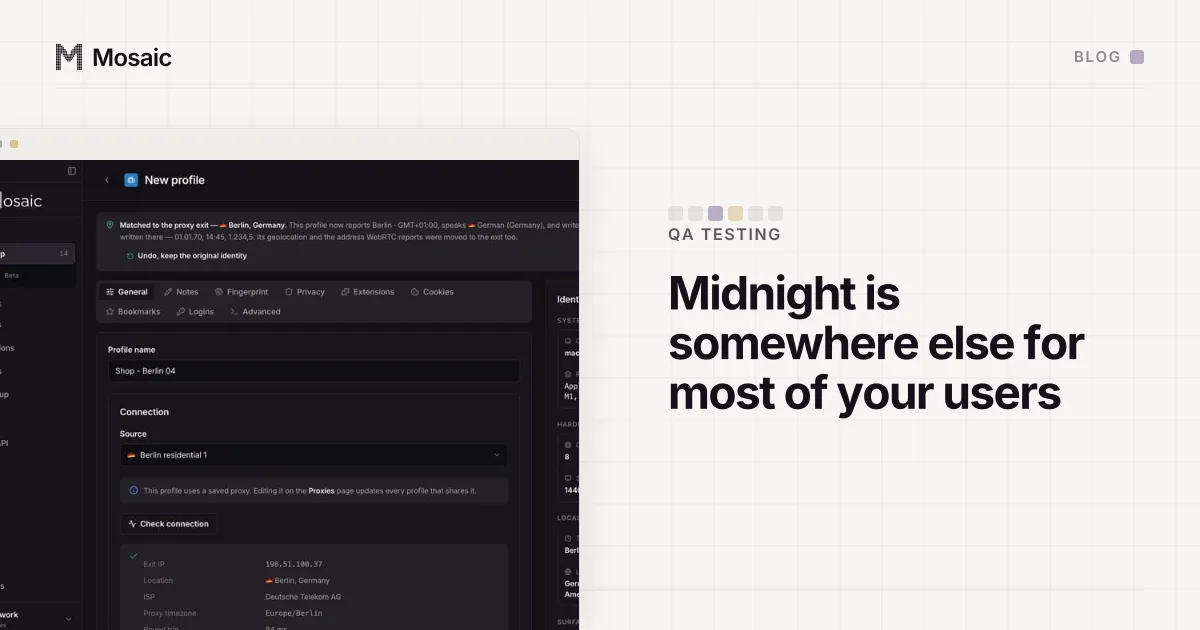
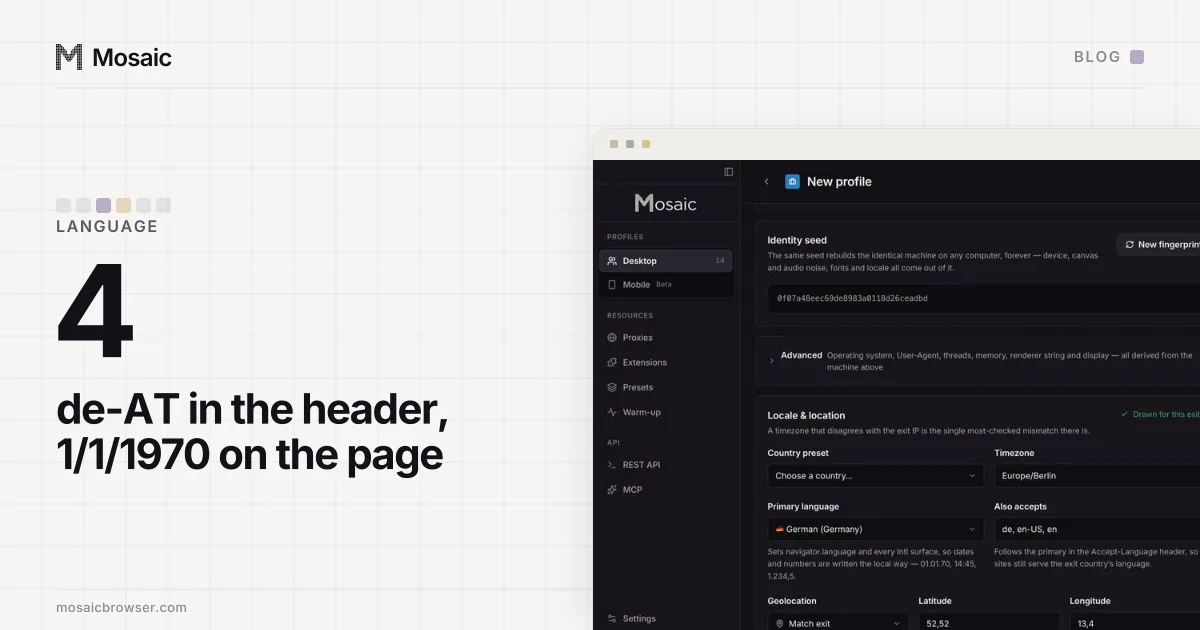
Some test accounts exist to be somewhere: a German customer, a user in a timezone where tomorrow's deadline is already today. A profile carries its own timezone and language, and with a proxy attached they follow that proxy's measured exit, so the persona arrives as the user it describes. The details that trip a test in another region are in testing in another timezone and testing a site in another language.