To test a website in a different timezone, run the browser in that zone rather than moving your computer's clock. Then new Date(), Intl.DateTimeFormat and every date the page prints use the zone you picked, while the clock, your other apps and your sign-ins stay as they are. Date bugs hide in the zones nobody on the team lives in. A sale that "ends today" ends at the wrong moment, a booking calendar shows tomorrow's slots, and a midnight cut-off lands mid-afternoon.
What the page reads, and where it goes wrong
A JavaScript Date holds one instant. Every method that turns it into a day or an hour, such as getHours(), getDate() or toLocaleString(), does so in the runtime's default timezone. A page can ask which zone that is with Intl.DateTimeFormat().resolvedOptions().timeZone, which returns an IANA name such as Asia/Tokyo. getTimezoneOffset() returns the difference in minutes with the sign many people do not expect: positive west of UTC, so New York in winter is 300.
Most of the bugs come from mixing a server's day with the visitor's day. Five turn up again and again:
- A date-only string is UTC.
new Date("2026-10-19")is midnight UTC, and in Los Angeles that instant is 17:00 on the 18th, so the page prints the wrong day. - A date and time without an offset is local.
new Date("2026-10-19T00:00")is midnight wherever the browser is, which is a different instant in every zone. - "Ends today" is computed on one side and displayed on the other. A server in Frankfurt closes the offer at its midnight, and a visitor in Sydney sees the banner vanish at breakfast: between 8 and 10 in the morning, depending on which of the two cities is on summer time.
- A day is not always 24 hours. On the days daylight saving starts or ends, one day has 23 hours and one has 25, so adding
24 * 60 * 60 * 1000to a timestamp is not always the next day. - Not every offset is a whole hour. India is UTC+5:30 and Nepal UTC+5:45, and code that rounds offsets to hours puts those visitors in the wrong slot.
Every profile is drawn from one real computer, not from separate listsIn Mosaic: Machines that exist. GPU, screen, CPU and fonts from one real device. Free holds 3 profiles. Pro is $49 a month for any number.
Mosaic is a desktop app
Email yourself the link and open it on your computer.
How it works: Machines that exist
Ways to switch the timezone, from smallest to largest
Chrome DevTools has a timezone override under the Sensors panel, next to the location presets. It applies to the tab while DevTools stays open, which makes it good for a quick look and awkward for anything that opens new tabs or windows.
Automated tests can set the zone per browser context. Playwright takes timezoneId: 'Asia/Kolkata' when a context is created, so one test run can cover several zones in parallel. On macOS and Linux, starting a browser from a terminal with the TZ variable set, such as TZ=Australia/Sydney, also changes its default zone for that process.
Changing the computer's own timezone in system settings works too. It also moves every other app on the machine, the calendar included, and it is the step people forget to undo. Changing the clock itself is worse: TLS certificates and two-factor codes depend on the real time, so a test with a wrong clock fails for reasons unrelated to the code.
Test the server's half as well
Every method above changes what JavaScript in the page reports. None of them changes the visitor's IP address, and many sites decide the important things from the IP. A shop that shows its Australian prices and its Australian delivery cut-off to Australian addresses will still show a Berlin tester the German ones, whatever the browser's zone says.
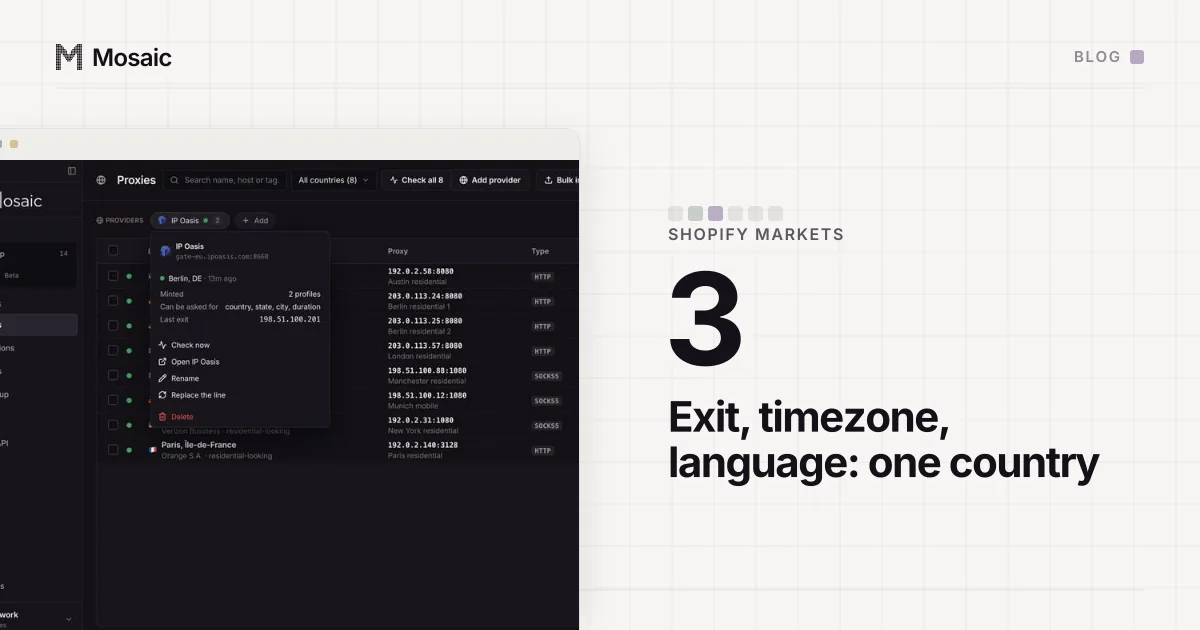
For those features the honest test is a browser whose exit is in the market and whose timezone agrees with it. If the IP says Sydney and the browser says Berlin, you are testing a visitor that rarely exists, and some sites treat that mismatch as a signal on its own. (We swept that mismatch across Pixelscan in a timezone sweep.) The same setup covers checking out as a customer in another market and testing Shopify Markets by country.
How a Mosaic profile carries its timezone
In Mosaic the timezone belongs to the profile, and the engine sets it in C++. Tesseract Chrome sets ICU's default zone at startup and tells V8, so Date, Intl and every frame and worker in the profile report one zone. No script on the page is patched to say so.
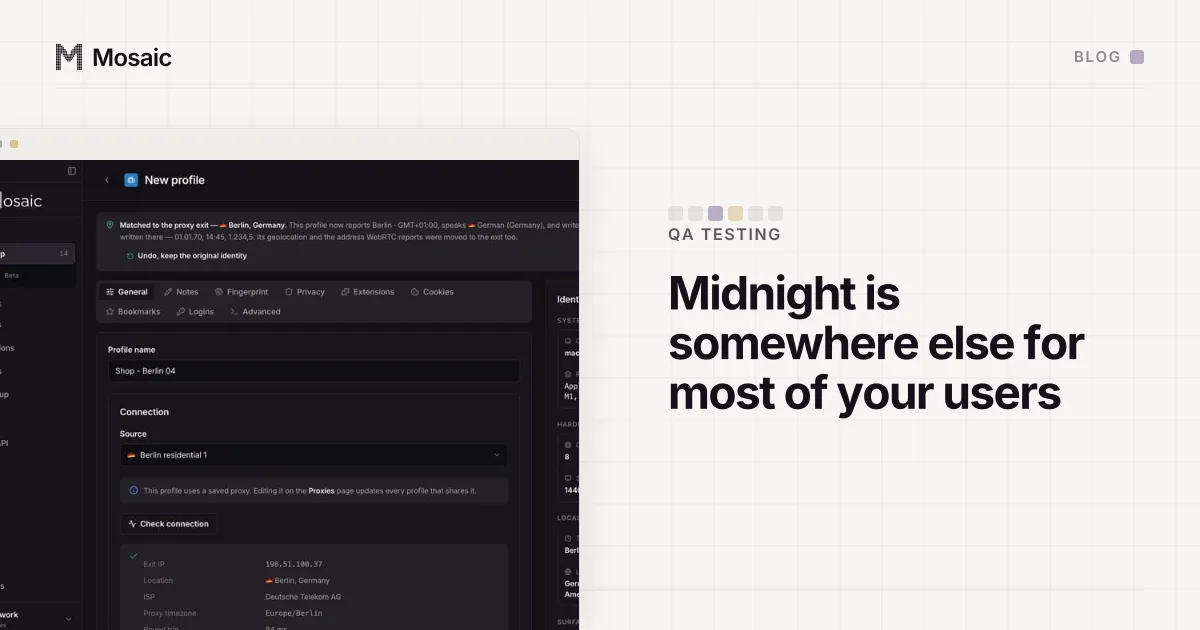
When a profile has a proxy, its timezone, languages and geolocation follow the proxy's measured exit, so a profile leaving from Tokyo reports Asia/Tokyo without you typing it. With no proxy, a profile matches your computer's own location, and you can set a zone by hand in the profile editor under Locale & location › Timezone, which is enough for testing what your own JavaScript does. The Primary language field below it decides how Intl writes dates and numbers, and the editor shows a sample in that format.
For a deadline feature we would keep one profile per zone that matters: one behind a proxy in each market you sell in, plus a hand-set one in UTC+5:45 for the offsets nobody remembers. Open them side by side the evening before a cut-off and watch each banner change at its own midnight. Each profile keeps its own cookies as well, so a cart or a booking left in one does not appear in another.