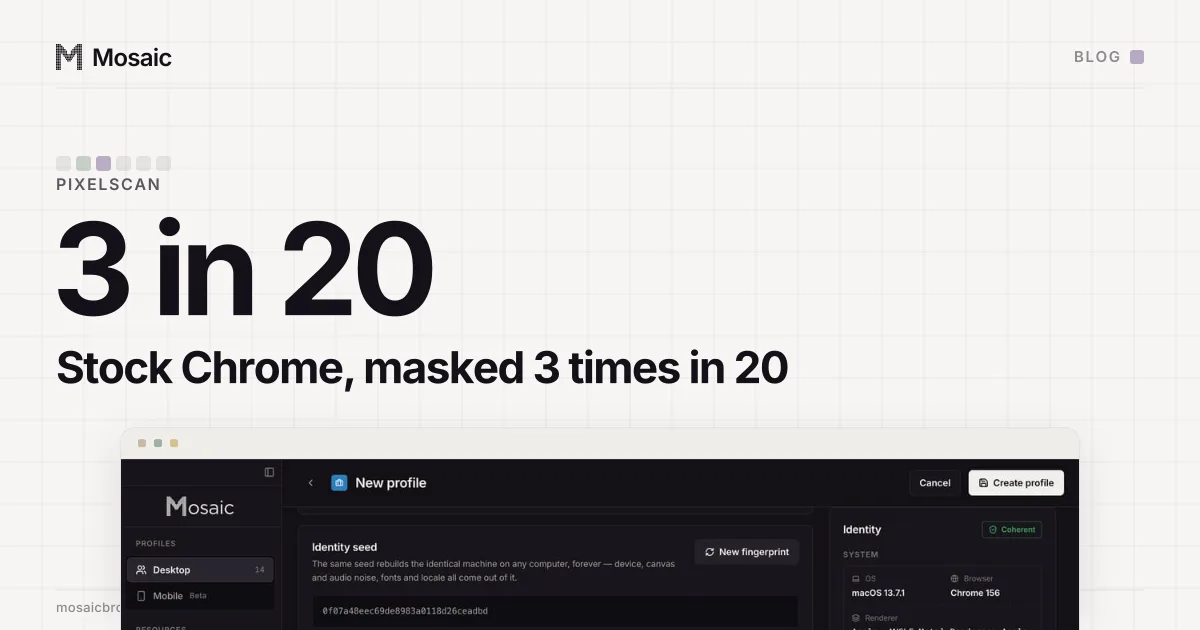
A Pixelscan false positive is easy to produce: run Google's own browser through it enough times. In September 2026 we ran an untouched Google Chrome through Pixelscan's fingerprint check 20 times on one Mac. It came back clean 16 times, said "inconsistent, Masking detected" 3 times, and gave no verdict once. Over the same weeks, fresh Mosaic profiles on that Mac read masked once in 74 runs.
We ran that control because "it sometimes gets detected" needed an answer, and the verdict alone could not tell us whose fault it was.
What we were trying to settle
Pixelscan is built to catch anti-detect browsers. It cross-checks a fingerprint against the IP and against itself and names what it thinks does not fit. When it flags one of our profiles, we want to know whether the profile is wrong or the site is in a mood.
Everything below was measured on one macOS host with no proxy on any row. Our only saved exit had run out of bandwidth, and we said so in the notes instead of working around it. Half of what a consistency scanner measures is whether the IP agrees with the timezone and the language, so a run with no proxy is the plainest case it gets.
Our profiles first
We started with the library. Every profile on the machine went through auditFingerprint, the same audit the profile editor draws: 45 profiles, 0 problems, 0 warnings.
Then the population the generator makes now. Fresh profiles were created through POST /profiles, started, read and deleted by id, and we read all five of Pixelscan's cards each time, not only the headline:
8 profiles x 3 rounds                     24/24 clean
3 profiles x 3 rounds, pinned mba13-m4     9/9  clean
20 profiles x 1 round                     20/20 clean
3 Android profiles x 2 rounds              6/6  clean
Those profiles covered fifteen different Apple chips across M1, M2, M3 and M4, including Pro, Max and Ultra. One observation in 74 came back masked, on a profile drawn as mba13-m4. That same device then passed nine runs in a row and two more in a later sweep.
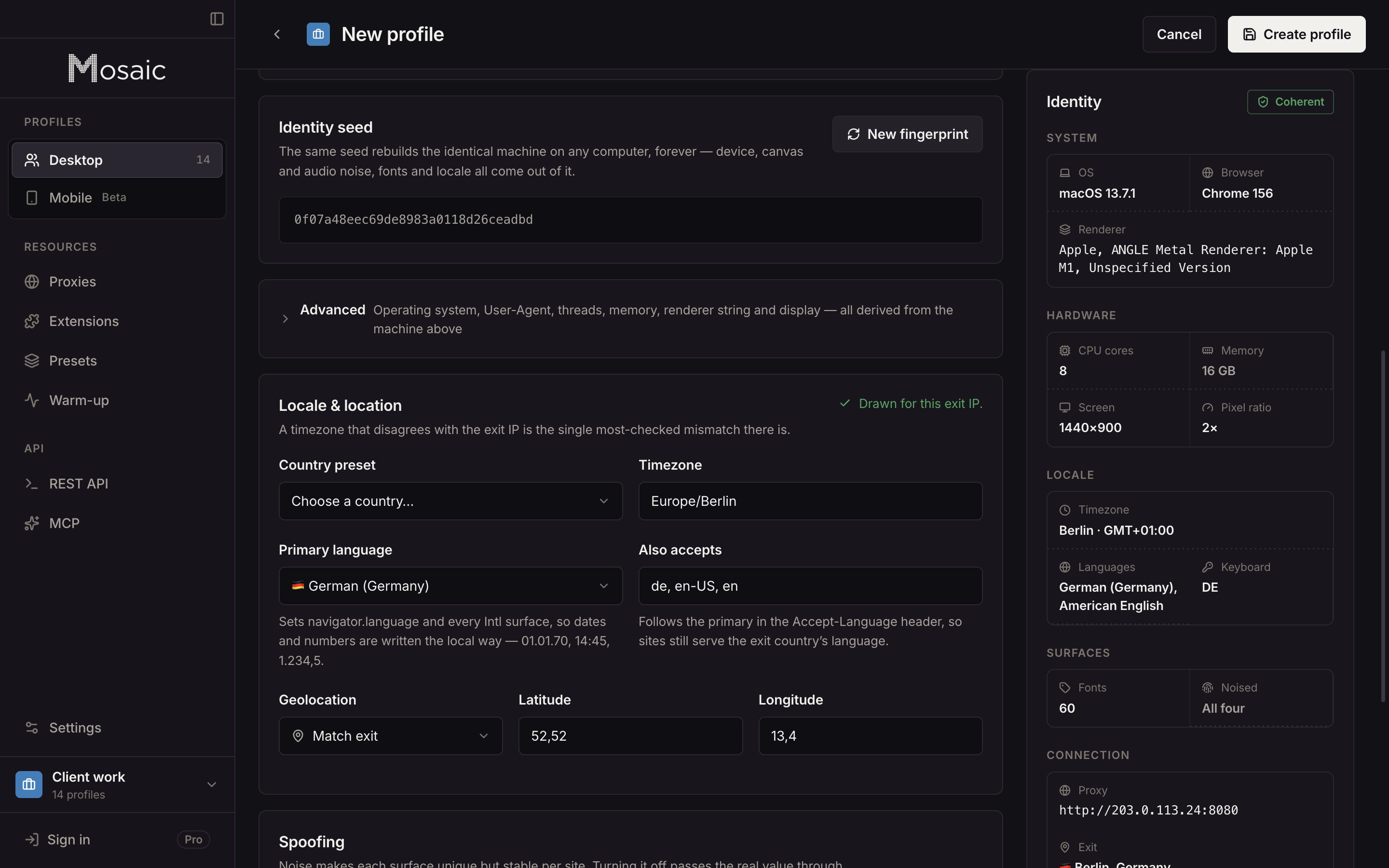
Every profile is drawn from one real computer, not from separate listsIn Mosaic: Machines that exist. GPU, screen, CPU and fonts from one real device. Free holds 3 profiles. Pro is $49 a month for any number.
Mosaic is a desktop app
Email yourself the link and open it on your computer.
How it works: Machines that exist
Then stock Chrome, which is the whole point
The control was a Google Chrome with nothing changed: off-screen but headed, a fresh profile directory every run, the same machine and the same address, the same five cards read the same way.
stock Chrome, 20 runs 16 clean, 3 "inconsistent, Masking detected", 1 no verdict
So Pixelscan called Google's own browser masked about once in every six runs that gave a verdict, and called our profiles masked about once in seventy. Whatever that verdict was measuring on those runs, it was not something Mosaic does. Our rule for this case is short: a verdict that a stock browser of the same major version also produces is not a finding about the profile.
We had been bitten by skipping this step before. Four rounds of configuration bisection went into an earlier Pixelscan result before anyone launched a stock browser at it, which took under a minute and settled it.
The half that was ours
"Sometimes it gets detected" turned out to have two answers.
The reproducible one was a platform claim. A profile claiming a different desktop OS from the computer it ran on failed every time, and Pixelscan's own readout printed the reason in its font row. A profile claiming macOS on our Mac showed 159 fonts, starting "Al Bayan, Al Nile, Al Tarikh". One claiming Linux showed a single font, Abyssinica SIL. Pixelscan probes the fonts of the platform the browser claims, and the fonts that answer are the ones installed on the real machine. No switch in the engine reaches them.
That is why the profile editor shows a caution when a profile claims a different desktop OS from the computer's own, and why the strongest match is always the OS your computer runs. The other half, the occasional masked verdict, was the site disagreeing with itself, and it did so more often for stock Chrome than for us.
Two harness bugs we found by reading every card
Neither was a fingerprint problem, and both would have given us a confident wrong answer.
The card reader matched Pixelscan's menu. Looking for the word "Fingerprint" in the page text finds the site's navigation, "Fingerprint Check" and "Checkers", long before it finds the result card. Six clean profiles were reported as six failures with the fingerprint card reading "Checkers". A detector that fails every configuration is usually measuring your extractor, and this one was measuring a menu. The reader now cuts the page down to the scan section first.
The headline paints in two steps. It passes through "Your Browser Fingerprint is" with the verdict word not yet drawn, and a poller that only waited for "scanning" to disappear caught that frame. One run in twenty scored a failure with all five cards clean underneath it. The wait is now for the verdict word itself.
How to tell a Pixelscan false positive from a real problem
If Pixelscan flags a profile once, run it again before changing anything. If it flags it every time, read the cards: the useful ones name a cause, such as a font list that does not belong to the claimed platform. And if you can, run a stock Chrome of the same version from the same machine beside it. If that gets the same verdict, the verdict is about the site or the setup, not about the profile.
Mosaic's fingerprint values are changed in C++ inside Tesseract Chrome, our own Chromium, so every page, frame and worker reads the same machine; why we built it that way is in why we built our own Chromium. Each profile is drawn whole from one device record, which is what real fingerprints covers. For which values a page can read in the first place, see what a browser fingerprint is. Not every flag is about the fingerprint at all: one DevTools command is enough to flip another detector on its own, which is in Runtime.enable detection.