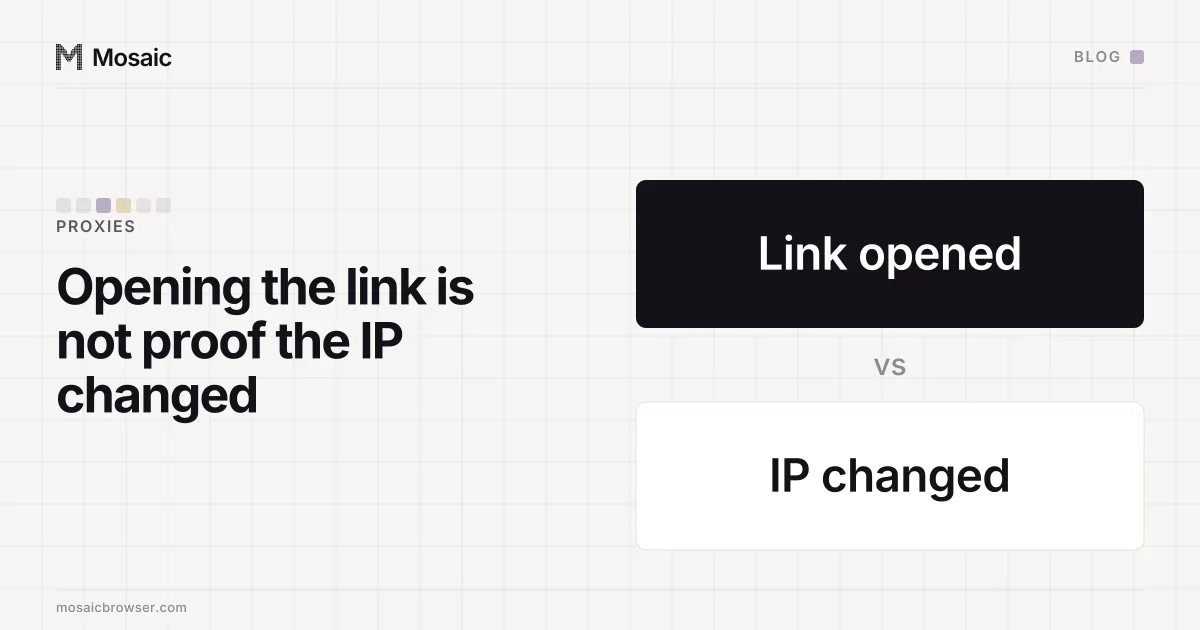
When a mobile proxy's change-IP link seems not to work, the first question is whether anything ever checked. Calling the link and changing the IP are two separate events, and most setups only see the first. Read the status the link answers with, wait for the modem to reconnect, then compare the exit address before and after. Until you have both addresses, "it didn't rotate" and "it rotated" are both guesses.
Our own app is a case in point, and we say so below.
What a change-IP link does
Mobile proxy ports usually sit on a modem or phone on a carrier network. Sellers give each port a URL that, when fetched, makes that device drop its data connection and dial again. The carrier then assigns it a public address, often a new one. Many residential sellers with fixed ports offer the same kind of link.
So a working rotation is a chain: the seller's endpoint accepts your request, it tells the modem to reconnect, the modem reconnects, and the carrier gives it a different address. A break anywhere looks the same from your side, which is "the IP didn't change".
Four reasons the link does not seem to work
- The link answered with an error. A wrong key, an expired port or a revoked token gets a
401,403or404. If the thing that called the link threw the answer away, you will never see it. - You checked too early. A modem takes seconds to redial. An exit check made the moment the link answered measures the old address, or fails because the connection is down.
- The carrier gave you the same address. Carriers hand out addresses from a pool, and a quick reconnect can land on the one you just left. The link did its job; the result is unchanged.
- You hit the seller's limit. Many sellers cap how often the link may be called per port. Several rotations in a row, or several ports at once, can be refused or ignored.
Paste one gateway line. Every profile mints its own exitIn Mosaic: Provider minting. One gateway line, a separate exit for every profile. Free holds 3 profiles. Pro is $49 a month for any number.
Mosaic is a desktop app
Email yourself the link and open it on your computer.
How it works: Provider minting
Checking a rotation by hand
Three commands answer it. First, the exit before:
curl -x http://user:pass@gateway.example:8000 https://api.ipify.org
Then the link, with its status printed:
curl -s -o /dev/null -w "%{http_code}\n" "https://seller.example/rotate?key=..."
Anything other than a 2xx is an answer: the link refused, and nothing rotated. If it was 200, wait about five seconds and run the first command again. A different address means it rotated. The same address after a minute means the carrier handed it back or the seller's side did nothing, and only then is it worth calling the link a second time.
Make the call from the command line, not by pasting the link into your browser. A browser tab sends the seller your own address and your own cookies, and its success page tells you the request arrived, which is the first link of the chain and none of the rest.
Where our own app falls short
The Proxies page in Mosaic has a Rotate now item for any proxy with a change-IP link. As we write this, it opens that link in your default browser, from your own address with your own browser's cookies, and then shows "Rotation URL opened." It cannot know whether anything rotated, and the message reads like it did.
The launcher has a second version of the same fault. For a proxy with a change-IP link it fetches the link before each launch and never reads the answer. A 401 from the seller's endpoint and a successful rotation look identical from there.
Neither of these opens a profile behind a dead proxy. Every launch still checks that the proxy answers and tunnels before a window opens, and refuses if it does not. What they get wrong is what they tell you about rotation: nothing, worded as success.
What a rotate should report
The button exists for one question, "is my exit different now?", so a rotate has to answer with three facts:
- the status the link answered with, and a refusal naming it when it was not a
2xx - the exit before, from the last check that worked
- the exit after, from a check made once the modem has had time to reconnect
With those three, "the link answered 200 and the address is the same" is a finding you can act on: wait and check again. "Rotation URL opened" is not.
Two other ways an exit moves or refuses to are worth knowing. On some gateways the port, not the username, decides whether a session sticks (a session token on a rotating port is how we learned that). And a sticky session that expires shows up as tunnel errors, never as a message saying it expired (sticky session expiry symptoms). The plain check that a proxy answers at all comes first, and the steps are in how to check a proxy before you use it.