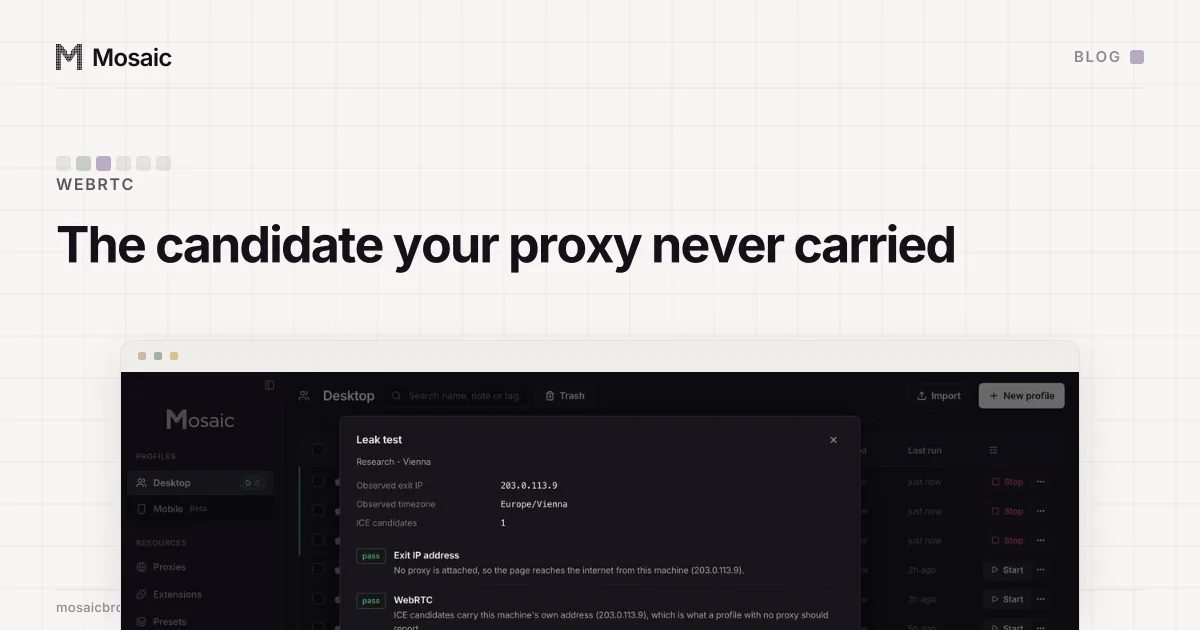
A video call that will not connect in a proxied browser profile is usually the leak protection working. WebRTC sends audio and video over UDP, and the proxies Chrome supports, HTTP and SOCKS, carry TCP. So once WebRTC is forbidden to use UDP outside the proxy, the only way a call can work is a TCP connection through the proxy to a relay the call service runs, called a TURN server. No relay reachable that way, no call.
Why WebRTC does not work with a proxy
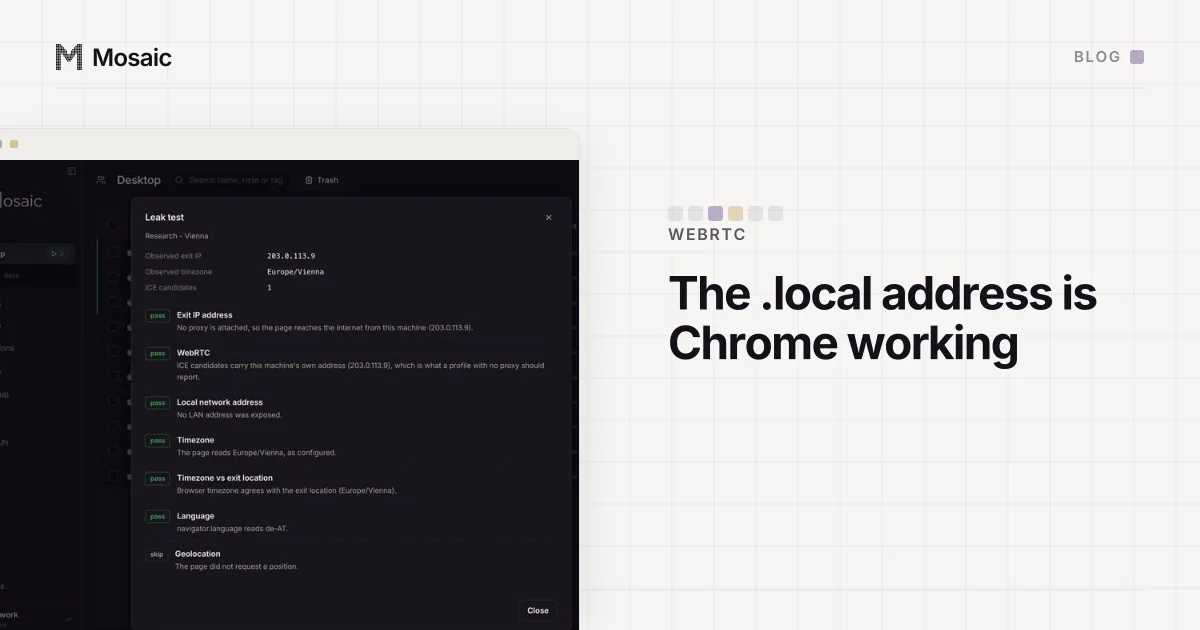
A browser sets up a WebRTC call by gathering candidates: addresses the other side might reach it on. Left alone, Chrome offers a host candidate, which is the machine's LAN address hidden behind a random .local name, and a server-reflexive one, which is the public address a STUN server saw the UDP packet come from. Then both sides try pairs of candidates until one gets through, and media flows over UDP between them.
None of that goes through the proxy. A STUN request is a UDP packet sent straight from the computer, so the address it learns is the computer's own public address, not the proxy's exit. That is the classic WebRTC leak: a page behind a proxy asks for candidates and reads the real address out of the answer.
What disable_non_proxied_udp leaves
Chromium has one switch for this, --webrtc-ip-handling-policy, and Mosaic sends disable_non_proxied_udp on every launch of a profile that has a proxy and the protection on, which is the default. It is Chrome's version of the strictest mode in RFC 8828, the IETF document on WebRTC address handling: if the browser's web traffic goes through a proxy, WebRTC media has to go through it too, and because the proxy does not carry UDP, UDP is off and media can only travel over TCP through the proxy.
We measured the switch on our own engine, one fresh browser data directory per row, no proxy in either:
no policy                  RTCPeerConnection present, 2 candidates
                           (mDNS host + server-reflexive, the real WAN address)
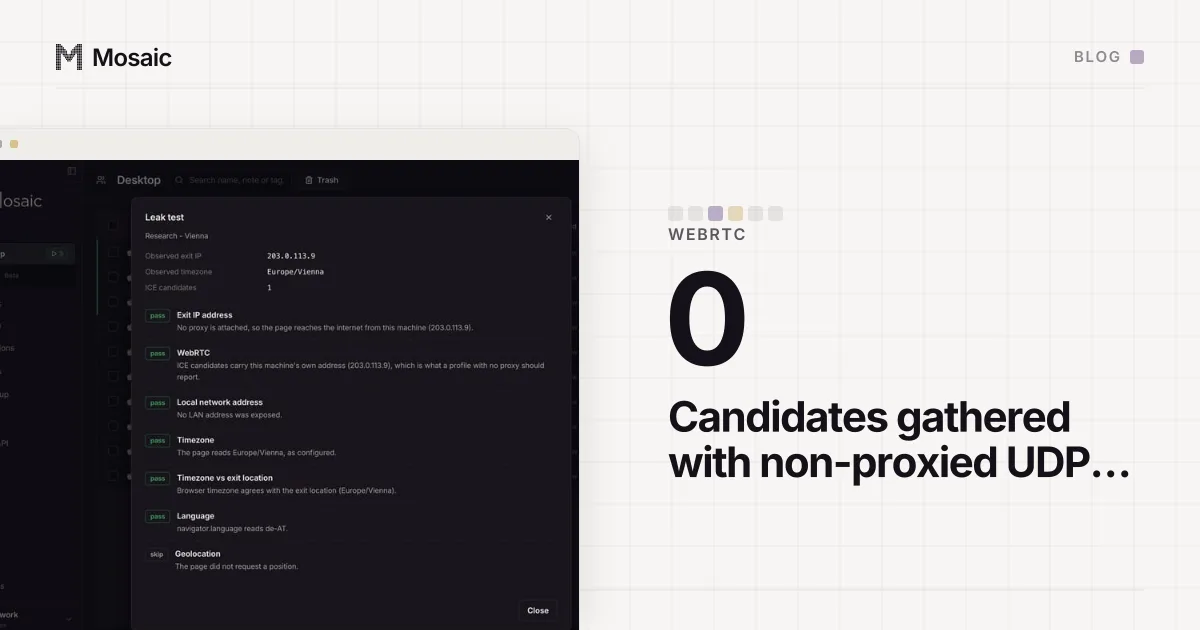
disable_non_proxied_udp    RTCPeerConnection present, 0 candidates
Zero candidates is the protection. Nothing about the computer's own address comes out, and a page sees what any browser on a network that blocks UDP shows. It is also the reason a call stalls at "connecting": with no candidates of its own, the browser has nothing to offer unless a relay gives it one.
A profile does not open until its proxy has answeredIn Mosaic: Checked before every launch. No profile opens behind a proxy that has not answered. Free holds 3 profiles. Pro is $49 a month for any number.
Mosaic is a desktop app
Email yourself the link and open it on your computer.
How it works: Checked before every launch
When a call can still connect
What is left is TURN over TCP, or over TLS, reached through the proxy. The browser opens a TCP connection through the proxy to the call service's TURN server, the relay allocates an address, and media is carried inside that connection. The other side of the call sees the relay, and the relay sees the proxy's exit rather than the computer's own address.
That only works when all of these hold:
- The call service gives the browser a TURN server that accepts TCP or TLS. Some WebRTC apps configure UDP relays only, or none at all.
- The proxy lets the browser connect to that relay's port. A proxy that only allows ports 80 and 443 needs the relay to be on 443.
- The audio and video can tolerate the route. Media inside TCP stalls whenever a packet is lost, because TCP waits for the retransmission where UDP would have skipped it, and the path now runs through the proxy's exit as well as the relay. On a residential exit, which is somebody's home connection, that can mean choppy video even when the call connects.
We have not measured particular calling services through a proxied profile, so we will not name which ones pass. The checklist above is what decides it for any of them.
What we do not say about it
Mosaic stops WebRTC from going around the proxy. We do not say it routes WebRTC through the proxy, because the engine does not carry UDP media over a proxy and cannot. Whether a call travels through the proxy at all depends on the service offering a TCP relay, which is outside the browser.
Removing WebRTC entirely would look tidier and be worse. A Chrome with no RTCPeerConnection is a browser that does not exist, while one that gathers nothing is every machine on a network that blocks UDP (the measurements behind that choice). And the address cannot be swapped for the proxy's either, since a server-reflexive address is whatever a STUN server saw the packet come from (what "replace WebRTC IP with proxy IP" can mean).
If a profile really needs to make calls
There are two honest options. The first is to keep calls out of the proxied profile: a profile with no proxy does not get the policy, so WebRTC there behaves as stock Chrome does, from the address the site already sees.
The second is to turn the protection off for that one profile. In the profile editor, open the Privacy tab and switch off Block non-proxied UDP (WebRTC). Calls can then connect directly, and that is exactly what the switch was preventing: the people on the call, the service and any page that asks can see this computer's own address beside the proxy's exit. Do it only where that is acceptable.
Before blaming WebRTC at all, make sure the proxy itself answers and tunnels (how to check a proxy before you use it); a call cannot reach a relay through a proxy that is already failing. The flag names Chromium actually reads, and two it silently ignored, are in two WebRTC flags that never existed.