A WebRTC IPv6 leak is when a page gets your real IPv6 address as an ICE candidate, even though everything else it receives comes from your proxy. WebRTC collects those candidates over UDP. Your HTTP or SOCKS proxy handles the browser's TCP connections and nothing else, so it never sees them. With IPv6 it is usually worse than the IPv4 version, since the address tends to belong to the laptop itself. What fixes it is a policy that drops any UDP not going through the proxy, IPv4 and IPv6 alike.
How WebRTC finds an IPv6 address
Before two browsers can talk directly, each gathers candidate addresses for itself. The procedure is ICE, specified in RFC 8445. A host candidate is an address on one of the machine's own interfaces. A server-reflexive candidate is the address a STUN server on the internet saw when the browser sent it a UDP packet. A relay candidate comes from a TURN server, and only if the page configures one.
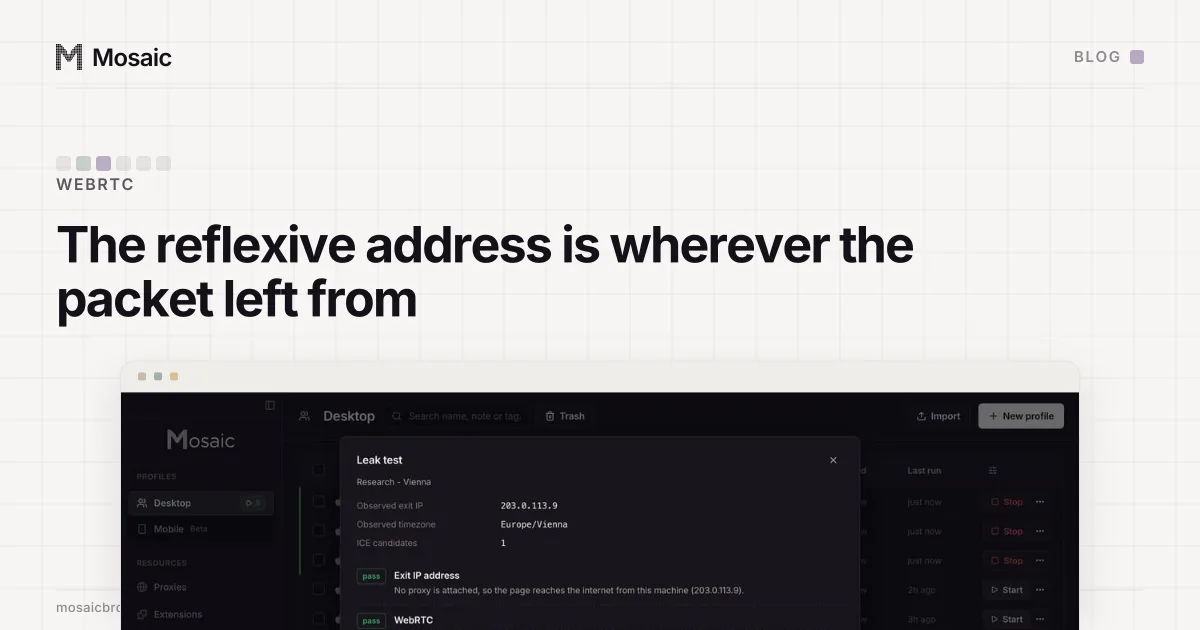
On a home IPv4 connection those two kinds differ. The host candidate is a private 192.168… address, and the reflexive one is the router's public address after NAT. On IPv6 there is usually no NAT. The interface holds a global address, and the address STUN reports back is that same one, so the machine's own address is the public address.
Two kinds of IPv6 address matter here. A stable address is generated per network and stays the same for as long as the machine is on that network. A temporary address changes, often daily, but it keeps the network's 64-bit prefix, and that prefix belongs to one subscriber line. Either way a page learns which connection it is talking to. A rotating IPv4 proxy exit cannot tell it that.
A profile does not open until its proxy has answeredIn Mosaic: Checked before every launch. No profile opens behind a proxy that has not answered. Free holds 3 profiles. Pro is $49 a month for any number.
Mosaic is a desktop app
Email yourself the link and open it on your computer.
How it works: Checked before every launch
Why the proxy never sees it
A proxy configured in a browser carries the browser's web requests. An HTTP proxy tunnels TCP with CONNECT, and Chrome speaks SOCKS5 for TCP connections only. STUN is a UDP packet sent from the machine's own interface straight to the STUN server, so the proxy never has the chance to carry it, or to refuse it.
That is how a profile can pass every IP check and still leak. The page's requests arrive from an IPv4 exit in one city. The WebRTC candidate list holds an IPv6 address from the computer's own ISP, and nothing about the proxy was broken. The same thing happens to a VPN that tunnels IPv4 and leaves IPv6 on the real interface, and the giveaway in a leak test is the same: an address with colons in it that is not your exit.
Proxy exits can be dual-stack too, and that one fooled us for a while. Building Mosaic's proxy check, we had a residential exit whose HTTP lookup said 172.115.91.44 while Cloudflare's TLS probe said 2603:8001:7c3e:5dc4:…. Same result three runs running. We first took it for a rotating pool. It wasn't: one exit was going out over both families, so the check now only compares IPv4 with IPv4 and IPv6 with IPv6. Ask a connection for "the IP" and you may well get two.
Hiding local addresses is a different fix
RFC 8828 describes four modes a browser can use for WebRTC IP handling, from most to least revealing. Chrome exposes them as a policy:
| RFC 8828 mode | Chrome policy | What it gathers |
|---|---|---|
| 1. Enumerate all addresses | default | every interface, with host addresses shown as .local names |
| 2. Default route and associated local addresses | default_public_and_private_interfaces | the interface the OS routes through, with its local address |
| 3. Default route only | default_public_interface_only | the routed interface, no private address |
| 4. Force proxy | disable_non_proxied_udp | nothing over UDP unless it goes through the proxy |
Chrome's default is mode 1 with one change: a host address is shown to the page as a random .local name unless the page has camera or microphone access.
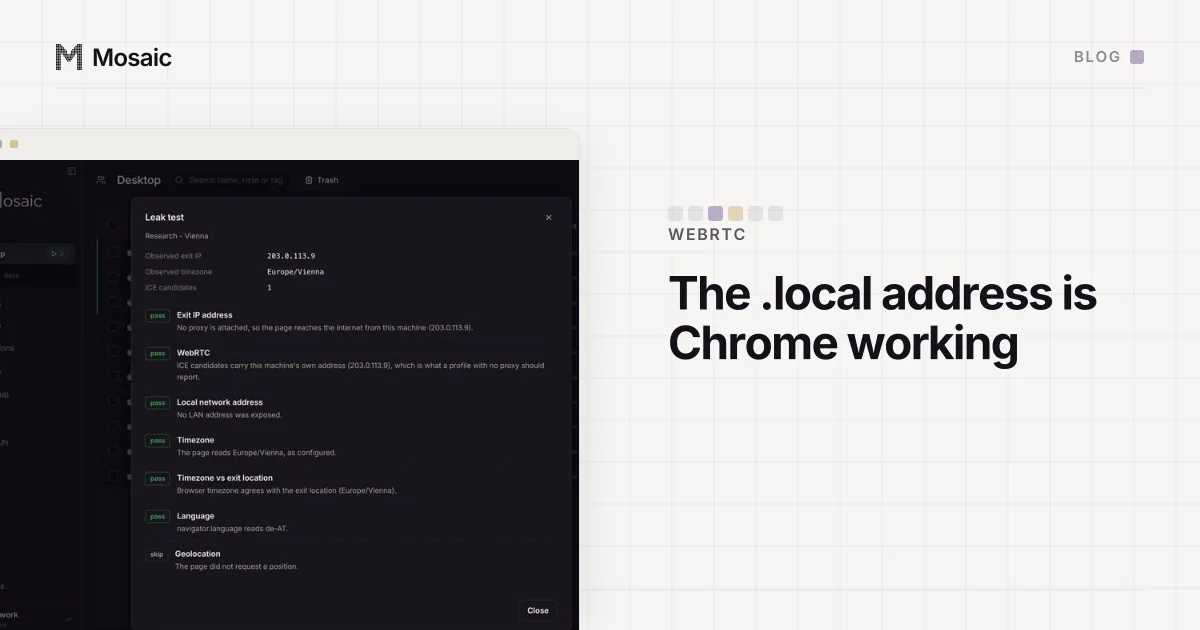
Modes 2 and 3 limit which interfaces are used, and that hides private addresses. They do not hide the public one. The default route is the computer's own connection, not the proxy, so STUN still goes out over it and still comes back with the real public address, IPv4 or IPv6. The .local names in Chrome's default hide host addresses too, and they also leave the reflexive candidate alone. (What that name is and why it is not a leak is in the .local address in your WebRTC test.)
Mode 4 is the one that shuts the door. Chrome doesn't check the address family under it; the only test is whether a socket runs through the proxy, and STUN over UDP fails that test on IPv4 and IPv6 equally. So one policy handles both. Turning IPv6 off in macOS or Windows would also stop the leak, but it takes IPv6 away from your mail client, your updates and every site you visit, to fix one browser.
What Mosaic does for a proxied profile
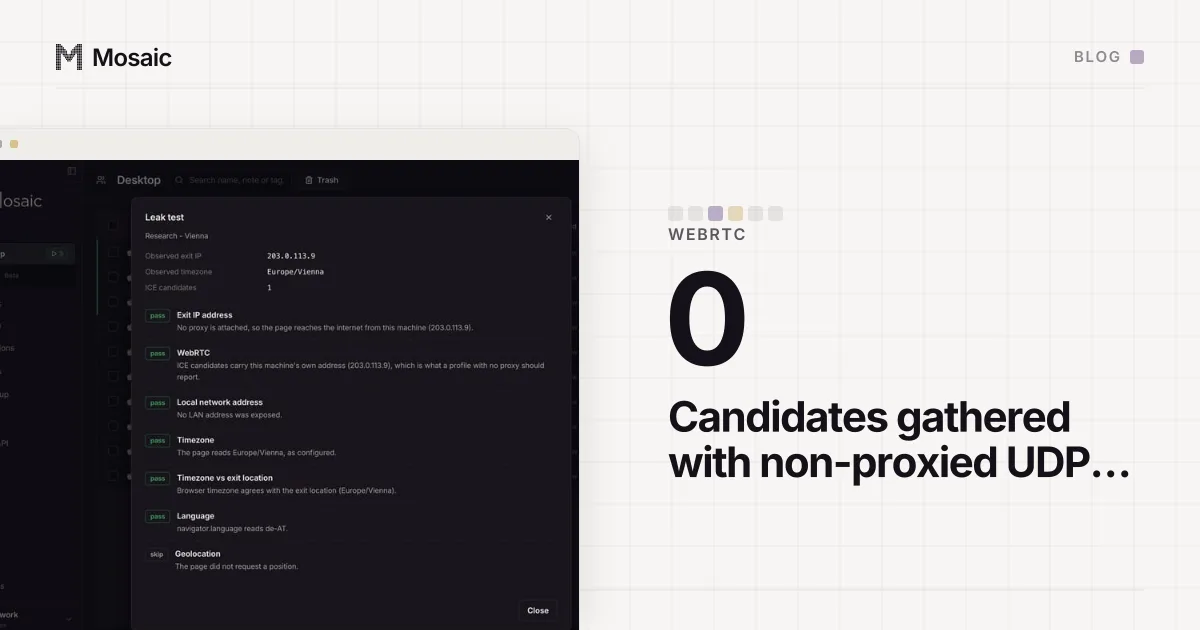
When a profile has a proxy and its "Block non-proxied UDP (WebRTC)" switch is on, which is the default, Mosaic launches the engine with --webrtc-ip-handling-policy=disable_non_proxied_udp. Measured on our engine, with one fresh user data folder per row and no proxy so the policy's effect stood alone:
no policy                  RTCPeerConnection present, 2 candidates
                           (mDNS host + srflx, the real WAN address)
disable_non_proxied_udp    RTCPeerConnection present, 0 candidates
RTCPeerConnection stays present. A browser without it does not exist in the wild, while a browser that gathers no candidates is any machine on a network that blocks UDP (why disabling WebRTC is a tell has the measurement). mDNS obfuscation stays on, as in stock Chrome.
Note the wording: Mosaic doesn't send WebRTC through the proxy, it stops WebRTC from going around it. Profiles without a proxy don't get the policy by default. Their traffic already leaves from your own address, so blocking UDP there would hide nothing.
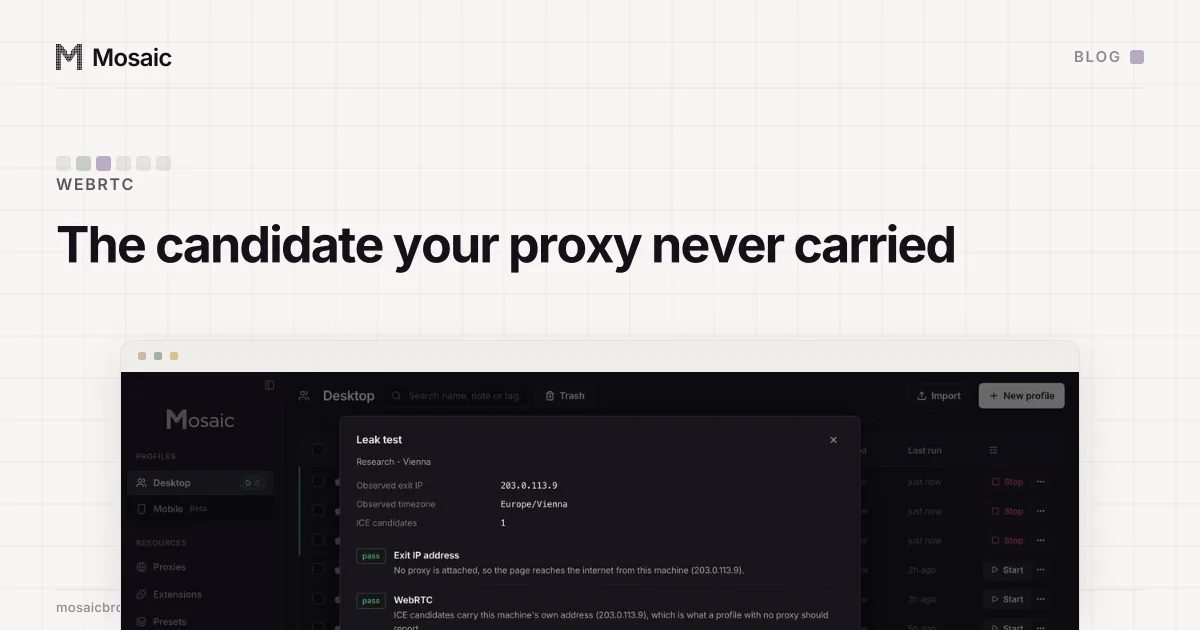
To check yours, open a leak test inside the profile and look for any address that is not the proxy's exit, with or without colons. If you are still choosing a proxy, checking a proxy before you use it covers the tunnel and the exit.