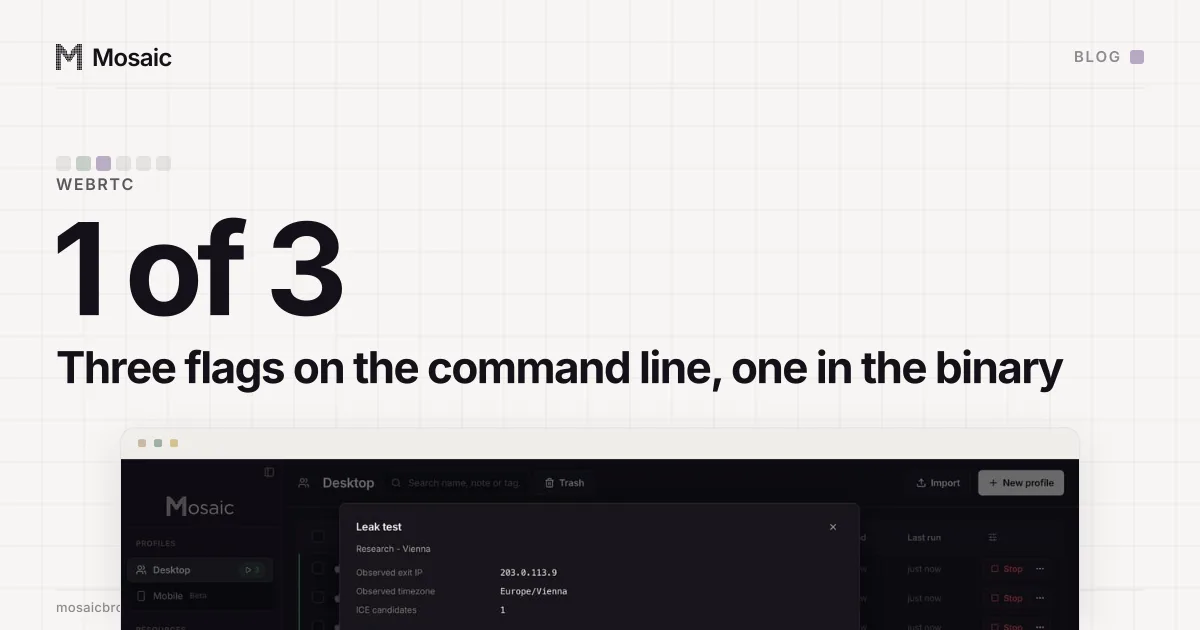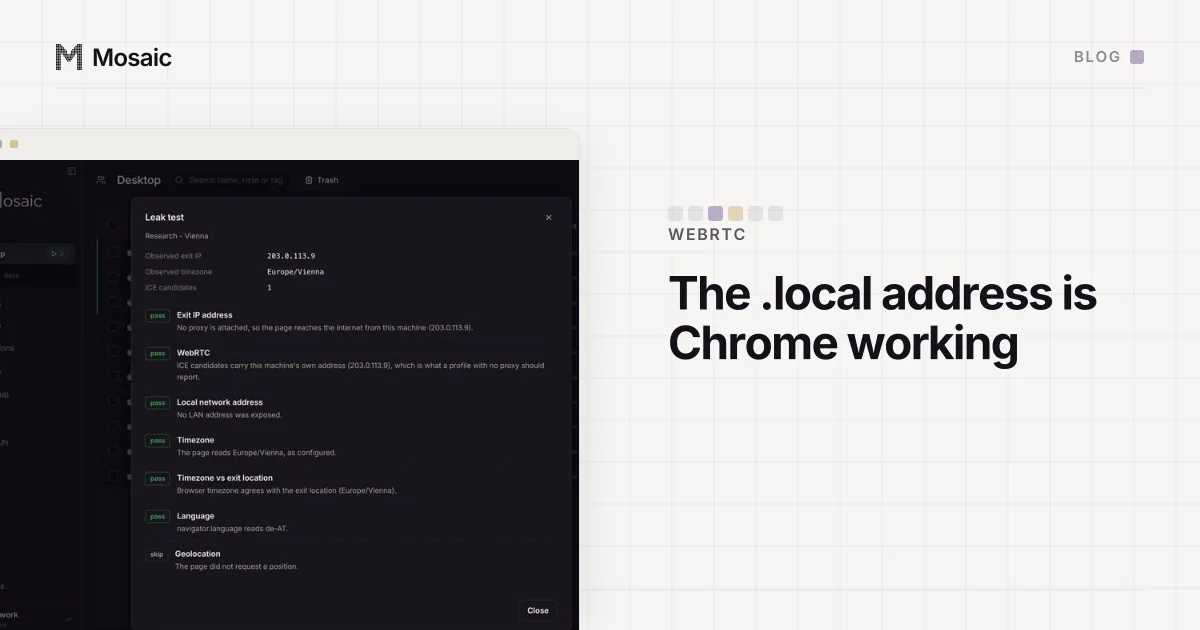
A WebRTC leak test that lists an address like 3f2a…-…-9c1e.local is showing you Chrome doing its job. That name is random, made up by the browser, and registered only on your own network with multicast DNS, so a peer on the same Wi-Fi can resolve it and a website cannot. It stands in for your private IP, the 192.168… address the test would otherwise print. We learned how much that ordinary-looking line is worth by removing it: with mDNS obfuscation switched off, an unproxied Mosaic profile offered an empty SDP and three empty address arrays, which no Chrome in normal use produces. Nothing it hid was as conspicuous as the hole it left.
What a WebRTC leak test is listing, .local included
WebRTC is built to connect two browsers directly, and before it can, each side gathers candidate addresses for itself. The test page starts that gathering and prints what comes back.
There are three kinds of candidate. A host candidate is an address of a network interface on the machine. A server-reflexive candidate, written srflx, is what a STUN server on the internet saw when the browser asked it over UDP, which makes it the public address of the network you are actually on. A relay candidate comes from a TURN server and only appears if the page configures one.
The host candidate used to be the obvious problem. It printed the machine's private address to any page that asked, which is a stable, fairly rare value on a home network and needs no permission to read. The fix that browsers adopted, described in an IETF draft on using multicast DNS to protect privacy when exposing ICE candidates, replaces that address with a random .local name. The browser answers mDNS queries for the name on the local network, so a real peer next to you can still connect, and the name carries nothing a remote site can use. Chrome only reveals the raw private address to a page the user has given camera or microphone access.
So in a stock Chrome on a home connection, with no proxy, a typical result is two lines: a host candidate behind a .local name and a server-reflexive candidate carrying the public address.
Every profile is drawn from one real computer, not from separate listsIn Mosaic: Machines that exist. GPU, screen, CPU and fonts from one real device. Free holds 3 profiles. Pro is $49 a month for any number.
Mosaic is a desktop app
Email yourself the link and open it on your computer.
How it works: Machines that exist
When we turned it off
Mosaic once launched its engine with mDNS obfuscation disabled. The reasoning sounded tidy. For a proxied profile we already block UDP that does not go through the proxy, so no host candidate would be gathered anyway, and the mDNS machinery seemed to have nothing left to do.
That held only for a proxied profile. On an unproxied one, the comparison on our build Mac went like this:
stock Chrome      host candidate behind a .local name
                  + a candidate carrying the public address
Mosaic profile    empty SDP, three empty address arrays
Both ran on the same Mac on the same network, and that network did not block UDP, so nothing about it explained the difference. We judged the empty answer the louder of the two signals. A host candidate behind a random name tells a page nothing about you. A browser that gathers nothing on a network where Chrome gathers two is a browser somebody has changed.
The fix was to stop changing it. mDNS obfuscation stays on, as in stock Chrome. It has one cost on macOS: the multicast socket is what makes the system ask whether the browser may find devices on the local network. We decided one dialog was a fair price for not having every scanner read the profile as altered.
What protects a proxied profile instead
The .local name hides the private address. It does nothing about the public one, and the public one is the real WebRTC leak on a proxy. STUN runs over raw UDP, an HTTP or SOCKS proxy is not on that path, and the server-reflexive candidate is then your real address sitting next to a proxy exit in a different city.
What stops that is one switch. When a profile has a proxy attached, by default the engine is launched with --webrtc-ip-handling-policy=disable_non_proxied_udp, which stops WebRTC from sending UDP around the proxy. Measured on our own engine, one fresh profile directory per row and no proxy in either:
no policy                    RTCPeerConnection present, 2 candidates
                             (mDNS host + srflx carrying the real WAN address)
disable_non_proxied_udp      RTCPeerConnection present, 0 candidates
Zero candidates with RTCPeerConnection still defined is the right shape, because it is what any machine on a network that blocks UDP reports. A browser with no RTCPeerConnection at all is a browser that does not exist.
With no proxy, the policy is deliberately not sent. Every packet already comes from the machine, so blocking it would hide an address the site is already talking to: all signature, no protection.
How to read your own result
Run the test inside the profile, with the proxy you will actually use.
- A
.localhost candidate is normal. It is Chrome's own protection, not a leak. - A server-reflexive candidate is the line that matters. On a proxied profile it should be absent or equal to the proxy's exit. Your real public address there is a leak.
- A private address such as
192.168.x.xin a candidate means the obfuscation is off, or the page has camera or microphone permission. - No candidates at all is fine on a proxied profile with UDP blocked, as long as
RTCPeerConnectionexists. Without a proxy, on a network that does not block UDP, it is the anomaly described above.
The same "around the proxy" problem applies to other UDP traffic, which is why what happens to QUIC when Chrome has a proxy is worth reading next to this. WebRTC is one surface among the many in a browser fingerprint, and keeping every one of them consistent with the others is the idea behind real fingerprints. The checks worth doing on the proxy itself, before any of this, are in how to check a proxy before you use it.