A canvas fingerprint reveals how your computer draws: which GPU and driver blended the edges, which fonts were on disk, and how macOS or Windows turned the letters into pixels. A script paints into a <canvas> that is never shown, reads it back and hashes it. You get a string like eff69e17. It names a stack, not a person, and a site then holds every other value your browser reports up against that stack.
How a page gets the hash
The scripts we have read draw much the same scene: a pangram in two or three fonts, an emoji, a gradient, and shapes in half-transparent colours stacked on each other. Per MDN's Canvas API reference, there are three ways to get the result back. getImageData hands over raw pixels. toDataURL and toBlob encode them, as PNG by default. The script hashes the bytes. On the Mac we test on, a stock Chrome turns our own test scene into eff69e17 through toDataURL, toBlob and OffscreenCanvas.convertToBlob alike.
Nothing is drawn on screen and Chrome asks for no permission. Keaton Mowery and Hovav Shacham at UC San Diego published the idea in 2012, in Pixel Perfect: Fingerprinting Canvas in HTML5. They paid 300 Mechanical Turk workers a small sum to load a test page. One pangram set in Arial came back in 50 distinct renderings. The biggest group was 172 identical images, every one from Chrome 15 to 18 on Windows XP, Vista or 7. The other 128 split into 49 smaller groups. A machine gives one answer; a crowd of similar machines shares it; change a layer and you leave the crowd.
Every profile is drawn from one real computer, not from separate listsIn Mosaic: Machines that exist. GPU, screen, CPU and fonts from one real device. Free holds 3 profiles. Pro is $49 a month for any number.
Mosaic is a desktop app
Email yourself the link and open it on your computer.
How it works: Machines that exist
What decides the pixels
- The GPU and its driver. Two chips can blend the same transparent edge to values one apart, in one channel.
- The fonts.
font: 16px Arialgets whatever file the system has filed as Arial, or a fallback if it has none. - The rasteriser. macOS, Windows and Linux hint glyphs and place them on subpixels differently, so one font file makes three images.
- The emoji font, which is a different drawing on each platform and often on each OS release.
- Skia, the library Chrome draws with, and whether this canvas was rasterised on the GPU or the CPU.
Two visitors with one hash are probably the same kind of machine. One visitor whose hash moved has changed something in the stack.
What a canvas fingerprint reveals, in practice
On its own a canvas hash does not pick you out: in 2012 the biggest crowd was 172 people deep. What a site learns is the class of machine, and that class has to fit what the rest of the browser says, which is why sites lean on it as a cross-check. A browser whose user agent says Windows, whose WebGL renderer string says NVIDIA GeForce RTX 3060, and whose canvas text comes out in macOS glyph shapes has contradicted itself in one page load. Catching it takes a reference rendering per platform, made once, not a database of visitors; the user agent, navigator.platform, the WebGL string and the font list can all be tested against it.
Clear your cookies, open a private window or make a new Chrome profile on the same laptop and the hash comes back as the same string, because the GPU and the fonts are the same ones. If cookies were all that kept two of your accounts apart, the pixels put them back together.
Why random noise is the wrong answer
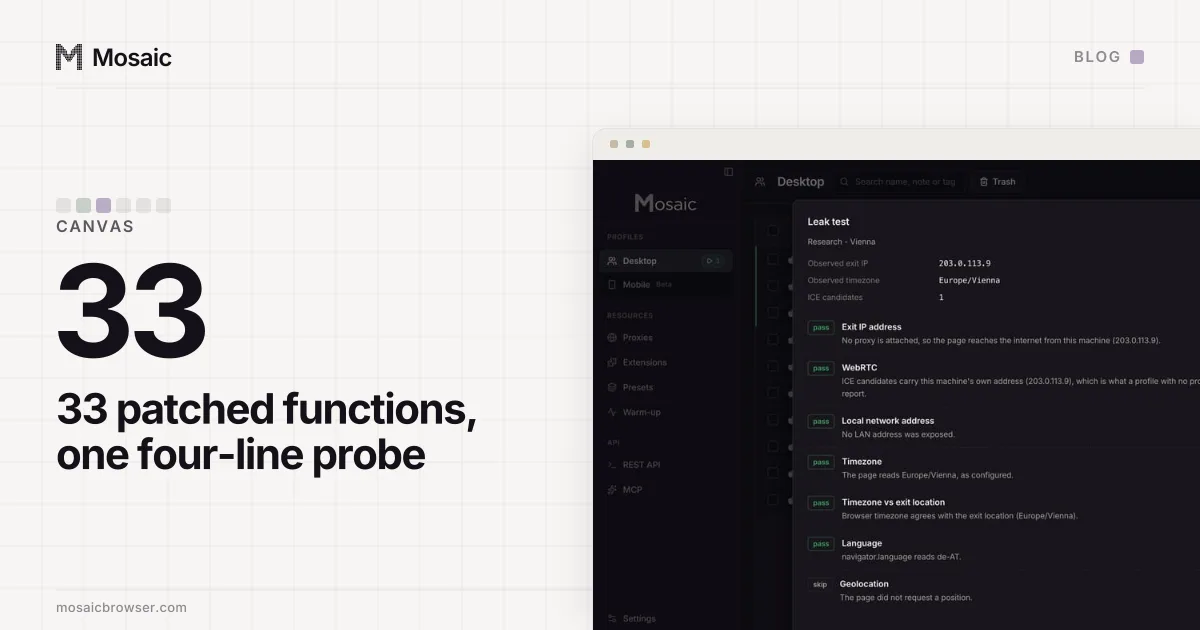
Many extensions and some anti-detect browsers add random noise to each read. The hash moves, and the browser now has a worse tell than the one it hid. Read one canvas twice and a real GPU returns the same bytes; per-read noise returns two different ones, and comparing them takes a page four lines of script. Our own first version keyed the noise on pixel coordinates, and we measured what that does: one text-and-rectangle drawing, placed at y=0 and again at y=60 on one canvas, differed by 76 bytes between the copies. A real browser differs by 0. Noise also stops at the low bits. The glyph shapes are the real fonts through the real rasteriser, so no amount of it makes macOS text look like Windows text.
What has to hold instead:
- Same drawing, same pixels, on every read, every route and at every position.
- Different from the bare machine, and from every other profile.
- Drawn by the stack the rest of the fingerprint claims.
How Mosaic handles the canvas
Tesseract Chrome, Mosaic's engine, applies the change in C++, so a page, its iframes and its workers all read one result. Each profile's canvas comes from its seed and stays the same from launch to launch. The key is colour. About one colour in thirty-two is touched, and every opaque pixel of a touched colour gets the same low bits, so a drawing reads identically at y=0 and at y=60, and through getImageData, toDataURL, toBlob and convertToBlob. The first colour-keyed version changed every opaque pixel, and Pixelscan's fingerprint card failed it five times out of five: a whole image nudged by one bit looks like a filter, not like another GPU.
What the change cannot do is supply fonts or a rasteriser the computer does not have. That is the reason a profile matches best when it claims the operating system your computer runs: the text in its canvas is drawn by that system's own engine, and so are the fonts every other test reads. Our canvas fingerprint test shows your own browser's hash, so you can compare two browsers on one machine, and the browser fingerprint test lists the other values a page reads beside it. How a profile's values are drawn as one machine is in Introducing Mosaic, and the category is explained in what an anti-detect browser is.