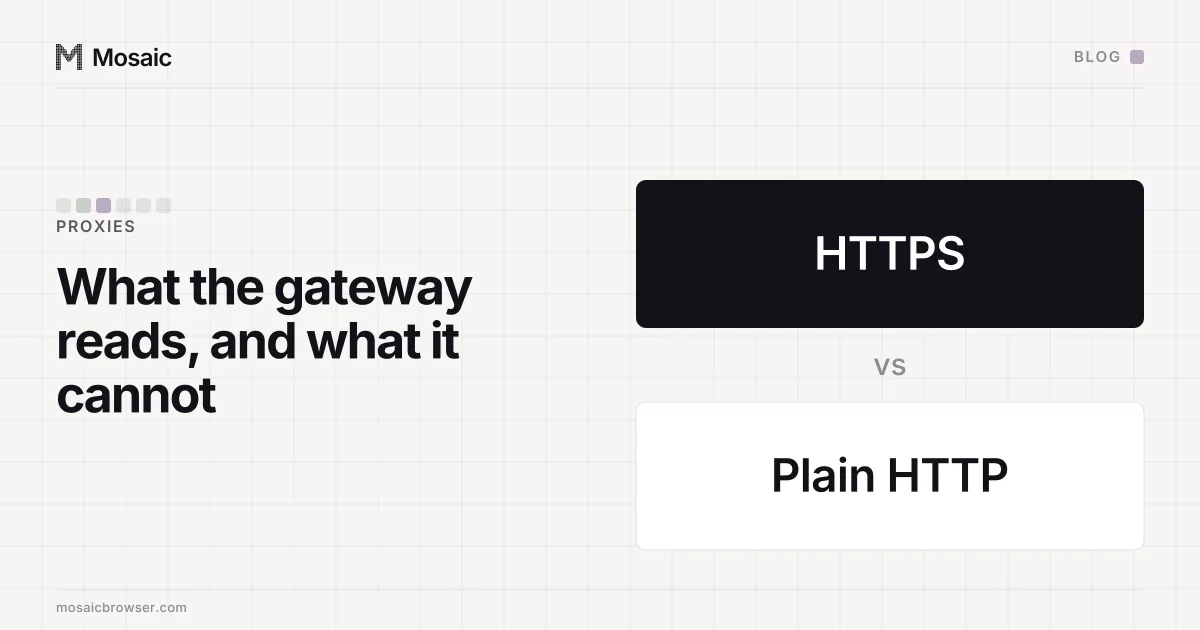
Short answer: a proxy provider sees the hostname, the port, the time and the byte count of every connection you make through it. If the site is HTTPS, that's the lot. The path after the hostname, your cookies, the form you fill in — all of it is encrypted end to end, and the gateway is shovelling ciphertext. Load a plain http:// page, though, and the gateway reads the request and the response word for word. We'd draw the line right there before signing in to anything through somebody else's server.
What a CONNECT request tells the gateway
Behind an HTTP proxy, Chrome never hands an HTTPS request to the gateway. It asks for a tunnel instead (the CONNECT method, RFC 9110 section 9.3.6). Here is the preamble, in the order Chrome's proxy_client_socket.cc writes it, which we copied line for line when we rebuilt our relay:
CONNECT example.com:443 HTTP/1.1
Host: example.com:443
Proxy-Connection: keep-alive
User-Agent: Mozilla/5.0 (Macintosh; ...) Chrome/...
Proxy-Authorization: Basic ...
Five lines, and they're the only plaintext the gateway gets. Host and port. Your User-Agent. And Proxy-Authorization, which tells it which customer is asking. Then it replies 200 and from that moment it's a pipe.
The first bytes down that pipe are the TLS ClientHello. It names the site again in the SNI field (unless Encrypted Client Hello is in play), and its layout is the browser's TLS fingerprint. So the gateway can read that too. Nothing new, mind: it already had the hostname from the CONNECT line.
One thing that is easy to forget: the provider already knows who you are. You have an account with it, paid for it and authenticate on every request. So the question is not whether the gateway can identify you. It is what the gateway can read beside your name.
Your profiles, cookies and proxies stay on your computerIn Mosaic: Local first. Profiles, cookies and proxies stay on your computer. Free holds 3 profiles. Pro is $49 a month for any number.
Mosaic is a desktop app
Email yourself the link and open it on your computer.
What a proxy provider cannot see over HTTPS
Inside the tunnel, everything is ciphertext to the gateway:
- the path and query string (
/orders?page=2, search terms, tokens in URLs) - request and response headers, including every cookie
- page content, form fields and passwords
- which of several requests on one connection went where, since HTTP/2 multiplexes them in one tunnel
What it can still measure is the outside of the traffic. It knows when each tunnel opened and closed and how many bytes moved, and from that a patient observer can guess at things like the size of a download. Getting past TLS would take a certificate your browser trusts and the gateway holds, and that only happens if somebody installed one. A gateway that tried it without one would put NET::ERR_CERT_AUTHORITY_INVALID on every page.
SOCKS5 shows about the same
RFC 1928 gives a SOCKS5 connect request three ways to name where it's going: IPv4, IPv6, or a domain name, which is address type 0x03. Chrome uses the domain name. So does our relay: socks.ts writes 05 01 00 03, then the length, then the host. The gateway does the DNS lookup itself, which means it knows the host just as surely as it would from a CONNECT line. After that it's the CONNECT story again. Hostname, port, when, how much.
What it can see over plain HTTP
There's no tunnel for a plain http:// page. Chrome hands the proxy the request itself, URL and all, which RFC 9110 calls absolute form:
GET http://example.com/login?next=/account HTTP/1.1
Host: example.com
Cookie: session=...
The gateway reads the full address, every header, every cookie and any form body, and then the whole response. A password typed into an http:// page goes through it in the clear. Choosing an https:// proxy type only encrypts the hop between you and the gateway; the gateway itself still reads the request.
We do this ourselves, on purpose. Mosaic's proxy check sends GET http://ip-api.com/json/?fields=... through the proxy to learn the exit's country, city and timezone, then asks http://edns.ip-api.com/json which DNS resolver the exit uses. Your provider can read both requests top to bottom. That's fine: there's no cookie in them, no login, nothing worth reading. What that check measures is in how to check a proxy before you use it.
The line to draw before you trust a seller
Sign in over HTTPS and your password and session cookie stay out of the gateway's reach. What it may keep is a log: hostnames and times, filed under your customer account. That log matters in its own right, because it links your proxy account to every site you visited through it.
Before we'd trust a seller with an account, we'd ask three things. Is every site we sign in to HTTPS all the way, redirects and single-sign-on hops included? Has the provider ever asked us to install a root certificate? (An ordinary residential or datacentre proxy has no reason to, and one that does can read everything.) And how long do their terms say hostname logs are kept?
What the gateway sees from Mosaic
The gateway also sees the shape of the CONNECT request itself. A relay that writes it differently from Chrome tells the provider that a script is in the middle, which ours did until we matched it line for line, in the relay that told the gateway it was a script. The order Chrome writes request headers in, and why it survives a proxy, is in Chrome's header order through a proxy.
That relay runs on your own computer, on a loopback address, one per profile, and goes straight to the gateway. Proxied traffic never passes through anything of ours on the way, because profiles, cookies and proxies stay on your computer (local-first, explained).