An anti-detect browser is an app that manages many browser profiles, and its local API is the same app answering HTTP instead of clicks. It listens on a port on your own machine. A script sends POST /profiles to make a profile and POST /profiles/:id/start to open it, and gets back the address of the browser's DevTools socket. From there the script drives the page with Playwright, Puppeteer or raw DevTools Protocol messages, and the profile's fingerprint, proxy and cookies are already in place because the app launched it.
Why an anti-detect browser local API is local
The profiles live on the computer, so the browsers start there, and an API that starts them has to run there too. That is a security boundary as much as a convenience. A server bound to 127.0.0.1 cannot be reached from the network, only by programs on the same machine.
Mosaic's runs at http://127.0.0.1:7317/api/v1 by default, as the REST API page describes. It is a desktop app with a local API, not something you deploy: there is no Docker image and no cloud endpoint.
Everything the window does, from a script on your own computerIn Mosaic: REST API. Everything the window does, from your own scripts. Free holds 3 profiles. Pro is $49 a month for any number.
Mosaic is a desktop app
Email yourself the link and open it on your computer.
What a good local API answers
Before building on any local API, these are the questions we would put to it, Mosaic's included.
Does starting a profile give you a DevTools endpoint?
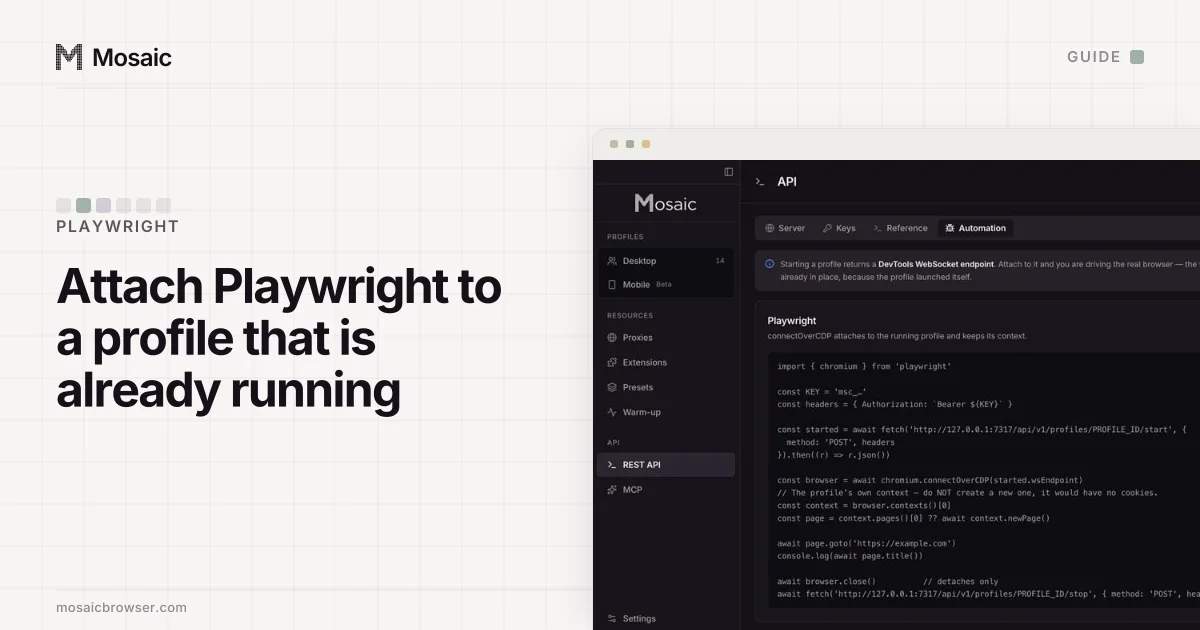
This is the whole automation story. A start that returns wsEndpoint (or a debugging port) lets any CDP library attach. Mosaic's start returns { profileId, status, pid, debugPort, wsEndpoint, cdpUrl, startedAt, error }; the Playwright guide shows the attach step.
Does it refuse to start behind a dead proxy?
Chromium falls back to a direct connection for anything its proxy refuses. A launch that goes ahead anyway gives you a window that works, pages that load, and an identity browsing from your own address, with nothing in the response to say so. Mosaic checks the proxy before the browser opens; if the proxy has not answered and tunnelled, the start is a 502 naming the proxy and quoting what it said.
Does a batch tell you which ones failed?
"Started 40" over eight failures is not an answer. Mosaic's bulk routes return { ok, skipped, failures }, and each failure carries the profile id and the reason.
Does it refuse a bad field, or quietly drop it?
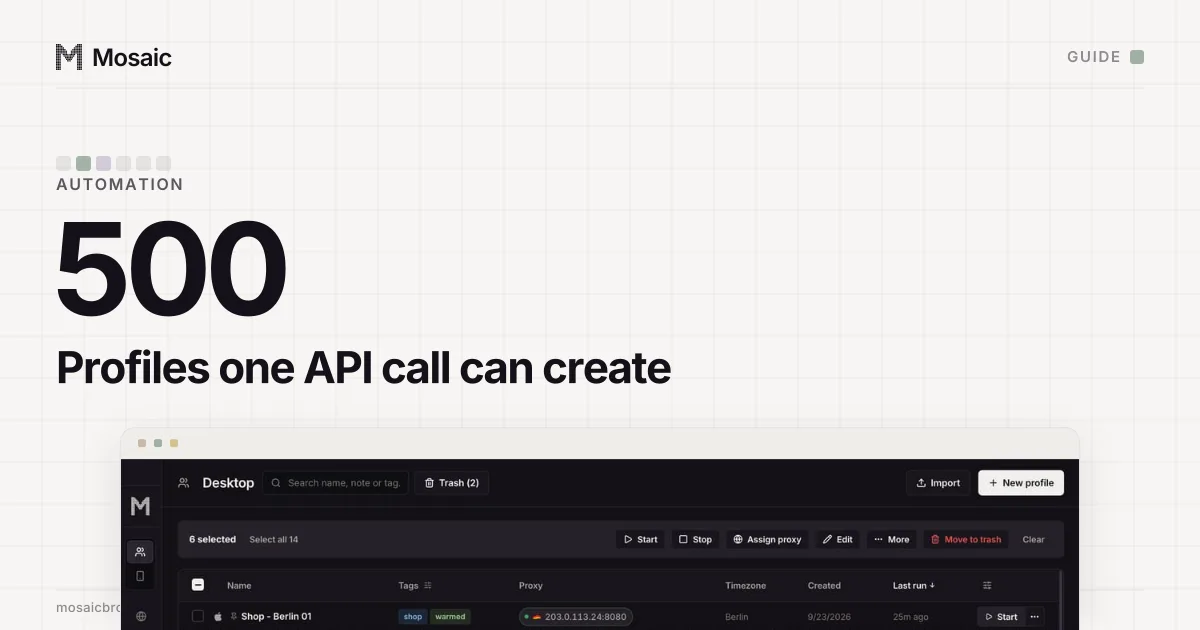
A misspelled field and a stored one look identical from outside. Mosaic refuses an unknown key with a 400 naming it, and refuses an out-of-range value instead of clamping it: "count": 9000 on a create is an error, not a quiet batch of 500. A 4xx message is written for the caller. A 500 means the bug is ours.
Can the API do everything the window can?
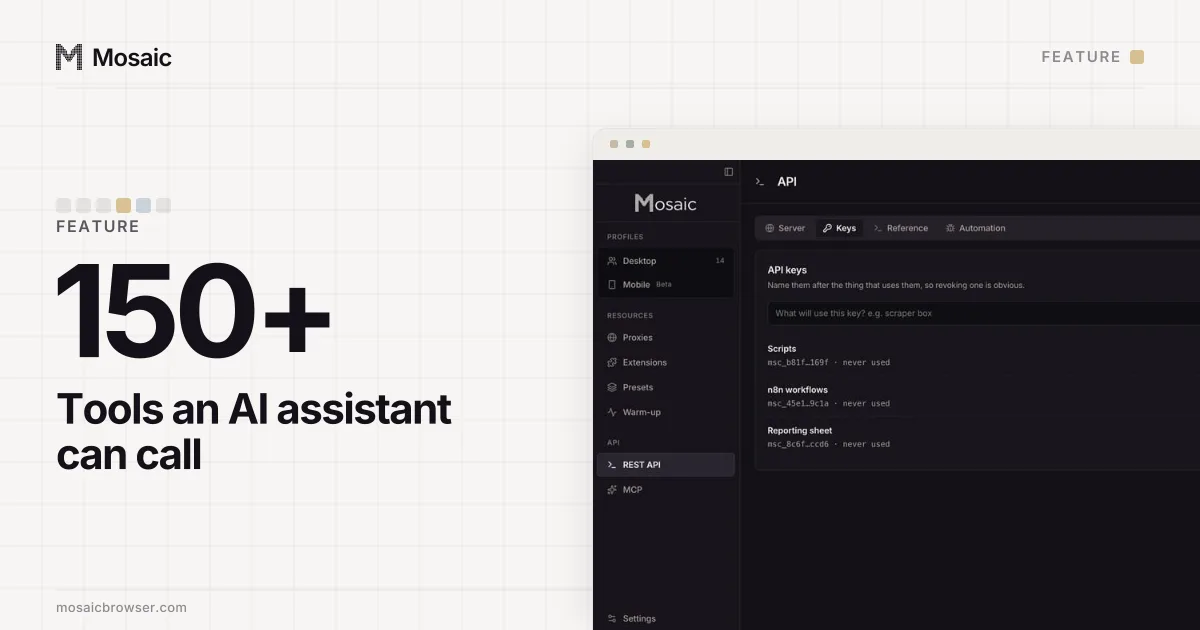
If the screen can rename a tag and the API cannot, a script hits a wall halfway through a job. Mosaic holds the window, the REST API and the MCP server as peers, and the build runs a check that maps every REST route to the MCP tool that does the same job. When that check first ran there were 175 routes against 122 tools, with whole areas missing on one side. As of 2 November 2026 there are 181 routes and 156 tools, and every route maps to a tool or carries the reason it cannot exist on a tool surface.
Keys, and what a key can reach
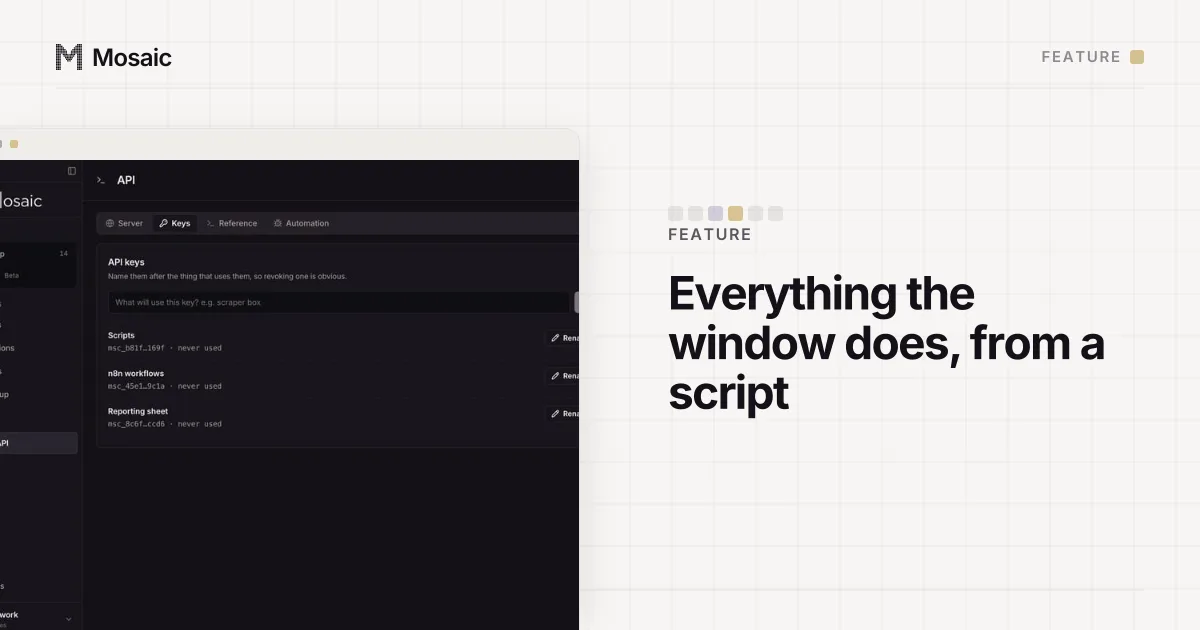
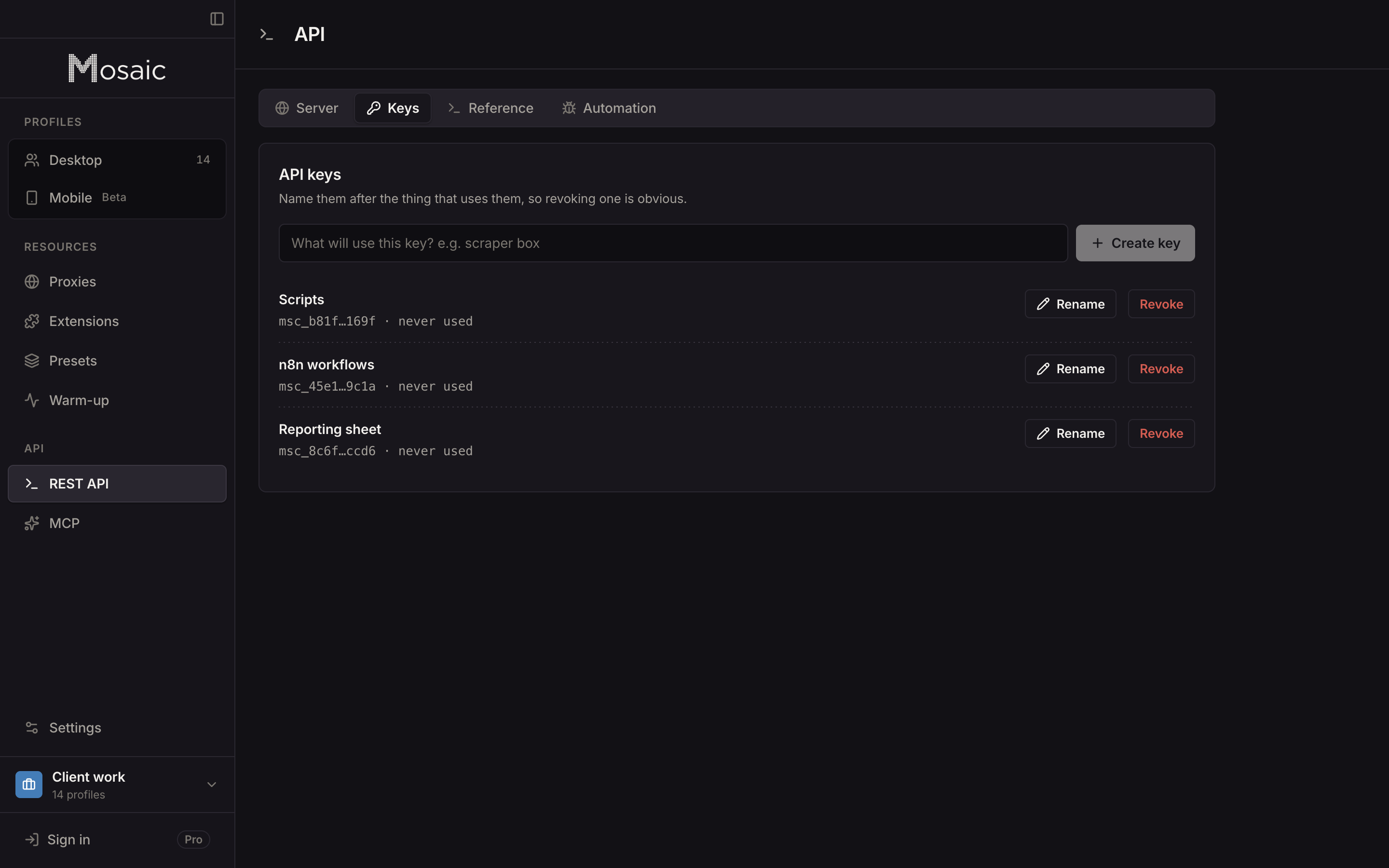
Any program on the computer can open a connection to 127.0.0.1, so a local API without a key is open to every process you run. Mosaic needs Authorization: Bearer <key> on every route except GET /health, which exists so a supervisor can check the app is up without holding a credential. Keys are made on the API screen, shown once, and stored as a hash. A key reaches the whole library, so give each script its own and revoke the one you no longer need. The API activity screen shows which key is calling right now.
Destructive routes work the other way round from edits. An absent field on an edit leaves the value alone; an absent scope on something irreversible, such as emptying the trash, is a 400, never "all of it".
A first call
KEY=msc_…
BASE=http://127.0.0.1:7317/api/v1

# A profile in the system project, fingerprint drawn fresh, proxy attached to it alone
curl -X POST -H "Authorization: Bearer $KEY" -H 'content-type: application/json' \
  -d '{"name":"Shop - Berlin 01","proxy":"user:pass@gw.provider.com:9000"}' \
  "$BASE/profiles"

# Start it, and print the socket to attach to
curl -X POST -H "Authorization: Bearer $KEY" "$BASE/profiles/$ID/start" | jq -r .wsEndpoint
The response to the first call carries exitMatch, which says whether the profile's timezone and language were drawn from the proxy's measured exit, and why not if they were not. For scripts that run many profiles, the guide to automating several profiles covers batches and staggered starts. The local API is part of Pro, $49 a month with a 14-day free trial, on the pricing page.