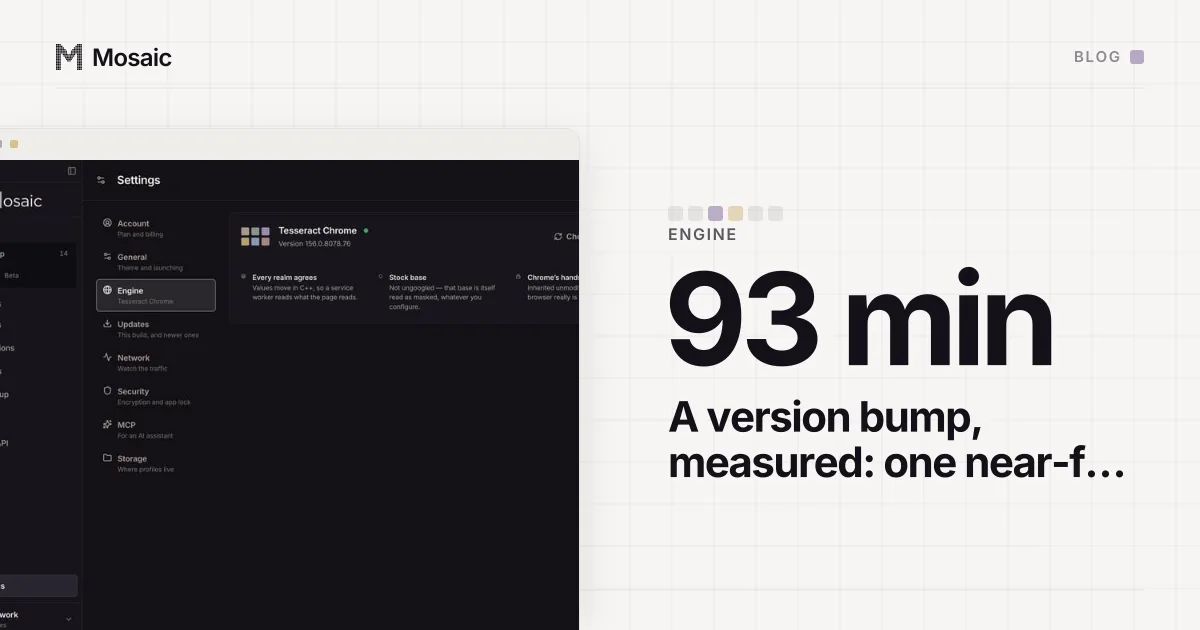
An anti-detect browser should claim a Chrome major that real people are running right now, which in practice means the current stable release or the one just before it. Google Chrome updates itself in the background and ships a new major roughly every four weeks, so the population of real Chrome visitors bunches up at the newest versions. An engine that claims last quarter's major is claiming a browser that almost nobody still has. We moved our engine from Chrome 153 to 154 on 19 September 2026; the near-full rebuild took 93 minutes, timed on the build machine, and the rest of this post is why that number matters and how to check the version your own tool claims.
Why the version is a fingerprint
The Chrome major is in the User-Agent, in the brands list every site receives, and in the full version list a page can ask for. On its own it is not unique to anyone. What matters is where it puts you in the crowd. A browser that updates itself spends very little time on any one version, so the share of real traffic still on an old major falls away quickly after the next one lands. A profile claiming that old major is one of a shrinking few, and the fewer people share a value, the more it narrows down who you are.
It gets worse when the version is claimed rather than real. Changing the User-Agent string is easy. Changing what the engine underneath can do is not. Each Chrome major adds and removes web platform features, and a page can test for them directly. A browser that says it is the newest Chrome while missing an API that version shipped is contradicting itself, and a consistency check is built to look for exactly that.
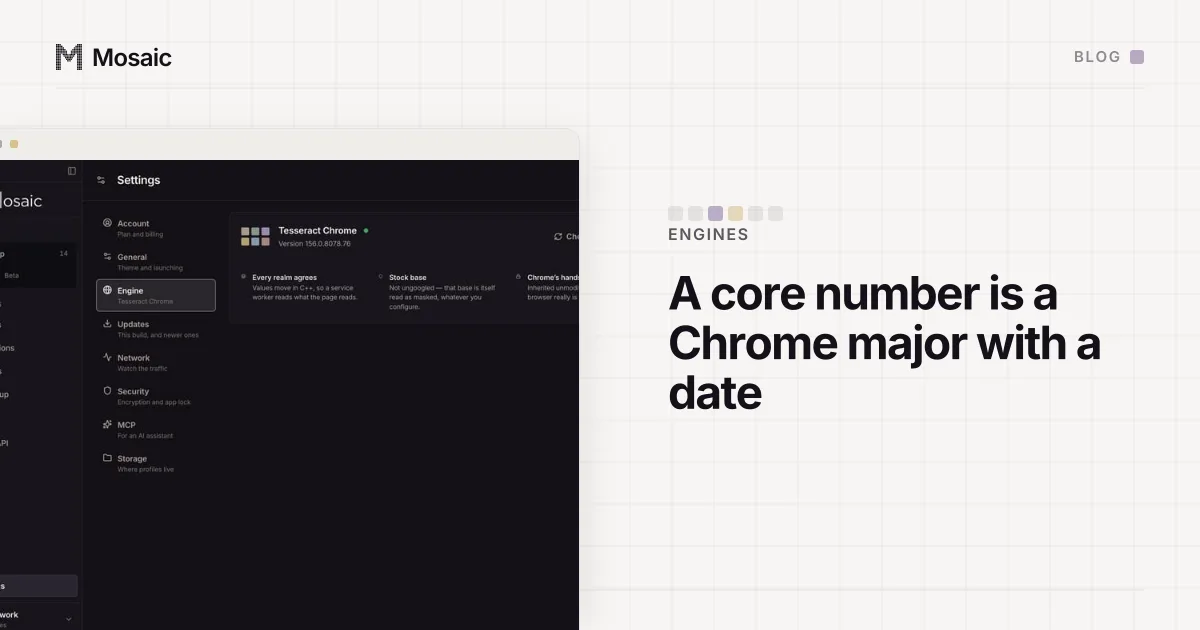
The fingerprint is changed inside the engine, not painted on topIn Mosaic: Its own Chromium. Tesseract Chrome: values changed in C++, not JavaScript. Free holds 3 profiles. Pro is $49 a month for any number.
Mosaic is a desktop app
Email yourself the link and open it on your computer.
How it works: Its own Chromium
What we do instead of claiming
Mosaic does not dress an old engine up as a new one. Every profile's claimed major is pinned to the engine's real one, so the version a site sees is the version that is actually answering. That makes the engine version a decision about every profile at once, and the only way to claim a newer Chrome is to build one.
Building one means taking our patch series to the new source. Tesseract Chrome is stock Chromium source with a series of more than sixty patches applied, and every new major moves some of the code they touch. Nine majors of drift, from 144 to 153, rejected 11 of 51 patches at the time, and eight of those eleven were nothing more than include blocks that had moved. The single step from 153 to 154 added three new kinds of breakage: a switches file the series added a constant to was deleted upstream, a build target a patch added sources to was dismantled, and a struct field a patch wrote to was removed. The last one is the dangerous kind, because the tree compiles once the write is dropped and the value it carried silently stops arriving.
Then the build. Measured on our build Mac on 19 September 2026:
version bump 153 -> 154, near-full rebuild   93 minutes
one patch changed, incremental + relink       1-2 minutes
package + install                             ~2 minutes
Newest is not always the right target
There is one limit on "as new as possible", and it comes from how we test. Our stock comparison check runs a profile against a branded Google Chrome of the same major installed on the same Mac, and it refuses to compare across majors. While Chrome stable is still rolling out and the installed Chrome is a major behind, building the newer engine would leave us with nothing to measure it against. So we take the newest version we can measure, which is usually stable and occasionally the one before it for a few days. An engine we cannot measure is worth less than a current one we can.
How to check your anti-detect browser's Chromium version
You can read the claim yourself in a minute, in any profile of any anti-detect browser.
- Open a page, open DevTools and run
navigator.userAgent. Note the number afterChrome/. - Run
navigator.userAgentData.getHighEntropyValues(['fullVersionList']).then(console.log). TheGoogle ChromeandChromiumentries should carry the same major as the User-Agent, with a full four-part version. - Compare that major with the current stable release on Google's Chromium Dash release schedule. One major behind is normal during a rollout. Several behind is a browser few real people run.
- If the vendor publishes its engine's real Chromium version, check that it matches what the profile claims. A claim newer than the engine is the contradiction described above.
Step 4 depends on how each vendor names its engine. Multilogin numbers each Mimic core after the Chrome major it is built from, and we read those numbers against Chrome's own release days in Mimic and its core numbers. Kameleo runs two engines with their own names, covered in Junglefox and Chroma. And an engine that stops being updated at all is a different problem again, the subject of what a legacy engine means.
If you are still choosing a tool, the version question belongs next to the others in what an anti-detect browser is: which engine, whose source, and how often it moves.