Chrome's IP Protection was a plan to hide your IP address from known trackers in Incognito by sending their requests through two proxies, one after the other. It never reached everyone. In 2025 Google put it on the list of Privacy Sandbox technologies it was retiring, so Incognito still shows every site the same IP address a normal window does.
Even as designed, it would not have done what many people assume when they search for it, and that gap is the useful part.
What IP Protection was going to hide
The design was narrow on purpose. It applied in Incognito only, and only to third-party requests for domains on a list Google kept of known trackers, the Masked Domain List. A request to one of those domains went first to a proxy Google ran, then to a second proxy run by an outside company, and only then to the tracker. The first hop knew who you were and not where you were going. The second knew where you were going and not who you were.
The tracker saw the second proxy's address, chosen to keep your rough region, so a site could still tell which country you were in. Everything else went direct.
So under IP Protection:
| Request | Who sees your real IP |
|---|---|
| The page you opened, in Incognito | the site |
| A tracker on the list, embedded in that page | not the tracker |
| An embedded script not on the list | that script's server |
| Anything in a normal window | everyone |
The site you sign in to was never covered. It is a first party, and IP Protection was about third parties following you across sites.
Paste one gateway line. Every profile mints its own exitIn Mosaic: Provider minting. One gateway line, a separate exit for every profile. Free holds 3 profiles. Pro is $49 a month for any number.
Mosaic is a desktop app
Email yourself the link and open it on your computer.
How it works: Provider minting
Why it was cancelled
IP Protection belonged to Privacy Sandbox, the programme meant to prepare Chrome for life without third-party cookies. Google had already decided to keep third-party cookies, and it gave low adoption and doubts about their value as the reasons for retiring most of the programme. Its retirement list named the advertising APIs, Topics, Protected Audience, Attribution Reporting and their relatives, and named IP Protection with them. A few pieces that were never about ads stayed. Removing the ad APIs one release at a time has its own side effect for fingerprinting, covered in Privacy Sandbox is retired, and its APIs are a version tell.
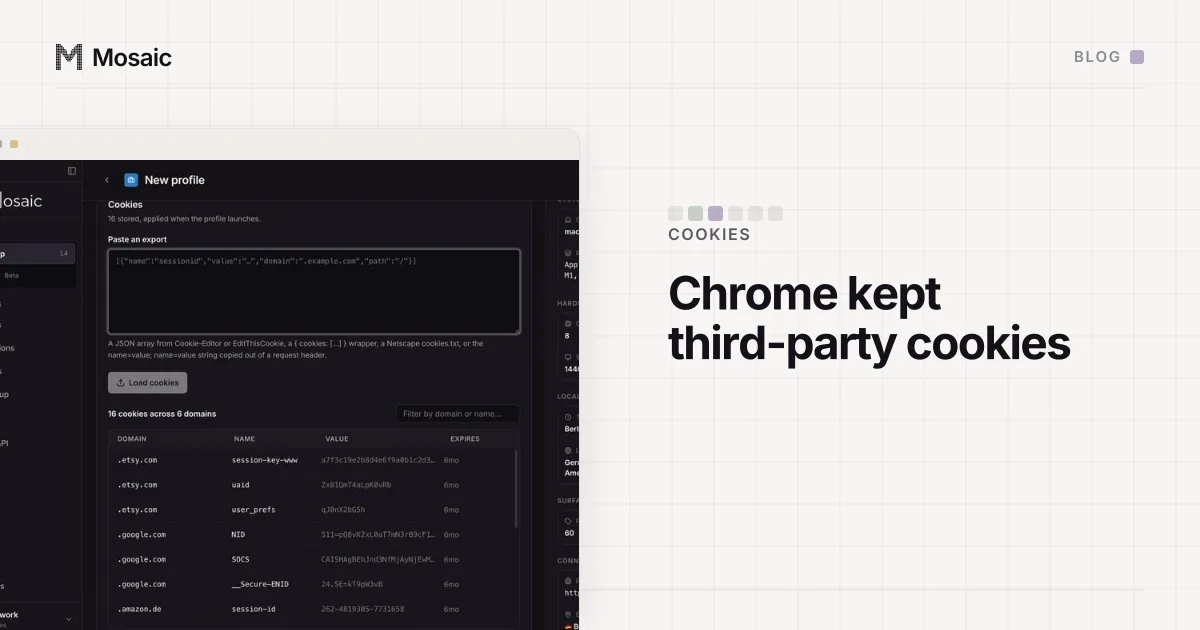
What the cookie decision means for keeping accounts apart is in Chrome kept third-party cookies. The short version: separate cookie jars are still your job too.
Incognito does not hide your IP
The query people actually type, "chrome ip protection incognito", usually comes from a simpler question: does Incognito hide my IP? It never has. Incognito throws away history, cookies and site data when the window closes. The network path is the one your normal window uses, so every server sees your address, your ISP and roughly where you are.
That matters most for anyone running more than one account they are entitled to run, such as client accounts at an agency or several stores. Opening each one in a fresh Incognito window clears cookies between them. It does not change the one thing a site can read without any script: every account arrives from the same home address. Two accounts with nothing else in common, from one IP on the same evening, look like one household.
Choosing an exit is still up to you
Nothing in Chrome was ever going to give each of your accounts its own address. That was never IP Protection's job, and now there is no IP Protection at all. Choosing an exit, and making sure the browser actually uses it, falls to whoever runs the profile.
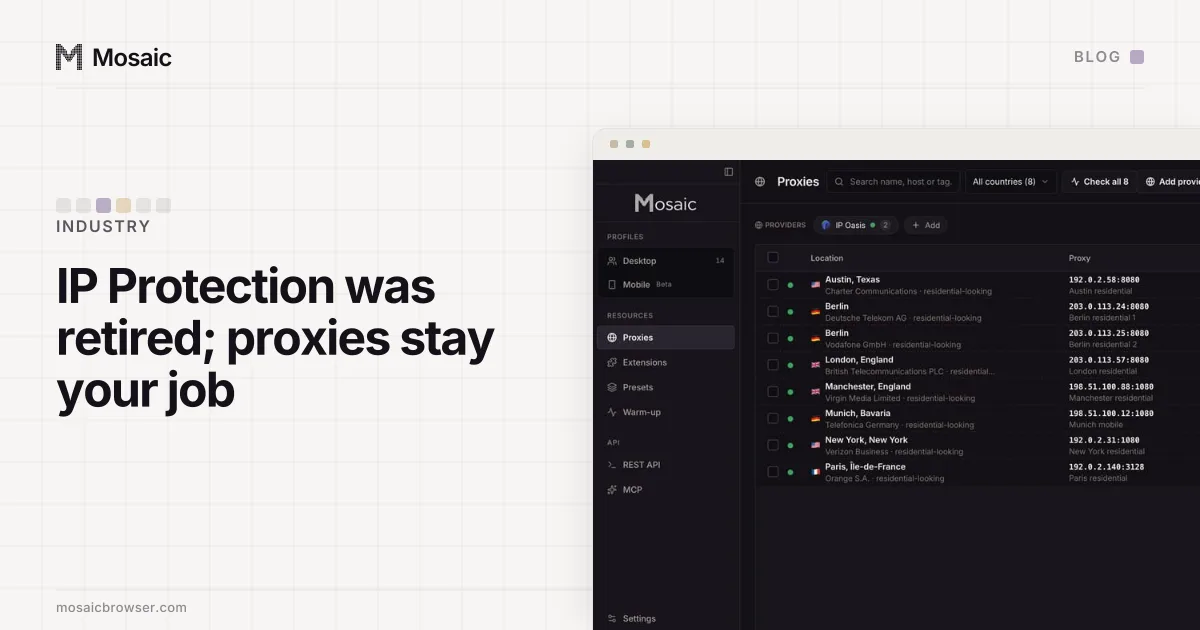
In Mosaic a profile has its own proxy, and three things are checked rather than assumed:
- The proxy answers and tunnels before the browser opens. A profile with a proxy is not started until that proxy has replied and carried an HTTPS tunnel, because Chromium falls back to a direct connection for anything its proxy refuses, and a profile that silently browses from your own address is worse than one that does not open.
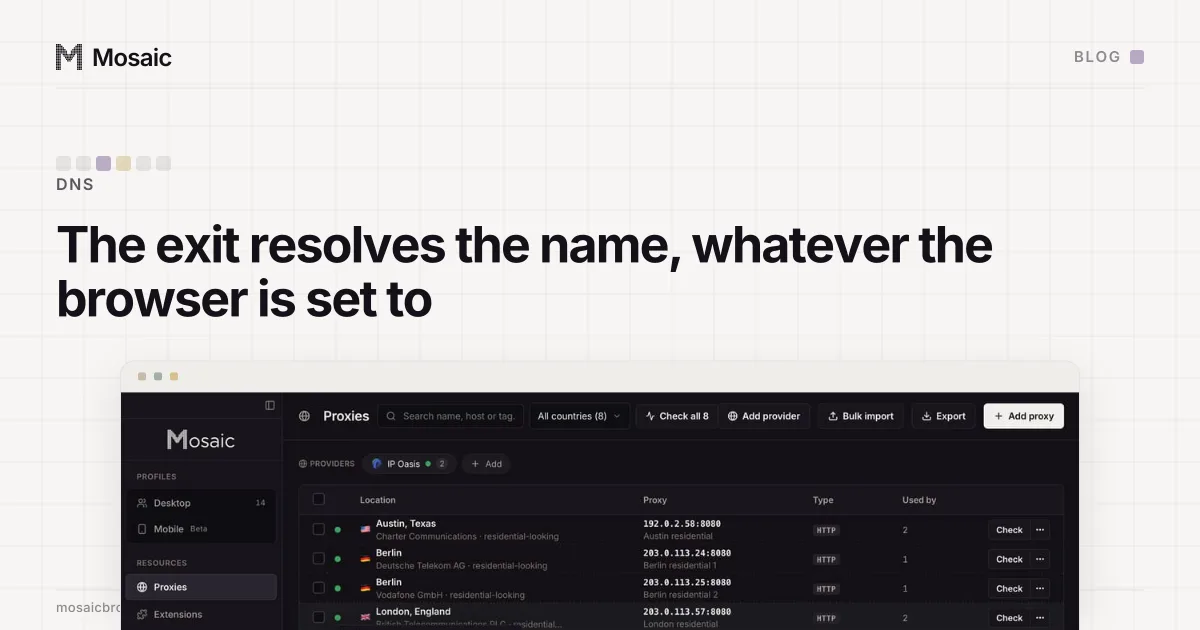
- One exit per profile. Paste one gateway line from your proxy seller as a provider, and every profile mints its own session id, so no two profiles share an exit by accident (one gateway line, one exit per profile).
- WebRTC does not go around the proxy. With a proxy attached, the engine runs with
--webrtc-ip-handling-policy=disable_non_proxied_udp, so WebRTC cannot send UDP past it.
Timezone, language and geolocation are then drawn for the address the proxy actually exits from, so the profile and its IP tell the same story.
Mosaic does not sell proxy traffic; you bring your own. What the seller can see once you do is in what your proxy provider can and cannot see, and the order we check a new proxy in, from "does it answer" to "does the browser stay behind it", is in how to check a proxy before you use it.