A proxy that shows an IPv4 address and an IPv6 address is almost always one exit with two address families. The household or network at the other end has an IPv4 address and an IPv6 prefix, and every connection that leaves through it goes out by one or the other. A checker page that tests both families prints both lines. Nothing has rotated and nothing has leaked, as long as neither address is your own.
We got this wrong in our own proxy check before we got it right, and the mistake is a good map of what the two lines do and do not tell you.
Why one proxy shows two addresses
When Chrome uses an HTTP or SOCKS5 proxy, it does not resolve the website's hostname itself. It hands the name to the proxy, and the proxy's exit looks it up and connects. So the exit, not your browser, decides whether the connection goes over IPv4 or IPv6, based on which records the website publishes and what the exit's own network prefers.
Checker pages that show both lines usually do it on purpose. They make one request to a hostname that only has an IPv4 record and another to one that only has an IPv6 record, and print what each saw. On a dual-stack exit both succeed.
A general-purpose site is different. If it publishes both kinds of record, the exit can reach it either way, and two connections a minute apart are allowed to differ. If it publishes only IPv4, it only ever sees the IPv4 address.
Paste one gateway line. Every profile mints its own exitIn Mosaic: Provider minting. One gateway line, a separate exit for every profile. Free holds 3 profiles. Pro is $49 a month for any number.
Mosaic is a desktop app
Email yourself the link and open it on your computer.
How it works: Provider minting
The check that called a sticky session a rotating pool
Mosaic's proxy check samples the exit twice: a location lookup over plain HTTP and a tunnel probe over HTTPS to a different service. It does that so a rotating endpoint gives itself away, because two different addresses from two requests a second apart usually mean the gateway handed out a new exit.
On one dual-stack residential exit the two requests left by different families. With the real addresses swapped for documentation ranges, the check saw this:
location lookup (HTTP)   203.0.113.44
tunnel probe   (HTTPS)   2001:db8:7c3e:5dc4::d565
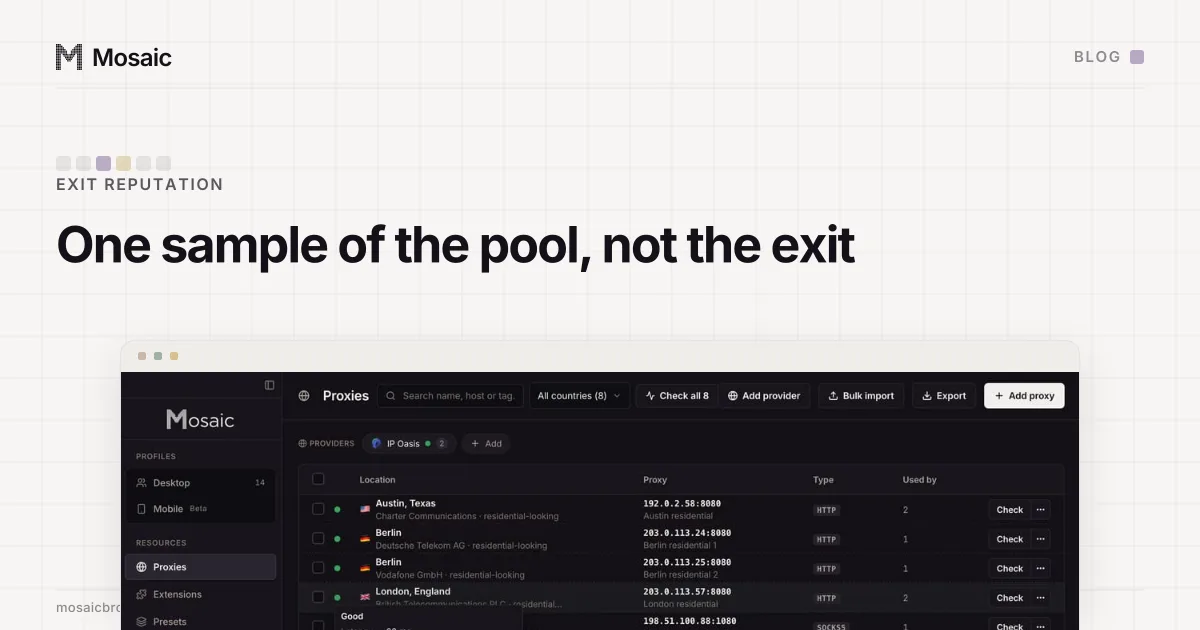
The comparison was a string inequality, so it said the exit had moved. It said so three checks in a row, while both addresses stayed the same in every check. The reputation report built on top of it then told the operator their sticky session was "one sample of the pool" and suggested pinning a session that was already pinned. The longer write-up of that report is in scoring a rotating proxy scores one draw from the pool.
The fix lives in one function, exitMoved in src/main/proxy/check.ts:
function exitMoved(a?: string, b?: string): boolean {
  if (!a || !b) return false
  const family = (ip: string): 4 | 6 => (ip.includes(':') ? 6 : 4)
  if (family(a) !== family(b)) return false
  return a !== b
}
An IPv4 address and an IPv6 address cannot be compared, so they are not evidence that the exit moved, and they are not evidence that it stayed put either. Only two addresses of the same family that differ count. It is the same rule the check already applied to a gateway that times out once: no answer is not a measurement.
What the two lines tell you, and what they don't
Read the pair the way the check now does.
| What you see | What it means |
|---|---|
| One IPv4, one IPv6, neither yours | one dual-stack exit |
| Two different IPv4 addresses from one sticky session | the session rotated or expired |
| An IPv6 address that shares a prefix with your own | something went around the proxy |
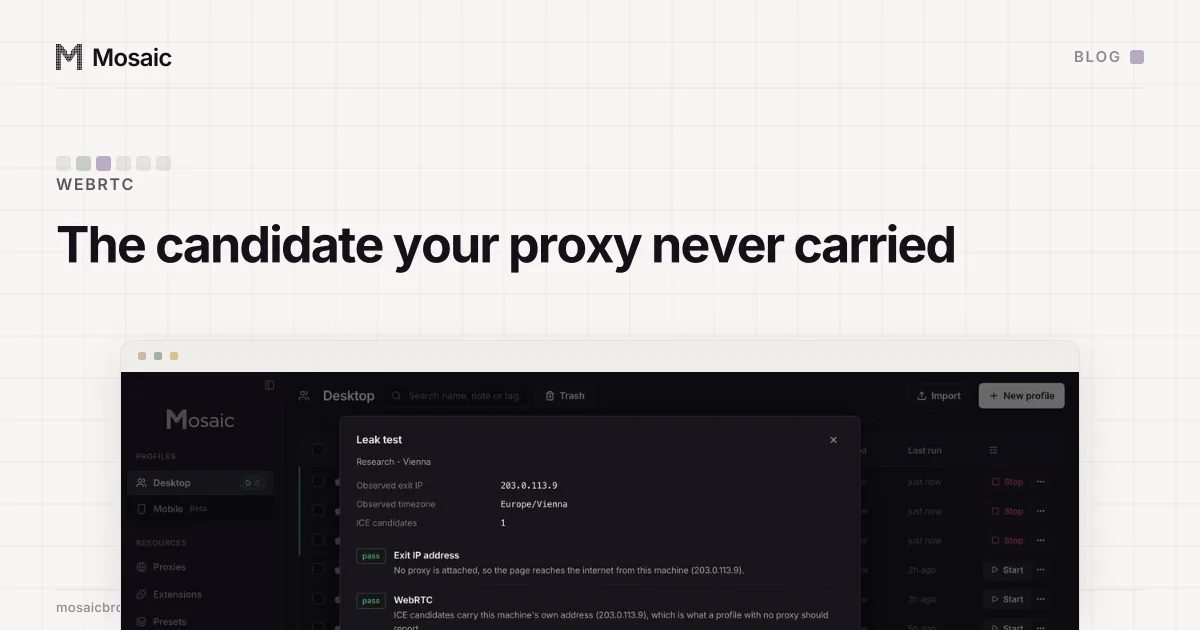
For the third row, check your own connection with the proxy off and compare the first four groups of the IPv6 address. When the leak is real, the usual culprit is WebRTC, which gathers candidates over UDP that an HTTP proxy never carries; the WebRTC IPv6 candidate has how that happens and what blocking non-proxied UDP does to it. A rotation by hand is easier to spot on one checker asked twice, comparing IPv4 with IPv4, which is the method in one exit, not two.
Look up both halves before you trust a location
The part people skip is that the two addresses of one exit are two rows in a geolocation database, sourced and updated separately. They often agree. When they do not, a site that reached you over IPv6 places you somewhere other than the site that reached you over IPv4.
That matters for a profile, because Mosaic draws a profile's timezone, language and geolocation for its proxy's measured exit, and a measurement is one lookup of one address. In the case above the location lookup answered for the IPv4 address. So before you keep an exit for an account, look up both addresses in the same database. If they agree on the country and roughly on the city, the exit is consistent from either side. If they disagree by a country, that exit tells two sites two different stories, and a new session is cheaper than explaining it later.
Reputation works the same way. A blocklist hit on the IPv4 address says nothing about the IPv6 prefix, and the reverse. How to check a proxy before you use it goes in the order we use: does it answer and tunnel, where does it really exit, is the address any good, and does the browser stay behind it.