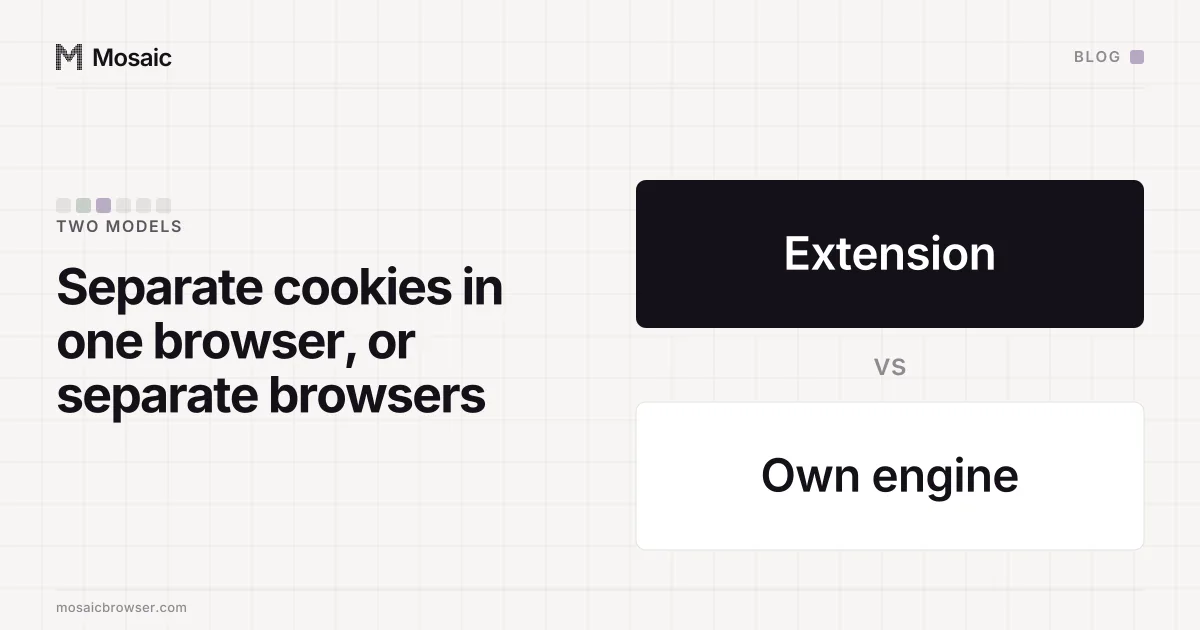
SessionBox works as an extension inside the browser you already use. It gives each session its own cookies and site storage, so two tabs can be signed in to two accounts on one site at the same time, and it does that without installing a second browser. What it does not separate is the browser itself. Every session runs on the same engine, on the same computer, and a page in any of them reads the same fingerprint.
How does SessionBox work? One cookie jar per session
A website knows you are signed in because your browser sends a cookie with every request. Two accounts on one site need two sets of cookies, and a normal browser keeps one set per site. A session extension's job is to keep several sets and make sure each tab only ever sends its own.
An extension has the tools for that. It can read and write cookies, watch requests as they leave, and keep its own store of which tab belongs to which session. The colour-coded tab is the visible part: it tells you which set this tab is using. Firefox does something similar natively with Multi-Account Containers, where each container is a separate cookie jar inside one Firefox, and Chrome's own profiles do it by giving each profile a separate directory.
For logins, that is the whole requirement. The site gets the right cookie, sees the right account, and the other tab's session never reaches it.
Make 500 profiles in one go, then work on all of them at onceIn Mosaic: Bulk actions. 500 profiles per batch; start, edit and type into many. Free holds 3 profiles. Pro is $49 a month for any number.
Mosaic is a desktop app
Email yourself the link and open it on your computer.
What every session still shares
A page can learn a great deal about the machine without touching a cookie. It can ask the GPU for its renderer string, draw text on a canvas and hash the pixels, measure which fonts are installed, read the screen size, the CPU thread count, the timezone and the language list. None of that lives in a cookie jar, so none of it changes when the extension switches sets. Two sessions in one browser are two cookie jars on one computer, and the computer is what the fingerprint describes.
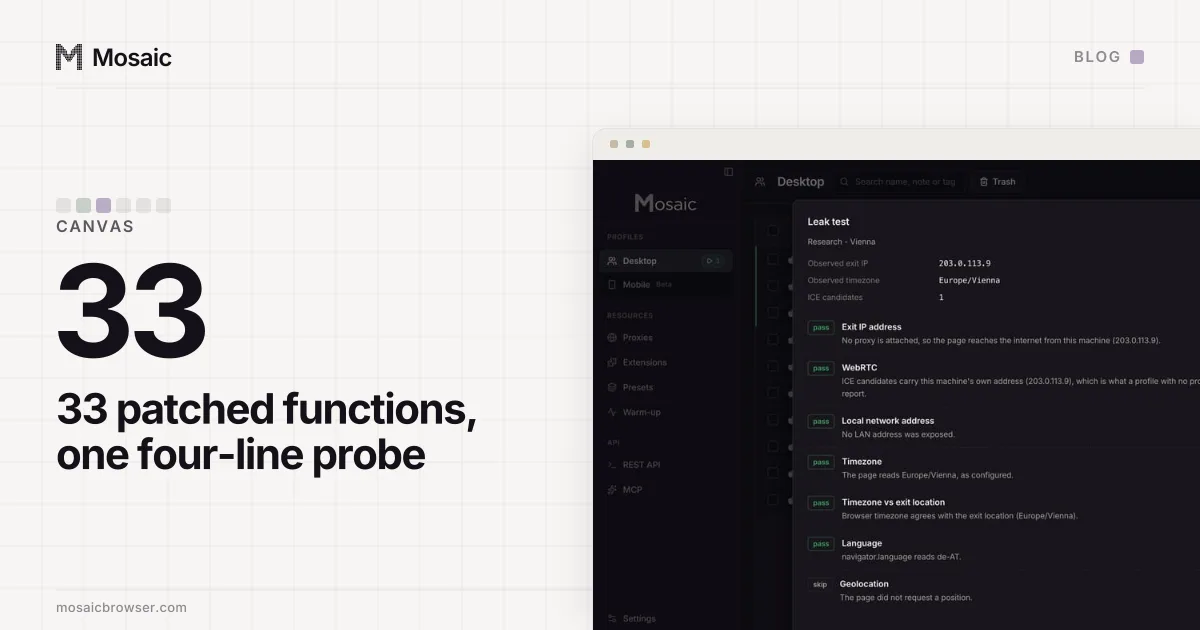
Some session tools add fingerprint options on top. Whatever an extension changes, it changes from outside the engine: in JavaScript the extension puts into the page, or in request headers it rewrites on the way out. That leaves the engine's own answer in place underneath. A fresh iframe, a web worker or a second API that reads the same value can return the original beside the edit, and the pair is a stronger signal than either value alone, because no real computer reports two GPUs depending on how you ask (what a fresh iframe gets back). The extension itself is also one more thing every session has in common.
Where the extension model is enough
Plenty of separation problems are only about logins, and for those an extension or the browser's own profiles are the cheapest answer. Two of your own accounts on a site that allows more than one. A client's ad dashboard open beside your own, through the access the platform gives agencies. A QA check of what a page shows a signed-out visitor next to a signed-in one. In each case the site has no rule that one computer means one person, so a shared fingerprint costs nothing.
The question to ask is whether the site you are working with treats the device as part of who you are. If it does not, keep it simple.
Where it is not
Sites that link accounts read the device as well as the cookie. Marketplaces, payment providers and ad platforms run fraud checks that compare fingerprints across sign-ins, and two accounts on one fingerprint read as one person with two accounts, whichever cookie jar each came from. Where a platform does let one business run several accounts, its approval is what makes that legitimate, and a separate browser per account only keeps one account's sessions and history out of another's. The eight habits that keep accounts apart, from one profile per account to a checked proxy before every launch, are in how to manage multiple accounts without getting linked. None of this changes what a platform allows: if its terms say one account per person, that is the rule, whatever the tooling.
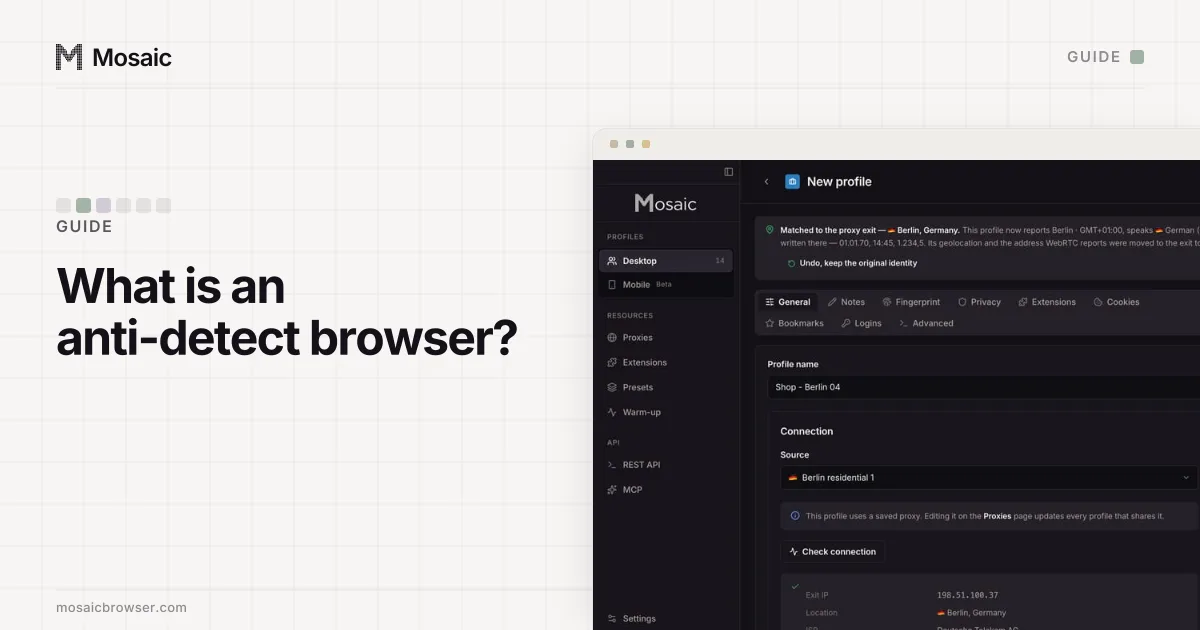
That is the job of an anti-detect browser, which runs a separate browser per account rather than separate cookies inside one (what one is and how it differs).
How Mosaic does it
Mosaic runs each profile as its own browser, with its own directory, its own cookie jar, its own proxy exit and its own fingerprint, drawn from a real device record. The values are changed in C++ inside Tesseract Chrome, Mosaic's own Chromium, so the page, every frame and every worker get the same answer. We do not spoof fingerprints in JavaScript on our own engine, because two edits of one value, one in the engine and one in a script, combine into something neither side predicted, which is exactly what a consistency scanner looks for. The reasoning, with the reads that catch a script-level edit, is in why we change fingerprints in C++.