When the fingerprint.com demo will not load through a proxy and loads fine without one, the demo is telling you about the proxy's exit address. We met that exact case in a run of our detection catalogue: 48 of 49 detectors answered through one residential exit, and the FingerprintJS demo hung until our runner gave up. From the same Mac with no proxy in the path, it answered 200. Our runner then reported the hang as a bug in our own code, which it was not, and fixing that classification is most of this story.
Why the fingerprint.com demo does not load
There are two common reasons, and they look the same from the address bar.
The first is on your side of the connection. The demo works by running a fingerprinting script and sending what it collects to Fingerprint's servers. Content blockers and privacy browsers are built to stop exactly that kind of script, so with one switched on the page can sit half-drawn with no result.
The second is on the far side. A site can decline to serve an address it does not trust, and companies that sell visitor identification have every reason to know which addresses belong to proxy pools. A refusal can arrive as an error page, or as nothing at all, which is the form that wastes the most time.
The test that tells them apart takes a minute. Open the page from the same computer with no proxy and no blocker. If it loads there and not through the exit, stop looking at the browser.
What our run showed
The run ended with one line we did not like:
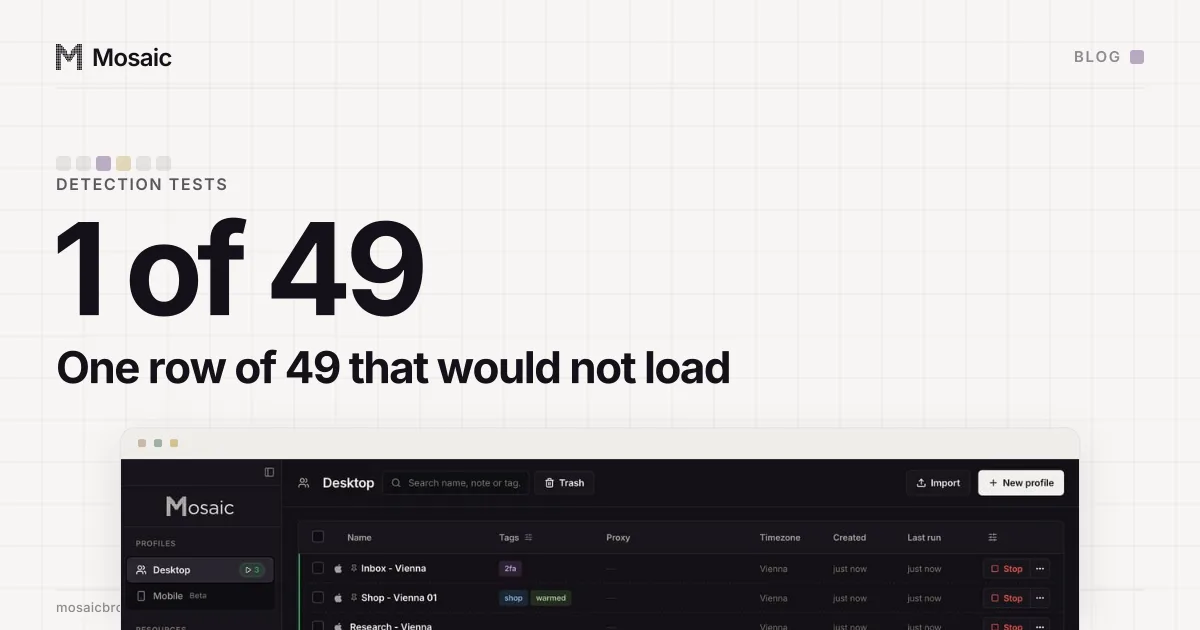
1 of 49 tests ended in an exception from this script:
  1x  timeout Page.navigate   (fingerprintjs)
Forty-eight rows had just been read through the same browser on the same exit, so the browser was alive and the network path worked. The FingerprintJS demo answered 200 when the Mac asked for it directly and refused the tunnel when the request came from the proxy. That residential address was one several vendors already flagged, and a second detector, incolumitas, was unreachable on it too in three rounds out of three; the fuller account of that exit is in the residential IP several detectors already knew.
So the honest status for the row was unreachable: the site served nothing through this exit, and nothing about the profile was measured. What the runner wrote was error.
Every profile is drawn from one real computer, not from separate listsIn Mosaic: Machines that exist. GPU, screen, CPU and fonts from one real device. Free holds 3 profiles. Pro is $49 a month for any number.
Mosaic is a desktop app
Email yourself the link and open it on your computer.
How it works: Machines that exist
Four statuses that mean different things
Our runner keeps the outcomes of a test apart because they point at different people.
unreachable   the site did not serve a page        the site's problem
unread        a page loaded, the extractor failed  our extractor's problem
manual        a verdict a person still has to read work we owe
error         an exception out of the runner       our bug, and the run exits non-zero
The first three are honest results and none of them should stop a run. error is different on purpose. It is the one status that says "this repository is broken", so a run that contains one ends with a failing exit code. A timeout caught by the catch-all block had landed there, and a blocked exit was reported as a defect in our code.
How the runner tells the site from itself
The runner already tracked the thing that separates the two cases. Its connection to the browser's DevTools socket has a gone() check, used one level up for the case where the browser itself dies mid-run. When that socket closes, every pending call times out for the same reason, and that genuinely is ours.
So the rule became: a Page.navigate or Page.enable timeout with the socket still open is the site not answering through this exit, and it is filed as unreachable with that sentence in the detail. With the socket closed it stays error.
We proved it in both directions with a temporary catalogue row pointing at 192.0.2.1. That address is in TEST-NET-1, a range reserved for documentation, and packets to it are dropped silently, so a navigation hangs rather than being refused:
with the fix       unreachable: "timeout Page.navigate, the browser is
                   alive and other sites answered, so this is the site
                   not responding through the exit this profile browses from."
with it reverted   error: "timeout Page.navigate"
One detail is worth keeping. The fault only reproduced on an unproxied profile. Through a proxy, the gateway refuses 192.0.2.1 at once and the row takes the ERR_TUNNEL_CONNECTION_FAILED path, which was already filed correctly. A fault that only appears in one of two configurations is easy to miss with one test run.
When several sites fail together
One unreachable row is usually the site and the exit. Several at once are usually the proxy. Another run came back with eight unreachable rows, all ERR_TUNNEL_CONNECTION_FAILED or ERR_ABORTED, scattered through its second half. The proxy's sticky session aged out partway through a run that takes about a hundred minutes, and the gateway started refusing the stale token. Now three or more transport failures in one run are reported as one fact about the proxy, with the advice to re-check it, not as eight facts about eight sites.
Not a verdict about the browser
A detector that would not load has not graded anything. We never count unreachable as a pass, and we never count it as a fail either. A demo answering one address and not another is a statement about the address, so the next step is to move the address and nothing else, then run the row again on its own.
That is also the rule for controls. A comparison browser has to browse from the same exit as the profile, or it compares two countries as well as two browsers. Which browser should be the control is a separate question, answered in the control that settles "is it our patches?". A page that does load and passes is its own measurement with two halves, and a FingerprintJS pass has two halves is what we read off it once it renders. And if a measurement seems to arrive before you started it, Chrome opens connections before your test starts.