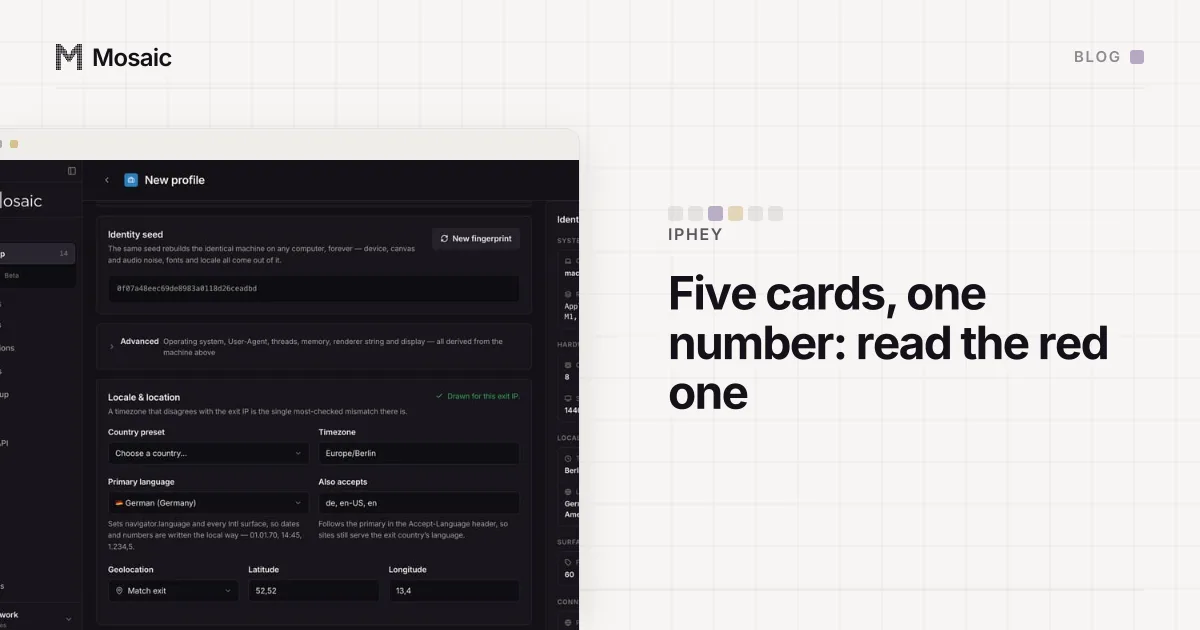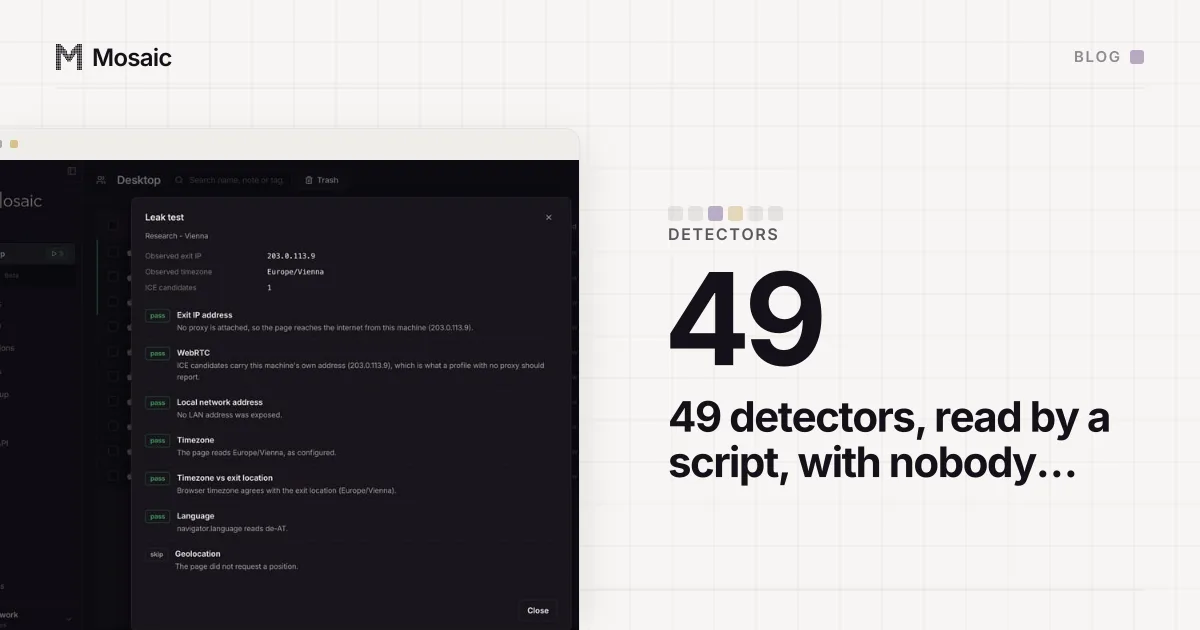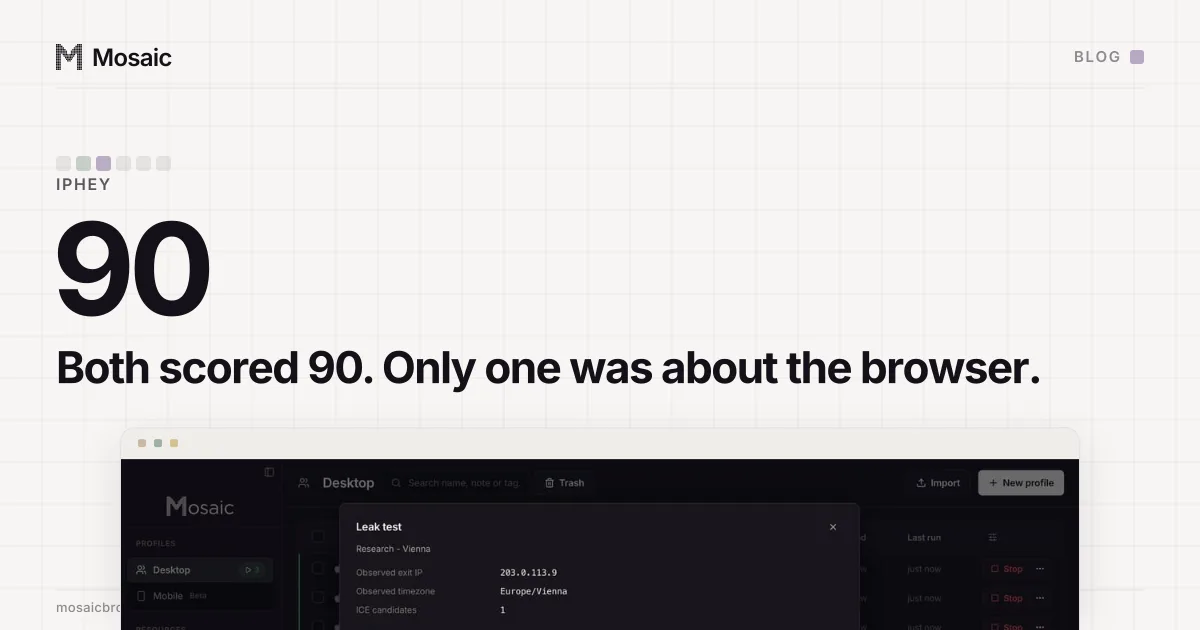
When a normal Chrome scores Unreliable on IPHey, the cause is almost always the connection, and the red card says which. We learned the more expensive half of that lesson by trusting the number. Our profile and an untouched stock browser both came back Unreliable, MX 90/100, and our test runner told us to ignore the row. The two verdicts had nothing to do with each other.
What the runner printed
Mosaic's detection runner can run every detector twice, once through a profile and once through a stock browser as a control. Any row where the two agree is reported as not our problem, because a verdict an untouched browser also earns is not a finding about the profile. For IPHey, on 18 September 2026, it printed this:
row                     ours          stock
iphey                   attention     attention   <- same

1 non-passing row answered identically for an untouched browser: iphey.
Those are not findings about the profile. Do not chase them.
Both browsers had scored Unreliable, MX 90/100. Read the cards, though, and they did not agree at all:
ours     Browser  · Detected an inconsistent browser fingerprint
control  Location · Detected masked or inconsistent location data
Two 90s with different causes
IPHey's score is built from five cards: Browser, Location, IP address, Hardware, Software. A red card costs points, and as these two rows show, different red cards can cost the same points. The 90 on its own does not say which card.
The control's red card was location. That is about the exit, a residential address whose own reputation and geography IPHey did not like, and it is expected and uninteresting. A location card belongs to the exit that browser left from, and nothing guaranteed the two runs had left from the same one. A location signal on one of them says nothing about the other.
Ours was a browser signal: IPHey reading our engine and deciding the fingerprint did not hang together. That is the one kind of finding Tesseract Chrome exists to remove, and the runner had just told us not to chase it.
Every profile is drawn from one real computer, not from separate listsIn Mosaic: Machines that exist. GPU, screen, CPU and fonts from one real device. Free holds 3 profiles. Pro is $49 a month for any number.
Mosaic is a desktop app
Email yourself the link and open it on your computer.
How it works: Machines that exist
Why the comparison missed it
The line that decided "same" read the status band and nothing else:
row.status === row.control.status
Both rows were attention, so the comparison called them equal. It had no way to see that one attention was about a browser and the other about an address. A detector that folds five causes into one score will produce collisions like this all the time, and a comparison on the score treats every collision as agreement.
The fix: compare the signal, not just the band
The runner now compares the signal as well. It takes the first 120 characters of each row's detail, lowercases them, collapses whitespace and replaces every run of digits with N. The digits go because a visitor id or a count of checks moving is not a different verdict. Anything else differing is a different verdict.
A row is dismissed only when the band and the signal both match. When the band matches and the signal does not, it is printed as its own case:
iphey attention attention <- same band, different signal
and listed under the comparison as something to read, not something to skip.
We chose to err that way on purpose. A false alarm here costs one person reading two detector cards. A false dismissal costs the finding, because a row the tool says to ignore is a row nobody opens again. An alarm gets investigated; a dismissal gets believed.
What the browser signal turned out to be
The comparison had one job, to stop us ignoring the row. Following it took longer, through the Chrome version, through the difference between branded Chrome and unbranded Chromium, and finally to the Widevine module sending a per-install device certificate in the clear. That story, with every wrong turn in it, is in IPHey's "(whale)" signal.
Reading IPHey on your own Chrome
If your everyday Chrome says Unreliable, open the card that is red before anything else.
- Location or IP red with a green browser card means the connection: a VPN, a proxy, a DNS resolver somewhere else, or an address with a history. Turn the VPN off and re-run; if it goes green, that was it.
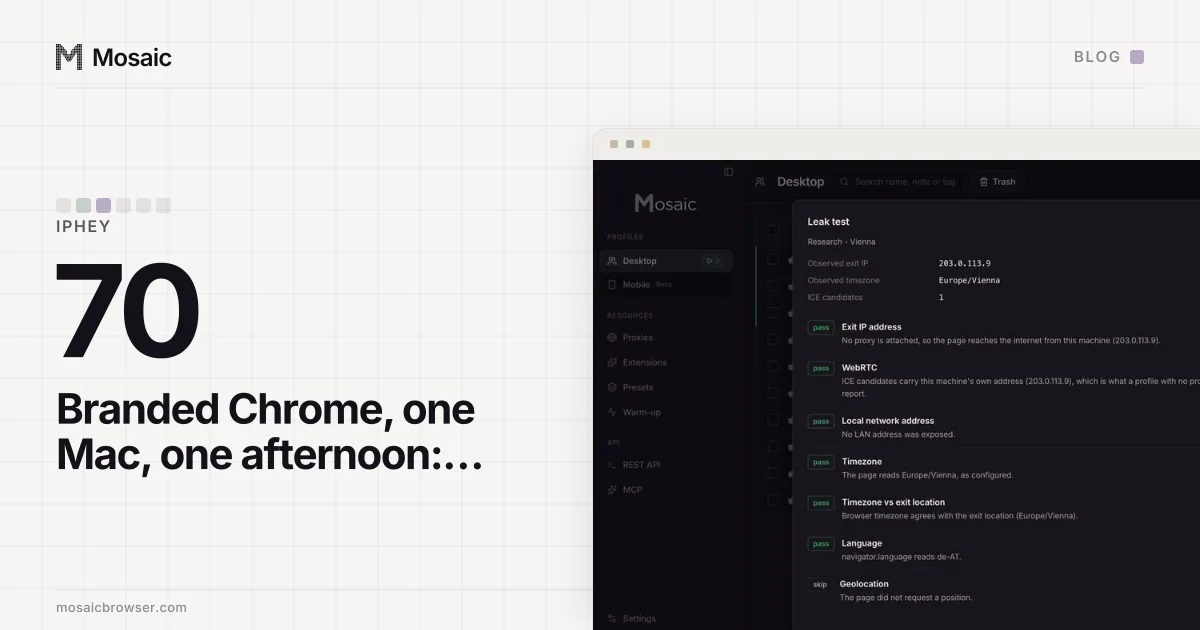
- Browser red on a stock Chrome is rarer and worth a second run, because live detectors disagree with themselves. We measured untouched Chrome at 100, 100, 70 and 0 in one afternoon, the 0 a reading taken before the page had finished (IPHey's score moves on unmodified Chrome has the cards behind each).
- Comparing two browsers, send both through the same exit in the same minute and compare which card is red and the sentence on it. The number alone matched for us when nothing else did.
How our runner tells a failed profile from a dead page or a broken extractor, across the whole catalogue, is in automating fingerprint tests.