Residential proxies are expensive because the seller does not own the line your traffic leaves from. Every gigabyte crosses a device on somebody's home connection, so the seller pays to find those devices, pays or persuades their owners, and loses them constantly. The per-GB price is the bill for that. For anyone running browser profiles it is also the wrong number to shop by: what matters is the cost of a session that works.
Why are residential proxies so expensive compared with datacenter ones?
A datacenter proxy is an address the seller rents from a hosting company, on a server it controls, with bandwidth bought wholesale. It sits there all month. That is why datacenter addresses are sold per IP, often cheaply.
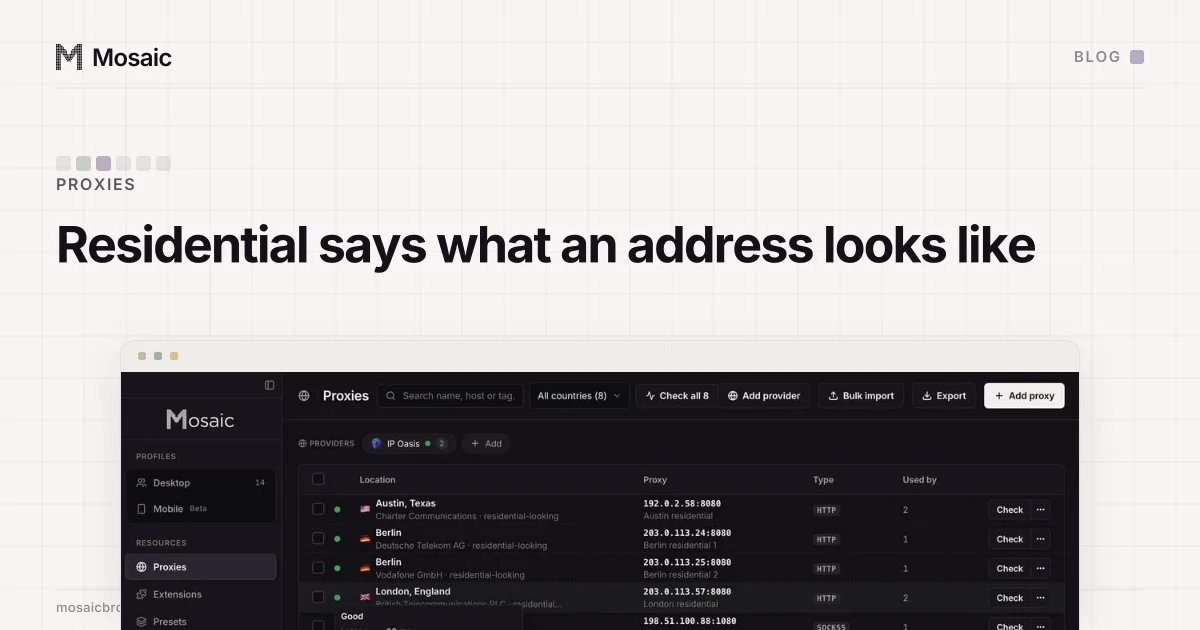
A residential exit is an address a consumer ISP gave to somebody's router. The seller gets to use it because software on a device behind that router agreed to relay traffic: a bandwidth-sharing app that pays its users, or an SDK bundled into a free app. Each of those devices has an owner who goes to bed, closes the laptop, changes ISP or uninstalls the app. So the pool churns all day, and the seller runs gateways, routing and health checks to keep handing out exits that answer.
The sourcing is also the part with an ethical question in it, because consent inside a free app is not always informed. We wrote that up separately in the residential proxy botnet problem.
What the per-GB price is really paying for
Three things, as far as we can tell from the outside.
- The supply of devices, which the seller has to pay for or win, and which leaves without notice.
- The infrastructure that turns thousands of flaky home connections into one gateway line you can put a username on.
- The trust those addresses carry. A site sees a consumer ISP's network, the same network its real customers use, so blocking it outright blocks customers too. That is the thing being bought, and it is scarce, because an address stops being worth much once enough detectors have seen it relay proxy traffic.
Billing by traffic follows from the first point. The seller's own costs scale with how much data crosses other people's connections, so the price does too.
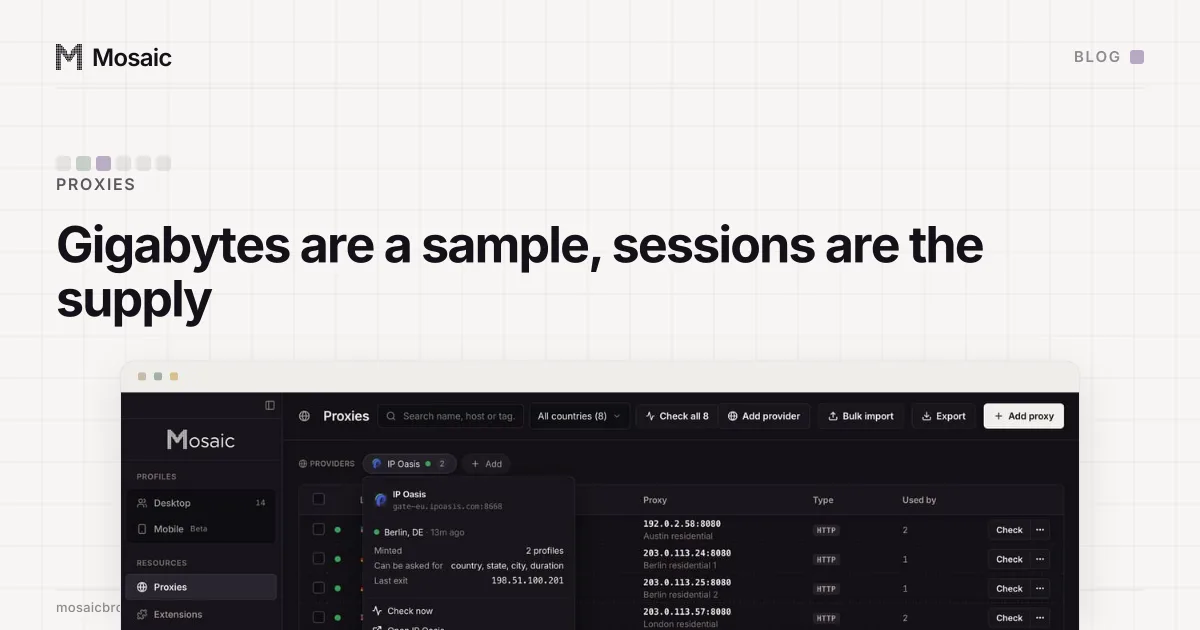
Paste one gateway line. Every profile mints its own exitIn Mosaic: Provider minting. One gateway line, a separate exit for every profile. Free holds 3 profiles. Pro is $49 a month for any number.
Mosaic is a desktop app
Email yourself the link and open it on your computer.
How it works: Provider minting
A dead session costs nothing in gigabytes and everything in time
The headline rate hides the failure that actually costs us. On a sticky residential gateway, the session id in the username decides the exit. When one exit reaches nothing, it keeps reaching nothing.
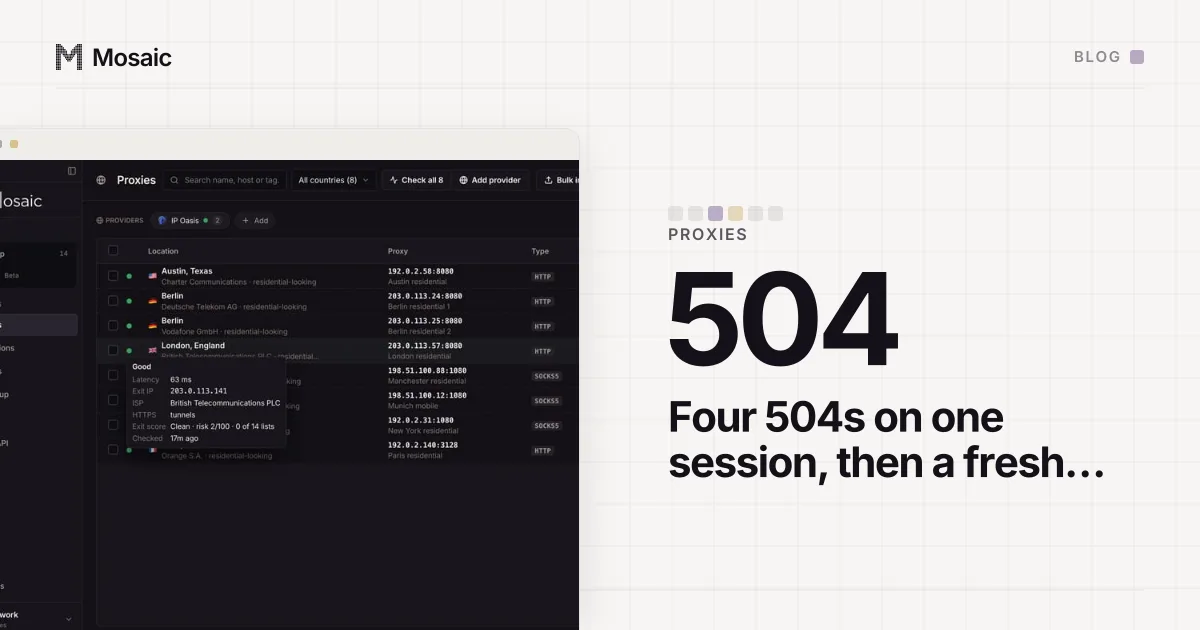
We measured how often. Forty fresh sessions in a row from one seller, and the twenty-ninth was dead: four 504s on the same session token, while fresh ones answered 200. A dead session uses almost no traffic, so it never shows up on the bill. It shows up as a profile that will not open, or as a check that has to be run again on a different exit. The write-up of that run, and why Mosaic now asks for a new session instead of retrying the old one, is in rotate, don't retry.
A working session can still be the wrong exit
An exit that answers is not automatically a good one, and none of the following is visible in a price.
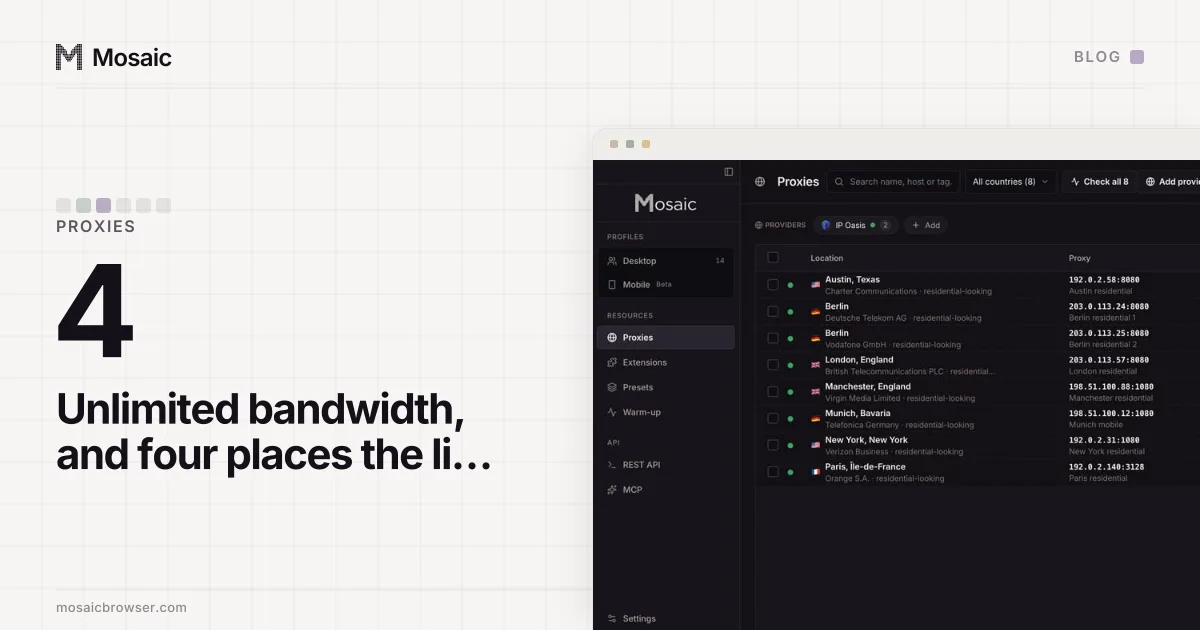
The exit's DNS resolver can sit in another country. We watched Whoer's score on one profile go 100, 100, 100, 100, then 35 and 30, and the drops arrived exactly when the residential session rotated. With curl and no browser at all, the resolver came back as Google in Germany and then the Netherlands while the exit itself was Verizon in the United States. That is a property of the exit, so the only fix is another session or another pool.
The exit can also already be known. On one residential exit in Wichita, FingerprintJS and incolumitas never loaded in three rounds; the address was simply recognised as a proxy, because it is one. And sometimes the exit is fine and the plan is not: one of the sticky proxies on our own test machine ran out of bandwidth, and a set of measurements had to wait for a different exit rather than be faked without one.
Cost per working session is the number to compare
So the sum we would do before choosing a seller is not price per GB. It is the price of one session that answers, has a resolver in the right country, is not already on a detector's list, and stays up for as long as the account needs it.
That sum depends on things a pricing page does not print: how often a fresh session is dead, how long a sticky session really lasts, and how much traffic your own browsing uses. A browser downloads every image, font, script and video a page asks for, so a profile that watches video costs far more per day than one that reads a dashboard. A cheap rate on a pool where many exits are known, or many sessions die, can work out dearer than an expensive one.
How Mosaic spends a seller's sessions
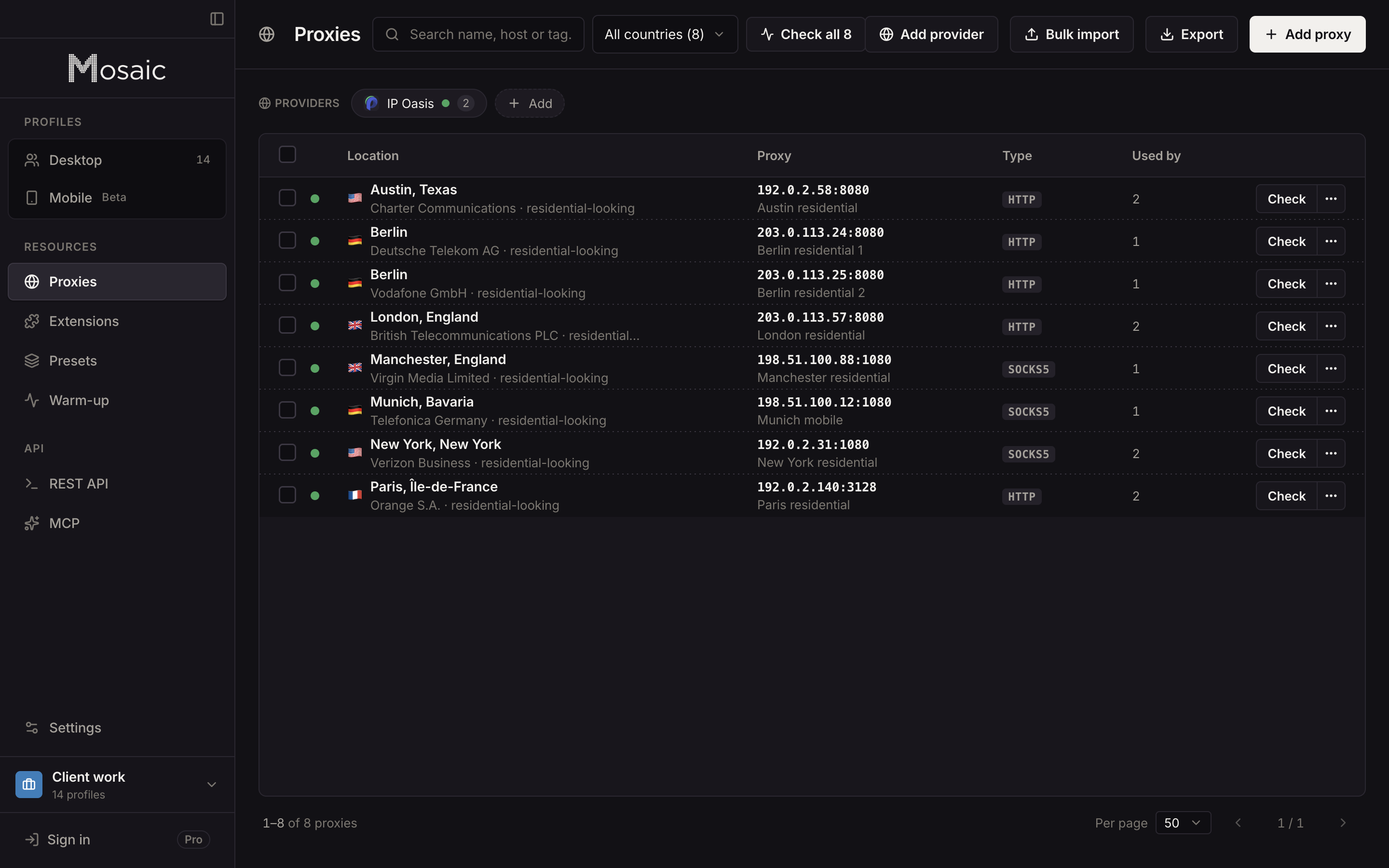
Mosaic sells no proxy traffic. You bring a seller, paste one gateway line from its dashboard, and Mosaic keeps it as a provider: every profile mints its own session, so two profiles do not share an exit by accident. A profile does not open until its proxy has answered and tunnelled, and when a minted session is dead the launch asks for a different session with the same country rather than trying the dead one three more times. A session you pinned by hand is never moved. Before trusting an account to an address, you can score the exit's reputation.
None of that changes what a gigabyte costs. It changes how many of the sessions you pay for end up doing work. What a residential exit is in the first place, and how it differs from ISP and mobile ones, is in the residential proxy glossary entry.