A residential gateway rotates by default: every connection leaves through whichever address in the pool is free. A sticky session is the same gateway with an instruction attached. You put an id of your choosing into the login, and the gateway routes every connection carrying that id through one address until the session ends.
How a sticky session is spelled
Each seller has its own word for it, and a line copied from one dashboard does nothing at another. As read on 2 November 2026:
| Seller | Where the id goes | Example |
|---|---|---|
| Oxylabs | username, sessid- | customer-USERNAME-cc-DE-sessid-abcd1234 |
| IPRoyal | password, _session- with _lifetime- | _session- plus an 8-character id, _lifetime-10m |
| Bright Data | username, -session- | any string; a different string gets a different peer |
Sources: Oxylabs session control, IPRoyal rotation, Bright Data residential FAQ.
Some sellers add a lifetime to the same field, so -session-<id>-lifetime-60 asks for sixty minutes. Others sell sticky ports, where the port number rather than the username decides.
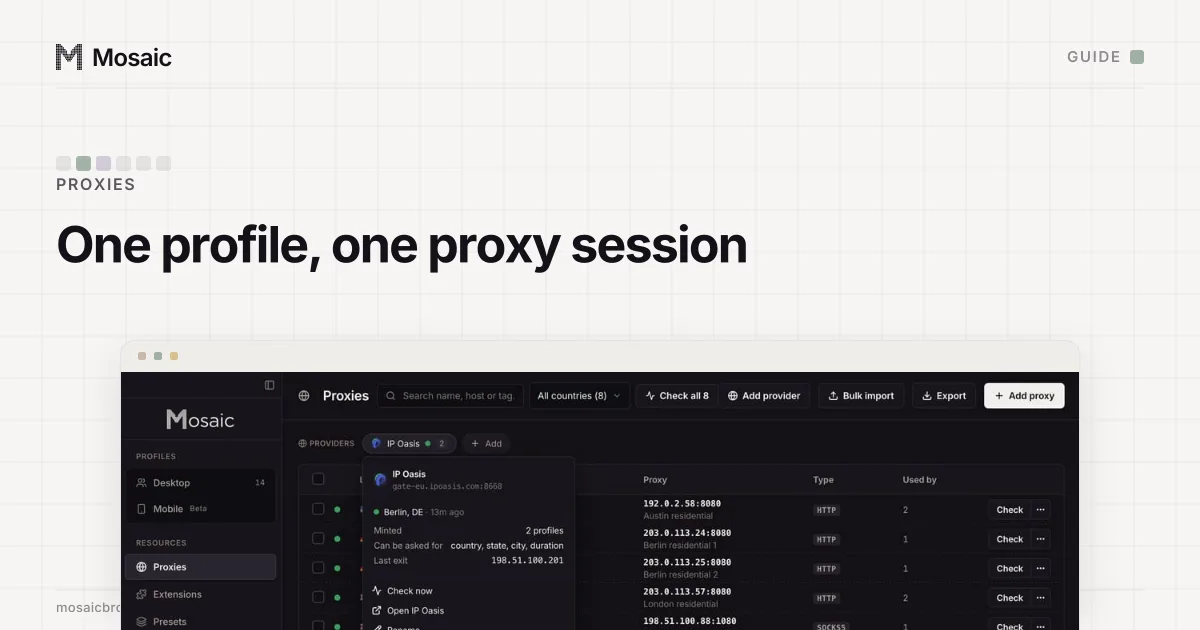
Paste one gateway line. Every profile mints its own exitIn Mosaic: Provider minting. One gateway line, a separate exit for every profile. Free holds 3 profiles. Pro is $49 a month for any number.
Mosaic is a desktop app
Email yourself the link and open it on your computer.
How it works: Provider minting
Why accounts need a sticky session proxy
A site keeps a record of where an account signs in from. A rotating exit writes a new city into that record on every page load. A sticky exit writes one, the way a person on home broadband would. So the rule for anything you sign in to is a sticky session per account, never a shared one: two profiles on the same session id share an address, which is a link between them. One proxy per browser profile goes through the cases where sharing goes wrong.
How sticky sessions fail
A session ends in one of three ways: the seller's timer runs out, it sits idle too long, or the home device behind the exit goes offline. The ending is rarely announced.
We learned that during our own test runs. A session asked for sixty minutes of life aged out partway through a long run. The browser started failing with net::ERR_TUNNEL_CONNECTION_FAILED, which looked like four third-party sites being down. A proxy check a minute later called the proxy perfectly healthy, from Walnut Ridge, Arkansas, where an hour earlier it had been in Mililani Town, Hawaii. The gateway had moved us. So a run longer than the session is not one experiment, and a cluster of unreachable sites is a proxy symptom first.
A session can also die young. On one residential pool we measured four 504 errors in a row on a single session id while fresh session ids on the same gateway answered 200. Retrying the dead id was useless; a new id worked at once.
How Mosaic handles it
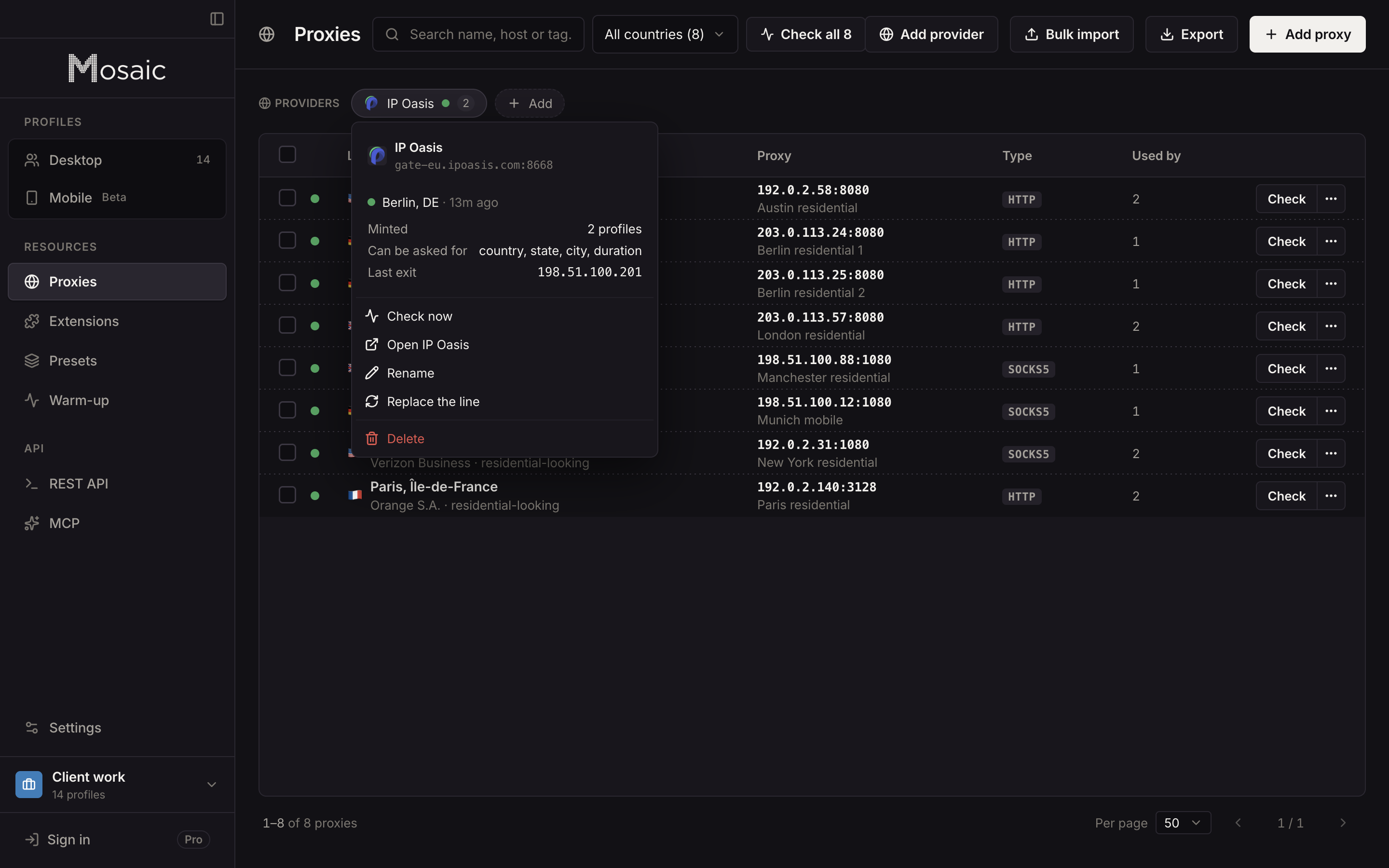
You paste one gateway line from your seller into Proxies as a provider, and Mosaic reads how that seller spells a session from the line itself. Each profile then mints its own session id, so no two profiles share an exit by accident. Where the seller's line has a word for duration, you can pick how long each profile's session holds; where it has none, a duration is refused by name instead of being sent in a form the gateway would ignore. A minted session that reaches nothing is replaced with a different session, not retried, and the working one is written back to the profile. A session you pinned by hand is never moved. The difference from a rotating proxy, and when each is the right choice, is laid out in rotating vs sticky proxies.
Sources
- Oxylabs Developers: Residential proxies session control, read November 2, 2026
- IPRoyal Docs: Residential proxy rotation, read November 2, 2026
- Bright Data Docs: Residential products FAQ, read November 2, 2026