TikTok's way to give an agency access is a partnership between two Business Centers: yours, which owns the ad account, and the agency's, which receives a share of it with a permission level you choose. TikTok's help pages describe the result as access you can "grant and revoke ... without ever sharing login credentials" (How to create ad accounts in Business Center, read 2 November 2026). Nobody needs your password, and nobody should have it.
TikTok's terms allow an agency to run your ads through its own Business Center once you share the account; "you are an advertiser and you work with your agency" is the second use case on its partners page, read 2 November 2026. Mosaic keeps accounts you are entitled to run apart; it does not change what a platform allows.
Before you give an agency access to TikTok Ads
Three things decide whether the steps below work for you.
You need a Business Center of your own, and the ad account has to be in it. An ad account the agency opens in its own Business Center belongs to the agency, and TikTok says moving ownership of an ad account "is only available for certain customers" (About ad accounts in Business Center, read 2 November 2026). So if you are starting fresh, create the account yourself and share it, even when the agency offers to do the setup.
You need to be an Admin of your Business Center. Only admins can add partners or assign permissions.
You need the agency's Business Center ID, or one of the agency's ad account IDs. TikTok accepts either.
The three permissions, and which one to give
TikTok gives the same three levels to partners as it does to members (About account and asset level permissions, read 2 November 2026):
| What the agency can do | Admin | Operator | Analyst |
|---|---|---|---|
| View ads and performance | yes | yes | yes |
| Access reports | yes | yes | yes |
| Create and edit ads | yes | yes | no |
| Manage audiences | yes | yes | no |
| Manage finance | yes | yes | no |
| Manage ad account settings | yes | no | no |
Operator does the job for an agency that buys media for you. Analyst fits a reporting partner or an auditor. Admin is worth giving only to someone you would let change the account's settings and its permissions, because the request-access page describes Admin as able to "manage ad account finances, settings, and permissions".
Each profile keeps its own passwords and its own 2FA codesIn Mosaic: Logins and 2FA codes. A password vault and TOTP codes for each profile. Free holds 3 profiles. Pro is $49 a month for any number.
Mosaic is a desktop app
Email yourself the link and open it on your computer.
How it works: Logins and 2FA codes
Method 1: add the agency as a partner
From TikTok's article on adding partners (How to add partners, read 2 November 2026):
- Log in to TikTok Business Center and click Partners in the left-hand menu.
- Click Add partner and enter the agency's Business Center ID.
- If your Business Center is a Direct one and the agency's is an Agency one, TikTok asks whether to form a media agency partnership. Choose Yes if this agency is the one buying your media; a "Media agency partnership" label then appears next to its name.
- Click Next, select the ad accounts and other assets to share, and set the permission for each.
- Click Next and Confirm.
The agency sees the shared accounts in its own Business Center once it accepts. To raise or lower a permission later, open Accounts › Advertiser accounts, filter by Owned by this Business Center, click View on the account, then Partners › Share with partner, and pick the new level (change partner permissions, read 2 November 2026).
Method 2: approve the agency's request
Agencies often start from their side. They need your ad account ID, and an Admin in their Business Center goes to Accounts › Advertiser accounts › Add advertiser account › Request Access, enters the ID and picks the permission they are asking for. Asking for Admin or Operator, they also say whether they are your primary media agency (request access, read 2 November 2026).
You get an email. To answer it, sign in to TikTok Ads Manager, click the Notifications icon at the top right and open the Business Center tab. If your Business Center created the ad account, one of the account's admins approves; if you made the account on your own without a Business Center, the person who created it does. Check the permission in the request before you accept it. An agency that asks for Admin when Operator would do is worth a question.
TikTok will not take a request for a disapproved ad account, so fix the account's review first if it was rejected.
Partner or member
A member is one person's email added to your Business Center under Users › Add Members, as Admin or Standard, with optional finance roles such as Finance manager (add members, read 2 November 2026). It is the right tool for a freelancer or a new hire.
For an agency, a partner is cleaner. The agency's own admins decide which of their staff work on your account, and when someone leaves the agency it is their job to remove them, not yours. When the contract ends, one deletion on the partner page removes every share at once: TikTok says a removed partner can no longer view or manage "any ad accounts, or other resources associated with the Business Center" (remove a partner, read 2 November 2026).
On the agency's side
An agency that does this for twenty clients ends up with twenty partnerships in one Business Center, which is what Business Center is for. What it does not cover is everything around the ads: each client's TikTok account if the agency also posts, the client's shop admin, its analytics and its landing page builder. Those are logins, often with two-factor codes on somebody's phone.
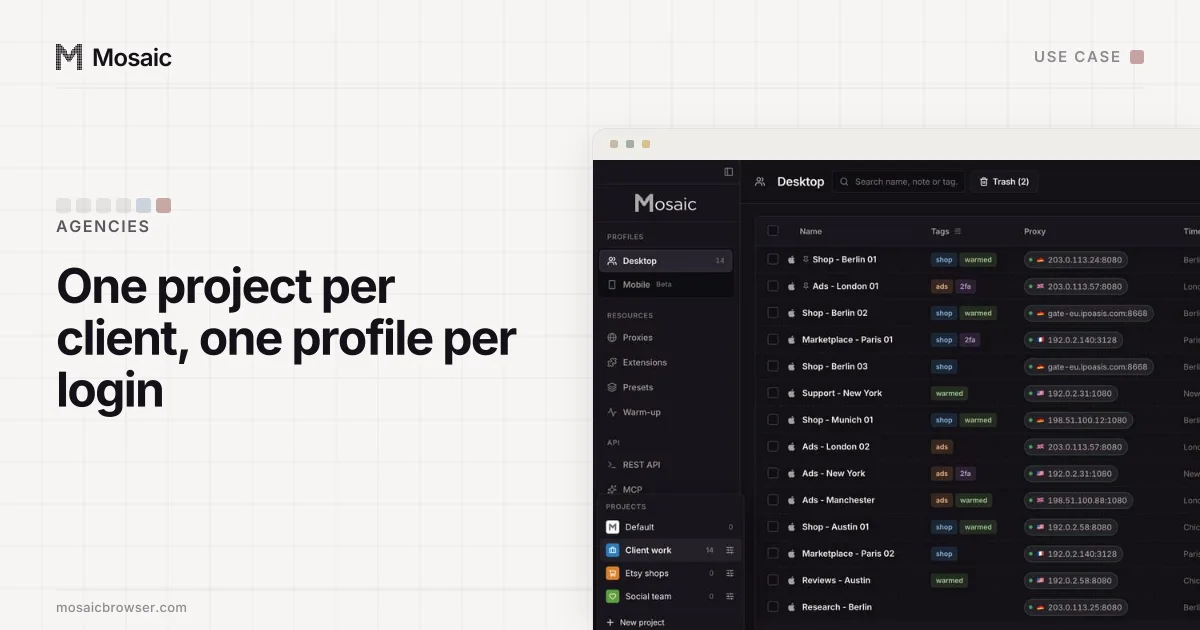
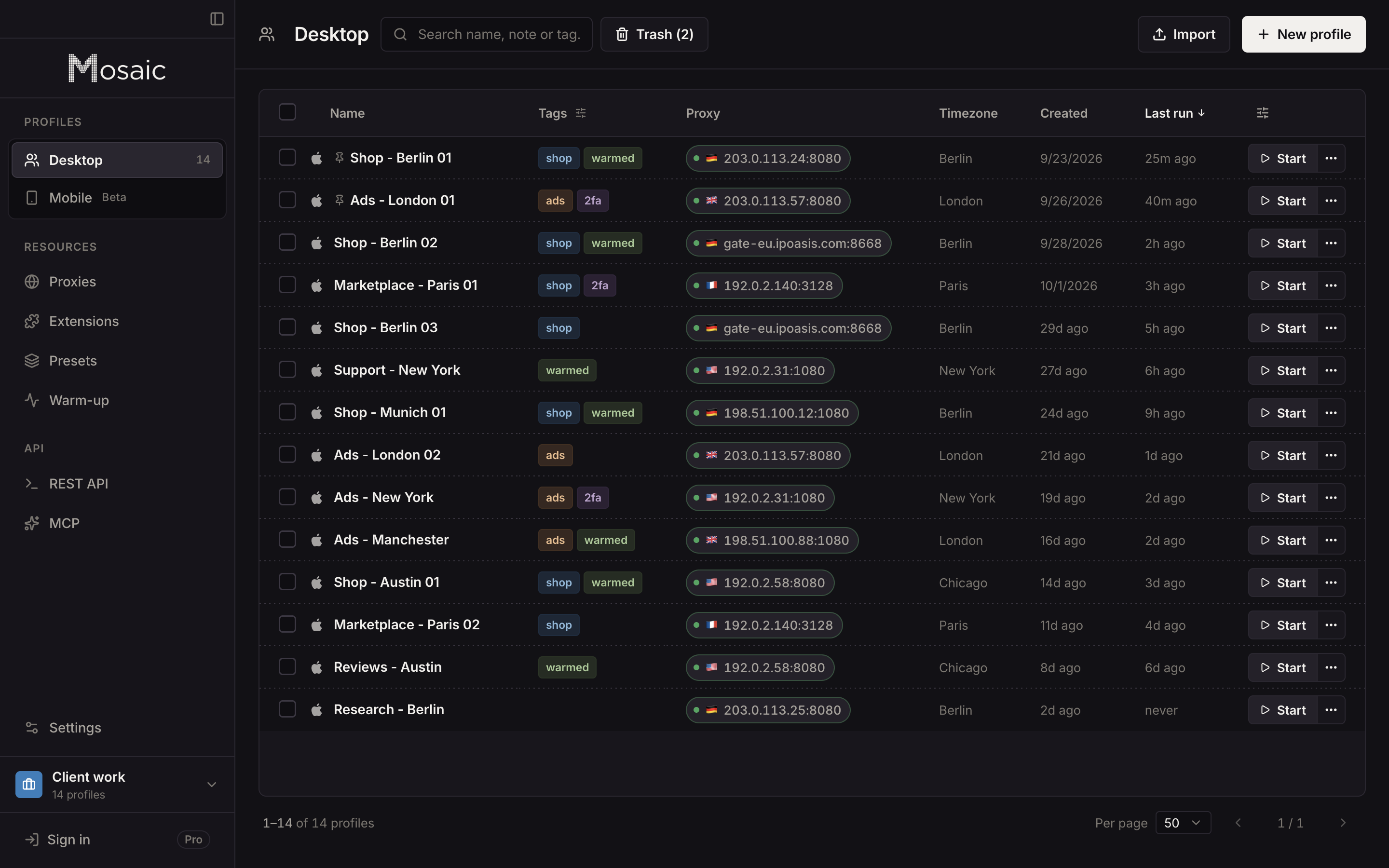
In Mosaic, each client's logins can live in a profile of their own, in a project per client, so the cookies and the fingerprint of one client's browser never meet another's. In Credentials, Add login takes the account's Two-factor secret, and the companion inside that profile's browser shows the code when it is needed, for that client only.
How the Business Center pieces fit together, with the limits TikTok publishes, is in TikTok Business Center explained. Whether one business may hold several ad accounts at all is answered in can you run multiple TikTok ad accounts. The Google Ads version of this page, with manager account links instead of partners, is how to give an agency access to Google Ads.
Free covers 3 profiles and 10 profile creations; Pro is $49 a month with no per-profile pricing. An agency's own set-up in Mosaic, client by client, is laid out in Mosaic for agencies.
Sources
- TikTok Business Help Center: How to add partners to your Business Center, read November 2, 2026
- TikTok Business Help Center: About account and asset level permissions, read November 2, 2026
- TikTok Business Help Center: How to request access to ad accounts in Business Center, read November 2, 2026
- TikTok Business Help Center: How to change the ad account permissions for your Business Center partner, read November 2, 2026
- TikTok Business Help Center: How to create ad accounts in Business Center, read November 2, 2026
- TikTok Business Help Center: About ad accounts in Business Center, read November 2, 2026
- TikTok Business Help Center: About TikTok Business Center partners, read November 2, 2026
- TikTok Business Help Center: How to remove a Business Center partner, read November 2, 2026
- TikTok Business Help Center: About TikTok Business Center, read November 2, 2026
- TikTok Business Help Center: How to add members to your TikTok Business Center, read November 2, 2026