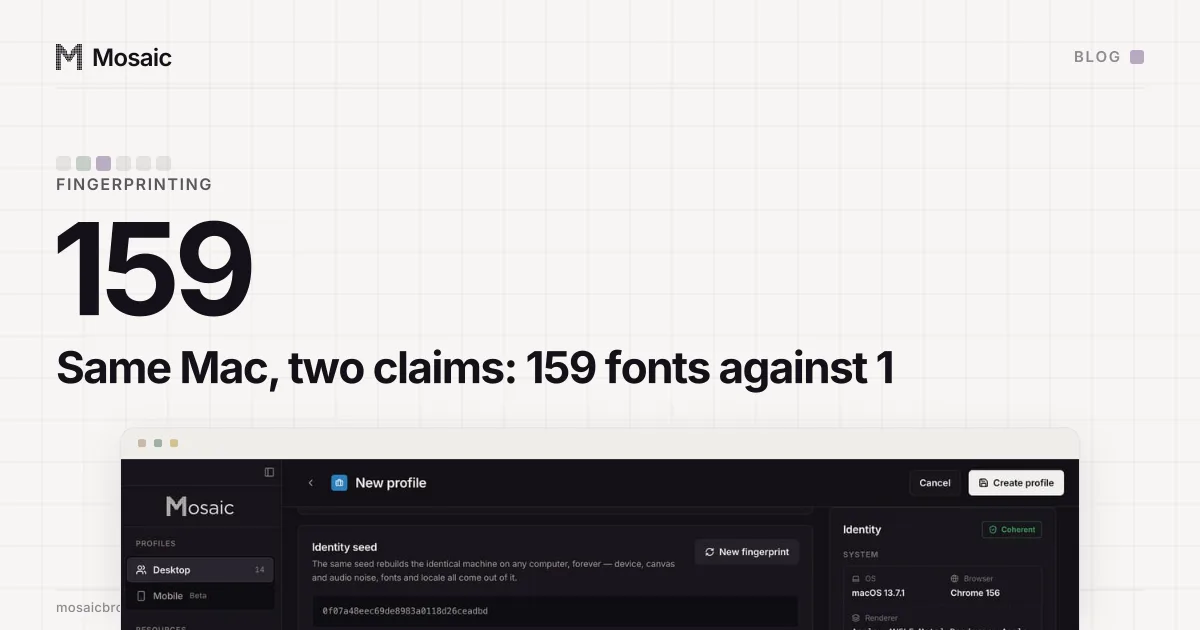
OS spoofing fails on fonts because a browser can change what it says about the operating system, but not the fonts that system has installed or how it draws them. On our Mac, with our own engine, a profile claiming macOS was read by Pixelscan as consistent with 159 fonts found. The same Mac claiming Linux was read as Masking detected, with 1 font found.
What a page measures when it looks at fonts
A fingerprinting script does not ask the browser for a font list. It draws a short string in a font family it wants to test, then draws the same string in a generic fallback, and compares the widths. If they differ, the font is installed. Repeat that for a few hundred family names and the page has a list, built from the computer's own font files.
It also gets more than names. The widths come out of each font's own metrics, and the pixels, if the script draws onto a canvas, come out of the platform's own text renderer, with its own way of smoothing edges. So there are three layers a page can read: which fonts exist, how wide they set, and how they are drawn. A User-Agent string touches none of them.
Pixelscan probes the fonts of the platform the browser claims. When a Mac claims Linux, almost none of the Linux families are there, and the count falls to 1. That single number is the whole verdict.
Why OS spoofing fails on fonts, even inside the engine
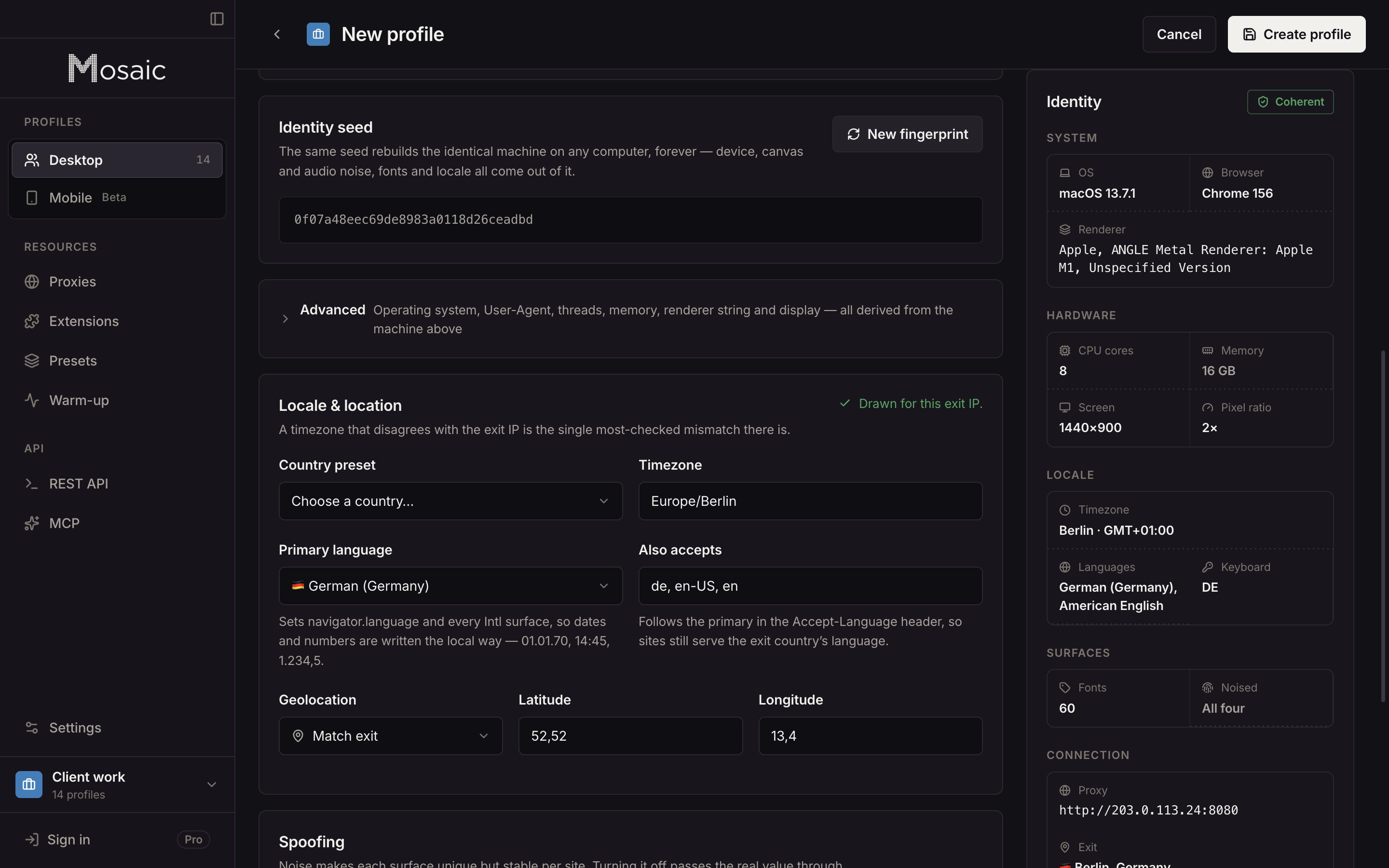
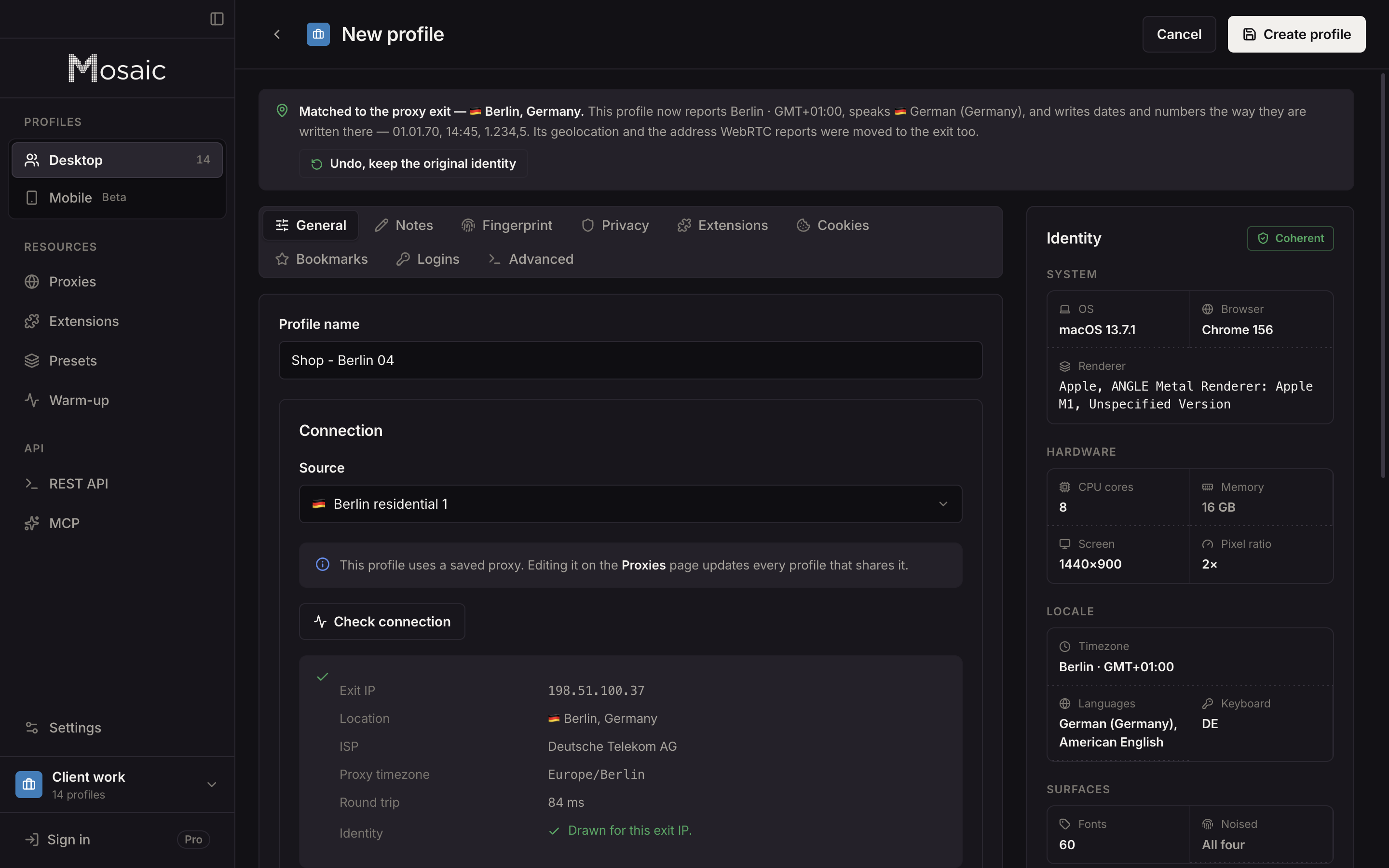
Tesseract Chrome, our engine, changes fingerprint values in C++ through a set of --fingerprint-* switches: the GPU renderer string, the screen, the thread count, the timezone, the language. Each of those is a value the browser reports, so the engine can report a different one. Why we built our own Chromium explains why that has to happen inside the engine rather than in page JavaScript.
Fonts are not a reported value. They are files on disk and a renderer in the operating system, and the page measures the result. No switch in the engine reaches either. We could make the browser call itself Windows in every header and every navigator field, and the text it drew would still be a Mac's text.
Every profile is drawn from one real computer, not from separate listsIn Mosaic: Machines that exist. GPU, screen, CPU and fonts from one real device. Free holds 3 profiles. Pro is $49 a month for any number.
Mosaic is a desktop app
Email yourself the link and open it on your computer.
How it works: Machines that exist
What we measured
On the shipped engine, this Mac as the host, one fresh profile per row and no proxy on any of them, run on Pixelscan:
claimed macOS   (host)   consistent, no masking          twice
claimed Linux            inconsistent, masking detected
claimed Windows          still "scanning…" after 90 s    three times
The Windows rows were worse than a fail. A scan that never finishes is a page that could not make sense of the browser at all. An earlier engine gave the same answer on IPHey, one fresh profile each: claiming macOS scored 100 of 100, Trustworthy, and claiming Windows scored 80, Unreliable.
A warning is not a door
For a long time our audit warned about a profile claiming another desktop OS, and that was all it did. The window showed the warning. The REST API and MCP did not: a caller asking for os: "windows" got a 200, a Windows User-Agent and no word that the browser underneath was a Mac. A rule that only one surface shows is a rule the other two never see.
So we moved the check into the generator, the one function all three surfaces go through, and until November 2026 Mosaic refused to create a desktop profile for a platform the computer was not running. On a Mac that meant macOS and Android, and nothing else.
What changed on 3 November 2026
We stopped refusing, and kept the honesty. A Mac can now make Windows and Linux profiles. Each one is drawn for the OS it claims, with that platform's GPU, screen and threads, because a Windows User-Agent beside an Apple chip would be a louder contradiction than the fonts. And the editor says the cost once, where the choice is made:
We can't promise this matches as well as macOS; fonts and rasterisation come from this computer, so a consistency scanner can read the difference.
Library health counts such profiles as information rather than a fault. Repair hardware leaves the claimed OS alone now: a Windows profile you chose on purpose stays Windows. If you would rather one matched this computer, pick macOS for it in the editor and the hardware is drawn again to fit; its cookies stay where they are.
Android is the measured exception
Mobile profiles were never refused, and fonts are the reason. A phone's font set is small and aliased, and a desktop can actually produce it. Eight detectors were measured passing on an Android profile made on this same Mac. How the rest of a profile is drawn from real machines is on real fingerprints.
So the sentence we use now is the measured one: Mosaic makes profiles for any desktop OS or Android, and the strongest match is always the OS your own computer runs. If you are choosing a browser for this, what an anti-detect browser is covers what any of them can and cannot change, and pricing has the plans.