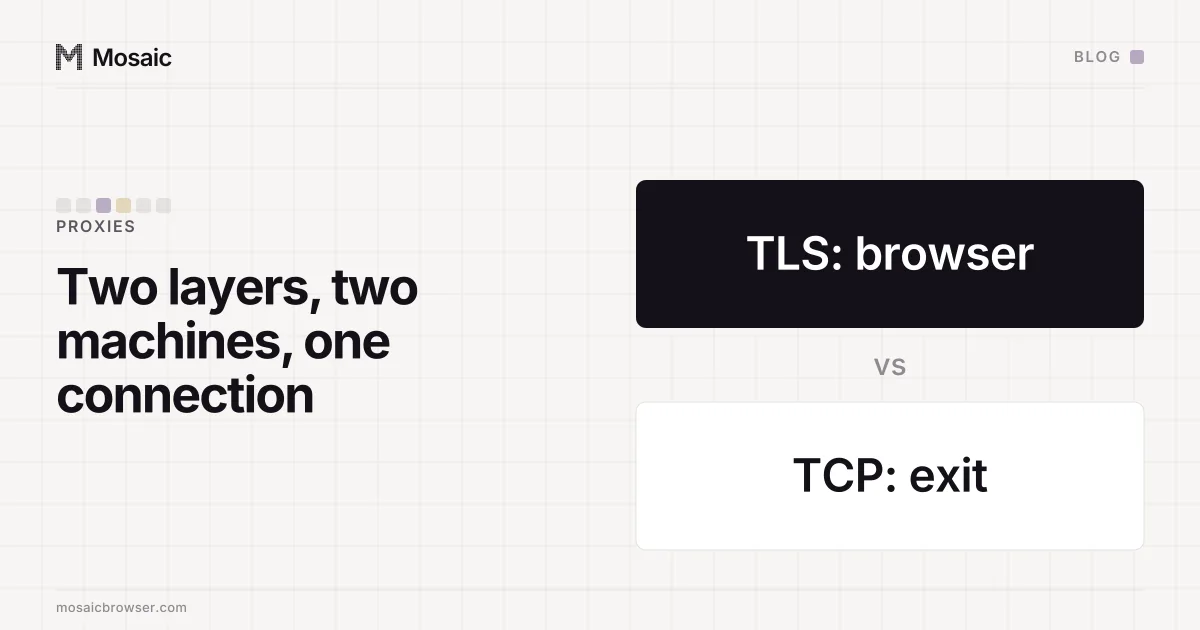
Yes, a proxy changes your TCP fingerprint, and not to anything you choose: it becomes the exit's. With an HTTP or SOCKS5 proxy, the TCP connection a site receives is opened by the exit machine, so the SYN packet the site reads (its TTL, window size and option order) describes the exit's operating system. Your browser's TLS handshake travels through untouched, so the site sees one machine's TCP under another machine's browser.
What a TCP fingerprint is
Every TCP connection starts with a SYN packet, and the operating system that sends it fills in a handful of fields its own way. Passive fingerprinting tools, of which p0f is the oldest and best known, read those fields without sending anything back:
- the initial TTL, which is 64 on Linux, Android and macOS and 128 on Windows
- the window size and the window-scale factor
- the maximum segment size, which also says something about the network path
- which TCP options appear, and in what order
- flags such as Don't Fragment
The TTL a site sees has been reduced by one per router on the way, so a tool rounds it up to the nearest common starting value. A packet arriving with 52 started at 64; one arriving with 114 started at 128. Option order is the more specific signal. Windows, Linux and macOS each put MSS, window scale, SACK and timestamps in a recognisable sequence, and that sequence does not change with the browser.
Zardaxt, an open-source tool from the author of incolumitas.com, does the comparison that makes this interesting: it guesses the operating system from the SYN and checks it against the one the User-Agent claims. A Windows User-Agent on a Linux-shaped SYN gets flagged as an OS mismatch.
Paste one gateway line. Every profile mints its own exitIn Mosaic: Provider minting. One gateway line, a separate exit for every profile. Free holds 3 profiles. Pro is $49 a month for any number.
Mosaic is a desktop app
Email yourself the link and open it on your computer.
How it works: Provider minting
Why a proxy hands the site the exit's SYN
A proxy is two TCP connections, not one. Your browser connects to the proxy. The exit then opens a separate connection to the site and relays bytes between the two. The site's half begins with a SYN written by the exit's kernel, and nothing from your computer's TCP stack crosses over.
What does cross over is everything above TCP. For an https page the browser sends a CONNECT or a SOCKS5 request, and from then on the proxy is relaying an encrypted stream it cannot read or rewrite. The TLS ClientHello, the HTTP/2 settings and every header are your browser's. That is why we left Chrome's TLS fingerprint alone in our engine (the JA4 that matched Google's own build has the measurement): it already arrives intact.
So the site sees a layered picture:
| Layer | Written by | Through a proxy, the site sees |
|---|---|---|
| IP address | the exit | the exit's address |
| TCP SYN | the exit's operating system | the exit's TTL, window, options |
| TLS ClientHello | your browser | your browser's handshake |
| HTTP headers, User-Agent | your browser | your browser's claim |
A VPN works the other way. It carries your own packets inside a tunnel, so the site gets your operating system's SYN, with the segment size cut by the tunnel's overhead. That smaller MSS is its own giveaway, covered in what an MSS value says about VPN detection.
What sits at the exit of a proxy pool
Since the SYN is the exit's, the useful question is what the exits are. It depends on the kind of pool:
- A datacentre proxy exits from a server, almost always Linux: TTL 64 and a Linux option order.
- A mobile proxy exits from a phone or a modem on a carrier network, which is a Linux kernel too, and behind the carrier's own equipment.
- A residential pool exits from whatever the seller's network runs on: home routers, Android devices, Windows PCs with an app installed, set-top boxes. One pool can hand out all of these, address by address.
That gives each pairing its odds. A Windows browser through a datacentre exit shows a Linux SYN under a Windows User-Agent on a hosting address, three signals pointing the same way. A macOS browser through a mobile exit shows TTL 64 and a Linux option order: the TTL agrees with macOS, the option order does not. Through a residential pool the answer changes per session, because the device behind the address changes.
None of this is proof on its own. Real people browse through corporate proxies, school filters and carrier networks that terminate TCP for them, and their SYN does not match their User-Agent either. A detector that blocked every mismatch would block those people, so in practice it is one weight among several, next to the address's type, its blocklist history and how many accounts have come from it before.
What you can and cannot do about it
No browser setting reaches the exit's kernel. Not in Chrome, not in an anti-detect browser, not in ours: Mosaic does not change the TCP fingerprint, because the machine that writes it is not on your computer. Anything sold as a browser-side TCP spoof is either changing your own computer's SYN, which a proxy throws away, or describing something it does not do.
What you control is the choice of exit. Before trusting an account to an address, it is worth knowing what kind of address it is. Mosaic's exit reputation check reads the network classification (residential ISP or datacentre), the reverse DNS name, where hosting companies often name themselves, and the public DNS blocklists that answer ordinary clients; checking a proxy before you use it walks through each one. To see the SYN itself, open a TCP fingerprint test page from inside the profile, through its own proxy, and read what OS it guesses for the exit.
If the guess disagrees with the profile's claimed system often enough to matter for your work, the fix is a different pool or a different seller, not a setting. The seller, for its part, sees every hostname a profile visits through its exits but not the pages themselves over https; the full list is in what a proxy provider can see.