Scaling social media agency operations breaks the delivery side first, and delivery mostly happens in a browser. We tell people with three clients to stay on Chrome's built-in profiles. At thirty clients that habit means ninety windows on one office IP, a profile menu you scroll to find anything, and 2FA codes on the phone of whoever opened each account in the first place.
It tends to go in this order.
Three clients: Chrome profiles are enough
Each Chrome profile keeps a separate cookie jar, history, password store and extension list. For a small book that covers most of what goes wrong: the bakery's Instagram is open in one window, the dentist's in another, and neither window can see the other's cookies. Adding one is a few clicks from the profile icon: a name for the client, a colour, done. It costs nothing.
Meta and Google had agencies in mind long before we did. On Meta, the client adds your business as a partner in their Business portfolio; on Google Ads, your manager account sends them a link request and they accept it. You stay signed in as you, the client stays the owner, and a three-client agency can get by holding no client passwords at all. We wrote up that first day, partner access before logins, in the first hour with a new client.
Under the cookies, though, Chrome profiles are all the same browser on the same Mac or PC. Same screen size, same GPU, same fonts, same timezone. Same office IP too.
Each profile keeps its own passwords and its own 2FA codesIn Mosaic: Logins and 2FA codes. A password vault and TOTP codes for each profile. Free holds 3 profiles. Pro is $49 a month for any number.
Mosaic is a desktop app
Email yourself the link and open it on your computer.
How it works: Logins and 2FA codes
Ten clients: one address for everybody
Somewhere near ten clients you start logging in to accounts directly, and then the address matters. Partner access does not reach everything. A brand's own TikTok, the separate Instagram it runs for Austria, a marketplace shop opened in 2019 with the password on a sticky note: all of those take a username and password, typed by you, from the office.
Nothing about that is against the rules. (Each platform's terms decide which accounts you may run and how; Mosaic keeps accounts you are entitled to run apart, and it does not change what a platform allows.) It is just loud. One account gets a security check for a login from a new country, and the IP it flagged is the IP every other client's login uses. A Munich client whose Instagram is suddenly opened from London at nine every weekday looks to Instagram like what it is, a new person.
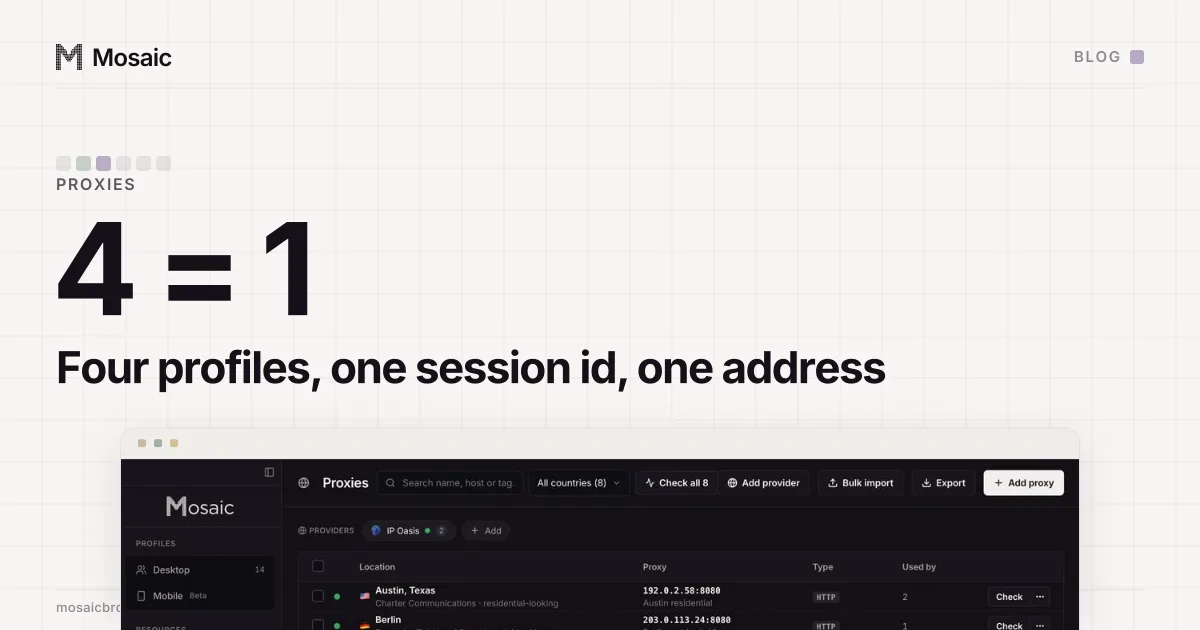
So each client gets one exit, in that client's market. In Mosaic that is a provider. You paste one gateway line from your proxy seller, and each profile mints its own session id from it, so no two profiles share an exit unless you pin them to the same one. Timezone, language and geolocation then follow the exit. We measured this with forty profiles in forty profiles, forty exits.
Thirty clients: the list stops fitting on a screen
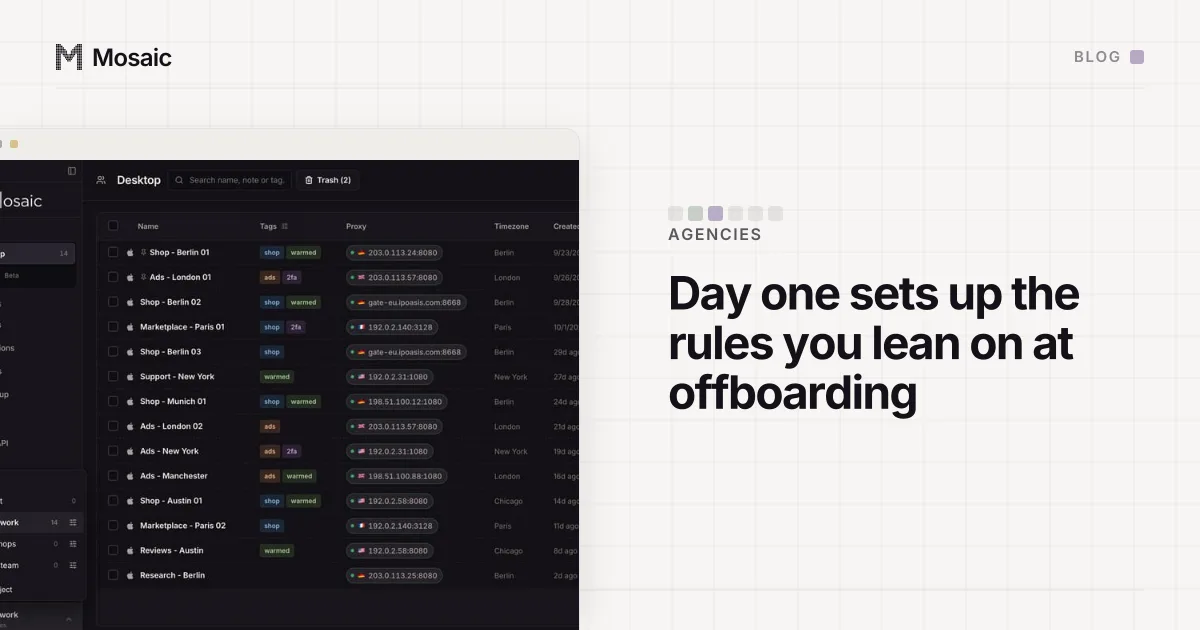
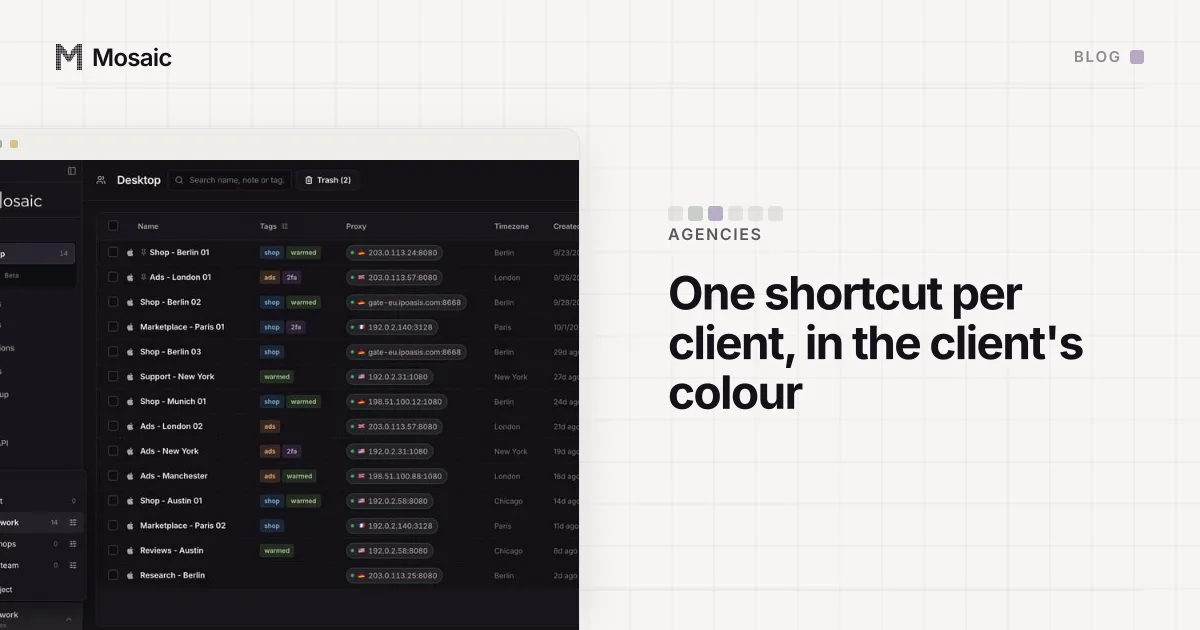
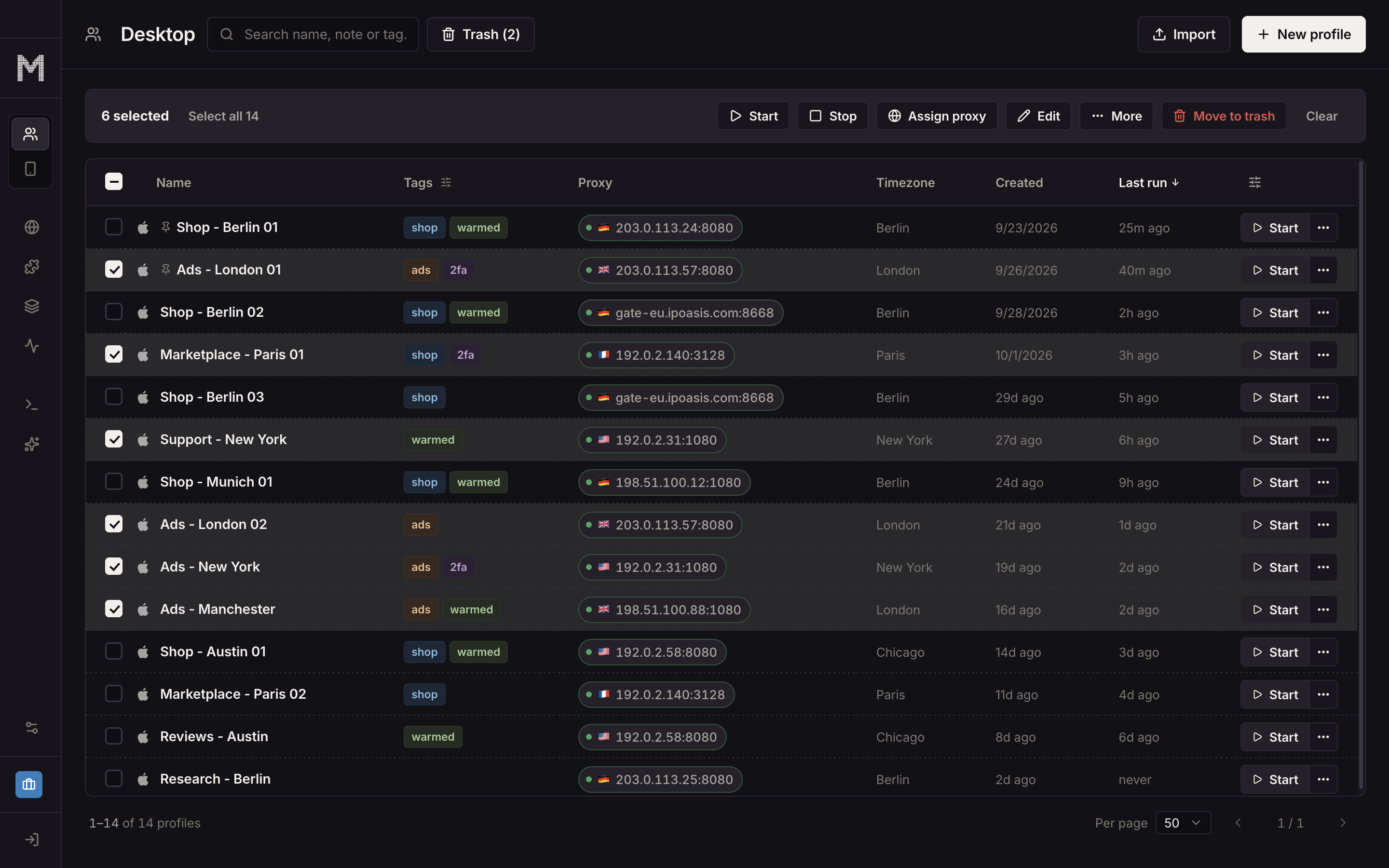
Thirty clients with two or three accounts each comes to about ninety profiles. Chrome's profile menu was never drawn for ninety. We built tables for it, and the parts agencies use most are:
- Projects, one per client, each with its own colour and icon.
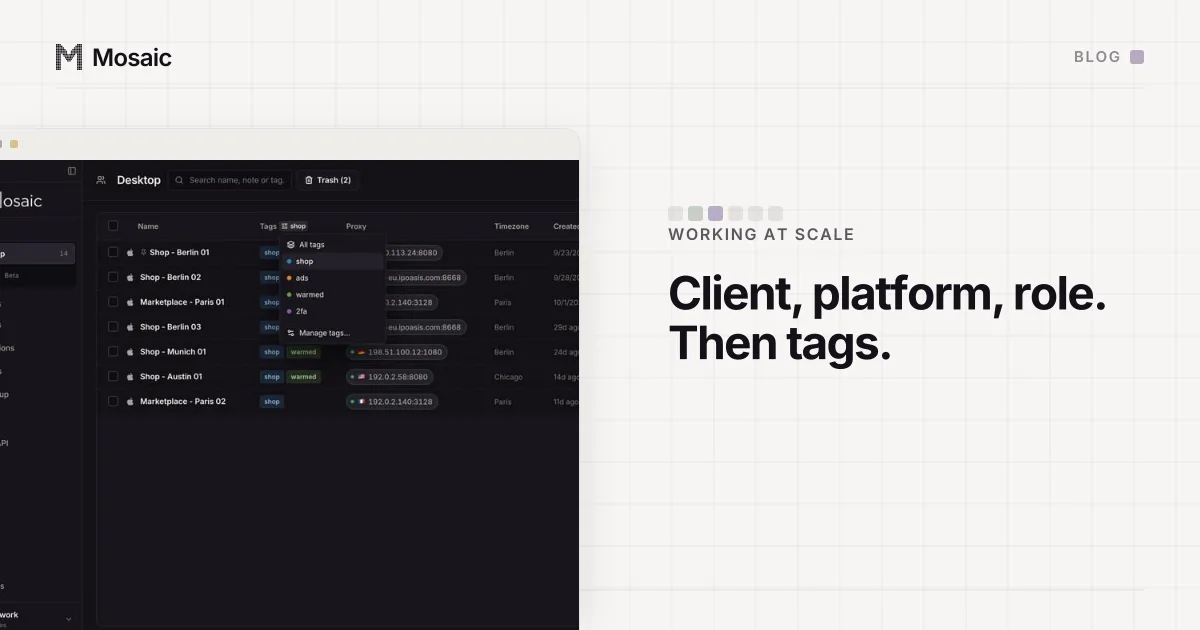
- Tags for state across clients ("needs 2FA", "paused", "handover").
- Paged tables at 25, 50, 100 or 200 rows.
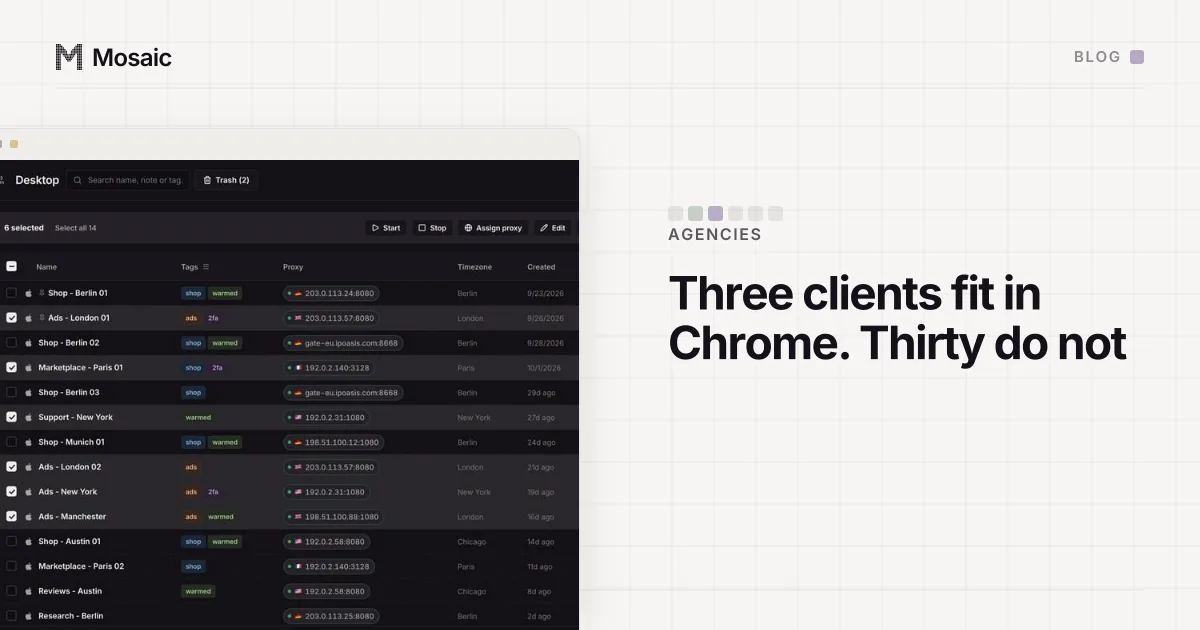
- Bulk start, stop, edit, tag and move over a selection.
Bulk edit is the one nobody asks for in advance. Then a client expands into Poland, and twelve profiles need a new country on their provider and a new start page. Select the twelve, and the editor opens as "Editing 12 profiles"; before anything is written it asks "Apply to 12 profiles?" and warns that none of it can be undone from there. Doing the same job one profile at a time is how the eleventh gets missed. For finding one profile among three hundred, see naming hundreds of profiles.
The 2FA codes are on somebody's phone
The quietest failure at thirty clients is two-factor authentication. At three clients the codes live in one person's authenticator app, and that is fine until that person is on holiday, or leaves. Then a client account that matters is locked behind a phone in a drawer.
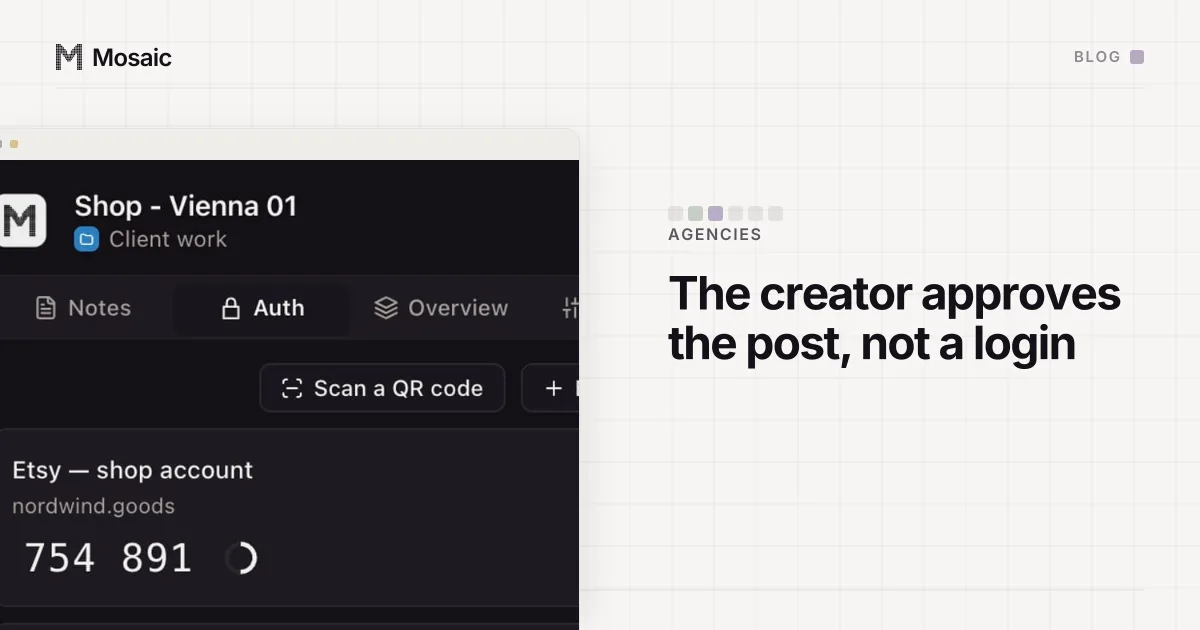
So the codes have to belong to the client's work, not to a person. In Mosaic the setup key goes into the client's profile, under Credentials. The companion extension inside that profile's browser shows that profile's codes and no other's, and fills them with real keystrokes. A setup key that cannot make a code is refused when you save it, rather than turning up as a blank row the day you need it.
Scaling social media agency operations without a per-client bill
Many anti-detect browsers price by profile count, so a new client also moves you toward the next tier. Pro does not charge per profile. Profiles, projects and API calls all run on your own computer, which means they cost us nothing to give away, and the 1,000th profile costs what the first did. The per-seat side of the market is in what a second seat costs.
Mosaic has no seats and no shared profiles, and a library lives on one computer. An agency of five working on thirty clients gives each of the five their own access on the platform, through partner access and the roles Meta or Google already provide. We think that is the right home for shared access anyway. Plans and limits are on the pricing page.