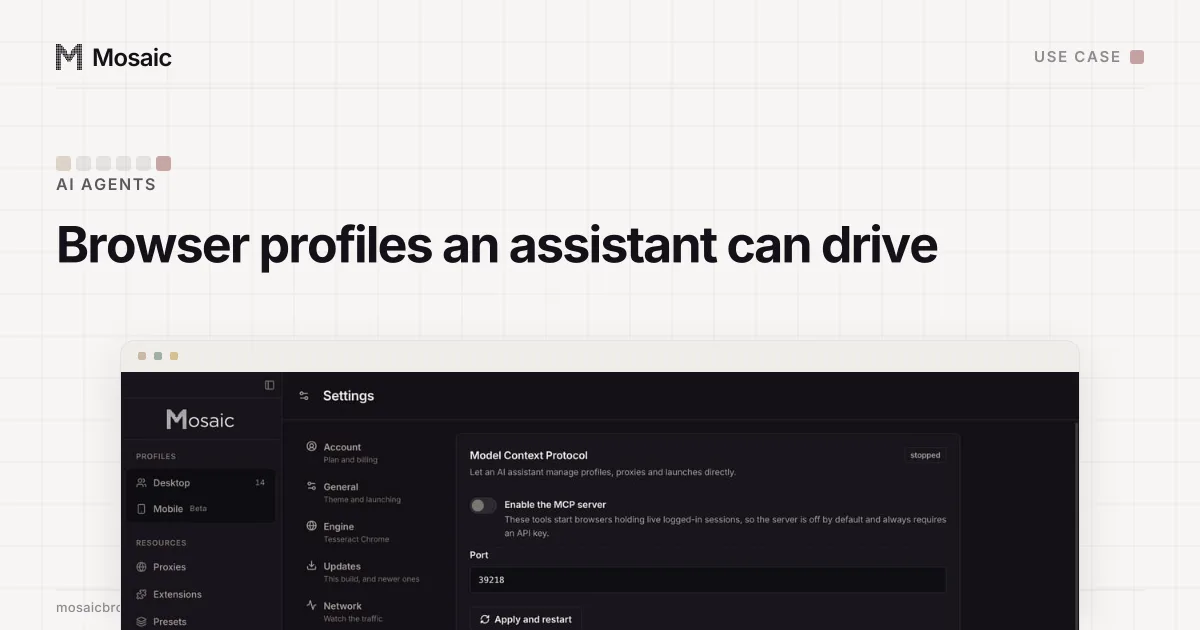
An agent that works in one account needs a browser that remembers it. An AI agent that works in ten needs multiple browser profiles, one per account, and the hard part is not giving it ten browsers but stopping it from turning them back into one. Every shortcut an agent takes (reusing the open window, opening a clean browser, going out through your own connection) moves the accounts closer together.
Start from what the sites allow
An agent that clicks for you is automation, and sites write rules about that. Instagram's Terms of Use say "You can't attempt to create accounts or access or collect information in unauthorized ways", which covers doing so in an automated way without permission (Instagram Help Center, read 2 November 2026). Point an agent only at accounts you run, for work the site allows. Mosaic keeps those accounts apart; it does not change what a platform permits.
What an AI agent with multiple browser profiles has to keep apart
Four things link accounts, and an agent can leak each of them in its own way.
Cookies are the obvious one. An agent that signs in to account B in the window where account A is open has put both sessions in one jar, and a site that sees both has its answer.
The exit address is the next. If every profile leaves through your home connection, ten accounts share one IP. The fix is a proxy per profile, and with a seller's gateway that means a separate session for each. In Mosaic a proxy provider does this: one pasted gateway line, and every profile mints its own session from it.
The fingerprint is the third. Ten browsers on one computer report the same GPU, screen, fonts and timezone unless something changes them. Mosaic draws each profile from real hardware records and changes the values inside its own Chromium, so they stay put from run to run.
Behaviour is the last, and the one agents are worst at. An agent that types a forty-character password in one event, or clicks the exact centre of every button with no pointer movement before it, behaves like nobody. Mosaic's page tools move a cursor along a human path, type with uneven gaps and the odd corrected typo, and scroll with a real wheel.
Paste one gateway line. Every profile mints its own exitIn Mosaic: Provider minting. One gateway line, a separate exit for every profile. Free holds 3 profiles. Pro is $49 a month for any number.
Mosaic is a desktop app
Email yourself the link and open it on your computer.
How it works: Provider minting
Persistent profiles, not a browser per task
Most agent frameworks start a clean browser for each task and throw it away after. For reading public pages that is fine. For accounts it means the site meets a new device every time, asks for a code, and after a week has a long list of devices for one account.
So the profile outlives the task. The agent starts it, does the work, and stops it, and the cookies are saved for next time. In Mosaic, stopping a profile closes the browser over DevTools so Chromium writes its cookie jar before it exits, instead of being killed halfway through a write.
How to set it up with Mosaic
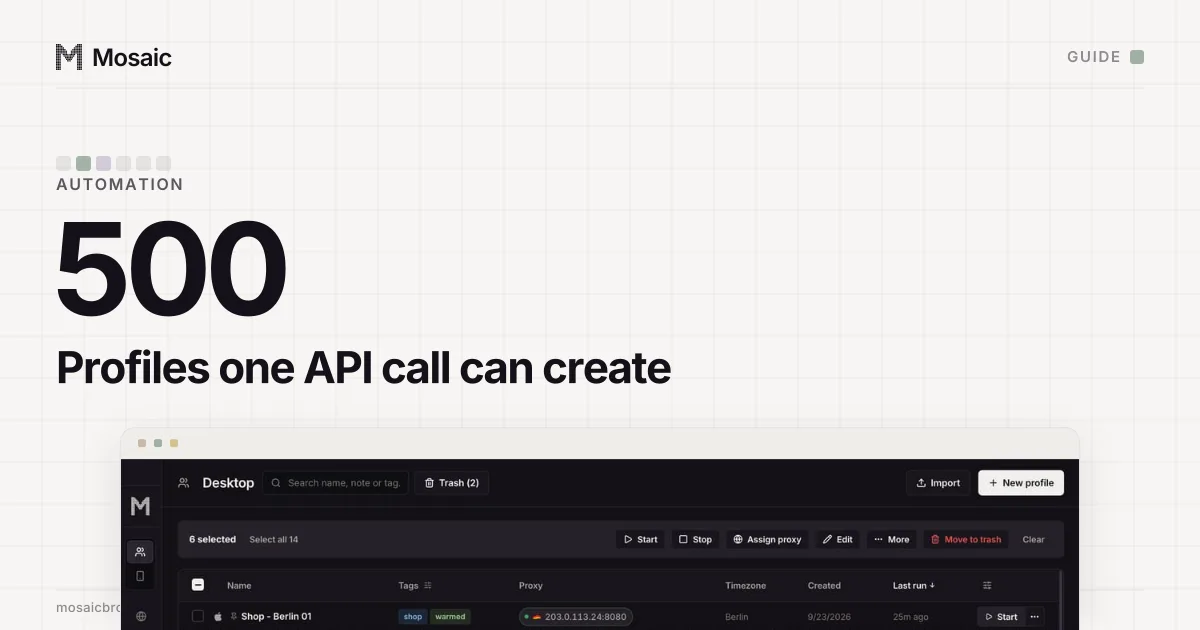
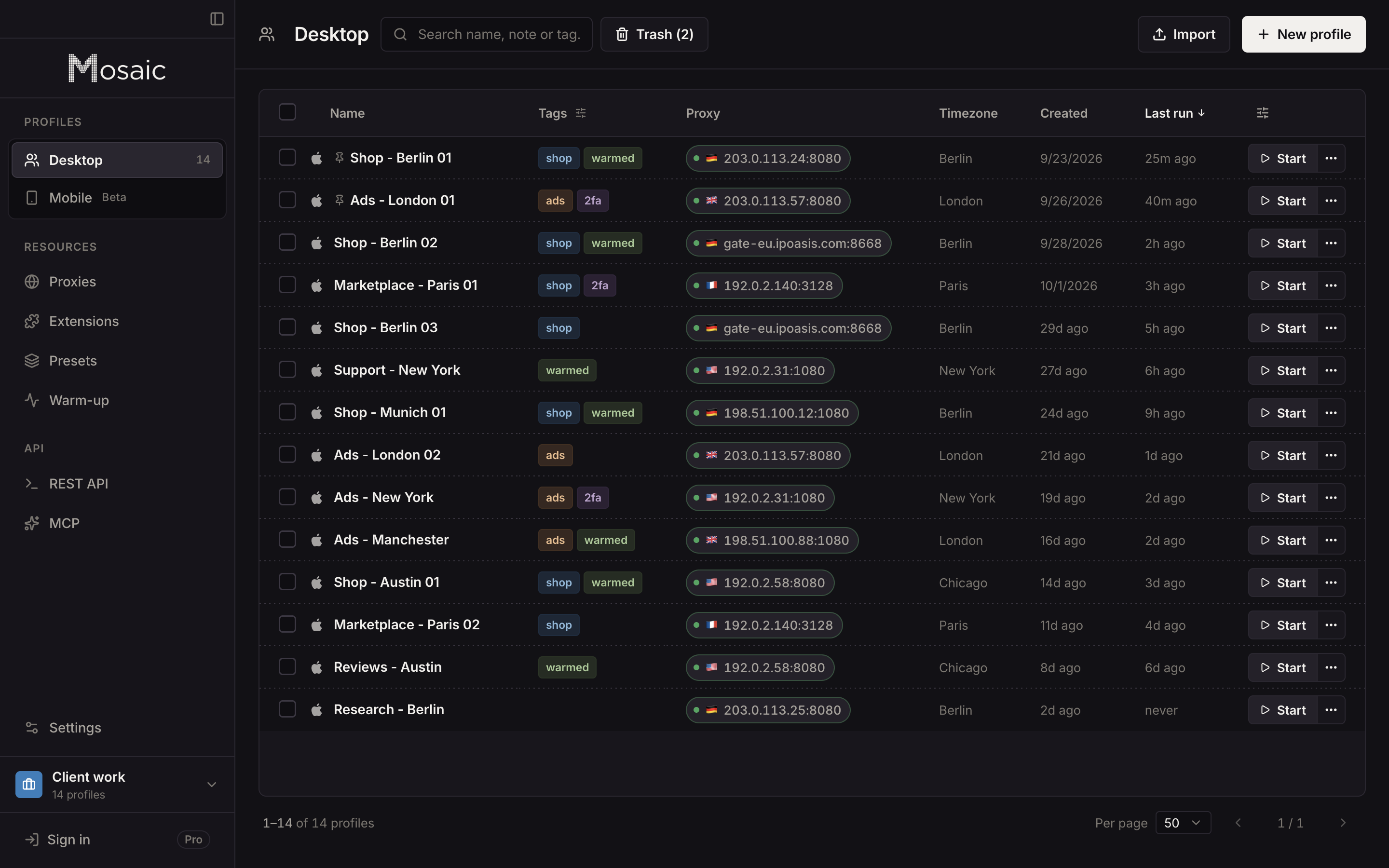
- Make one profile per account, named so a person and a model both know which is which: "Shop - Berlin 01", not "Profile 7". Tag them by client or market.
- Give each its own exit, from a provider or a proxy of its own. Check that no two profiles you want kept apart share one.
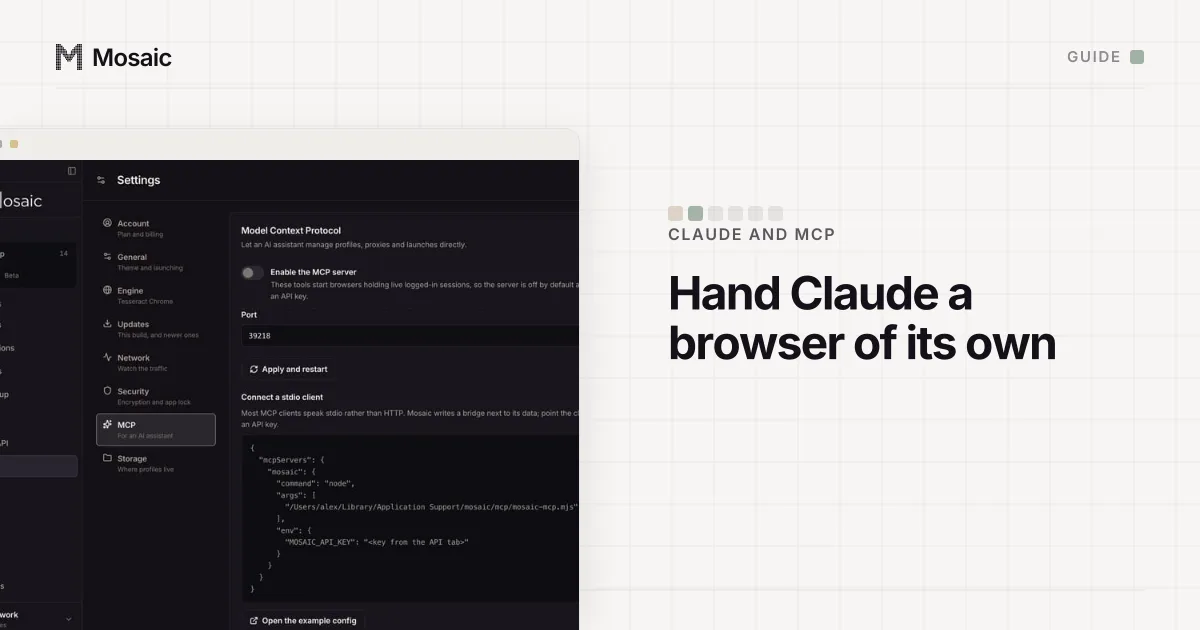
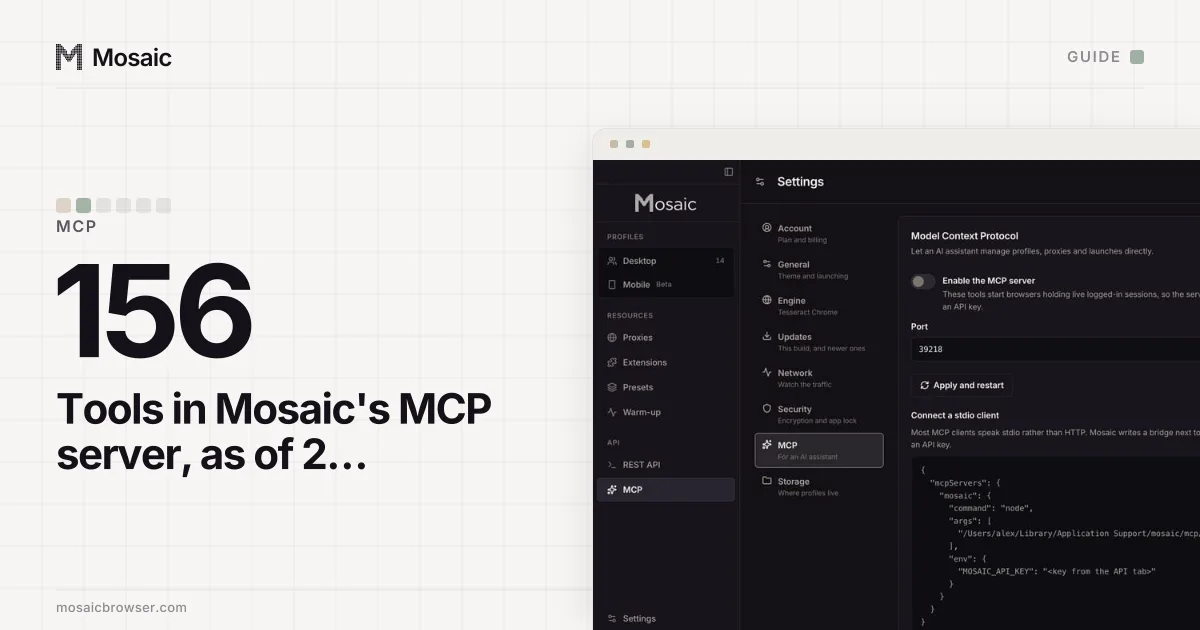
- Connect the agent. An MCP client such as Claude uses the built-in MCP server (the guide to letting Claude control a browser has the config). Agent code of your own can use the REST API and attach Playwright to the
wsEndpointa start returns. - Tell the agent the rule in plain words: work in the profile named for the account, never sign in to one account inside another's profile, and stop the profile when done.
- Keep the agent's key separate. Make an API key just for it on the API screen, so its calls show under its own name on the API activity screen and you can revoke it alone.
Several profiles at once
Every page tool takes the profile's id, so an agent can hold three profiles open and work through them in turn: snapshot one, act, snapshot the next. A ref belongs to the snapshot that made it, so after a navigation an old ref is refused by name; take a fresh snapshot each time the agent switches profile. start_profiles launches a batch one after another and reports { ok, skipped, failures } with a reason for each failure, which an agent can read and act on. For work nobody watches, agent code on the REST API can start a profile with offscreen, which parks the window off the screen while the browser stays headed; the MCP start tools open a visible window.
Where the agent should stop and ask
Some actions should come back to you, and an agent will not know which unless you say so: payments, deleting anything, changing a password, accepting new terms. Mosaic's tools do not ask for confirmation on each call. What the server does refuse is a destructive call with no scope, such as emptying the trash without naming what to empty, and an unknown field is refused with the field named, so a model that guessed a parameter finds out at once.
The AI agents page has more on why headless and hosted browsers are the wrong default, and the MCP server comparison shows how other browser servers handle profiles. Mosaic's automation surfaces are part of Pro, $49 a month with a 14-day free trial, on the pricing page.
Sources
- Instagram Help Center: Terms of Use, read November 2, 2026