To see Facebook ads from another country, you do not need to be there, or even signed in. Meta publishes every active ad in its Ad Library and lets you pick the country. What the Ad Library will not show you is the rest of the trip: the page behind the ad, in that country's language, currency and cookie banner. That half needs a browser that really is there.
How to see Facebook ads from another country in the Ad Library
- Open facebook.com/ads/library. No login is needed.
- In the location box, choose the country. When we opened it on 2 November 2026, the box was already filled in with the country our own connection came from, so change it before you search.
- Under Ad category, choose All ads.
- Type an advertiser's name or a keyword and pick from the results.
Each card shows the creative, when the ad started running and which advertiser runs it (Meta Ad Library, read 2 November 2026). For ads that ran in the EU or the UK, Meta adds a further layer of transparency specific to those regions.
What the Ad Library keeps, and for how long
The library is not an archive of everything. Meta's help page says that "for all ads, you can search for ads that are currently active", and that only ads about social issues, elections or politics are kept after they stop, for 7 years (Meta's help page, read 2 November 2026). The library's own page adds two more windows: ads that ran anywhere in the EU in the past year, and ads that ran in the UK in the past year and after 1 July 2025.
So a competitor's US campaign that ended last week is gone, while the same campaign's German version is still there for a year. A new ad takes up to 24 hours to appear after its first impression. Meta also says it may remove an ad from the library in limited cases, such as serious Community Standards violations or a valid government request.
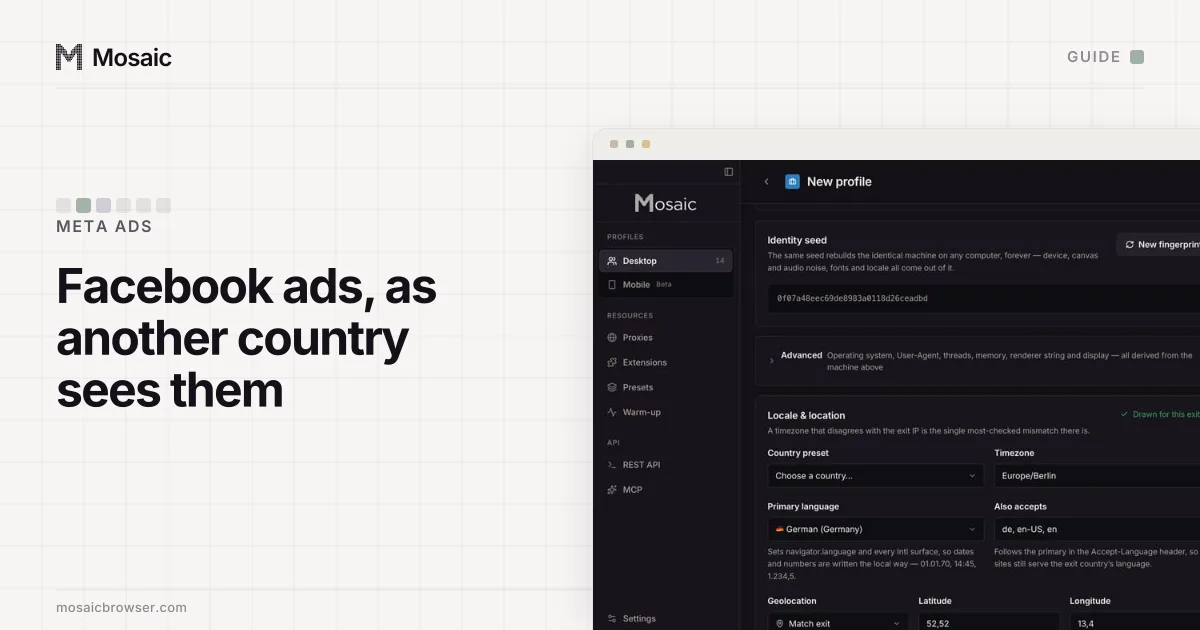
Timezone, language and location come from where the proxy comes outIn Mosaic: Matched to the exit. Timezone, language and location follow the proxy. Free holds 3 profiles. Pro is $49 a month for any number.
Mosaic is a desktop app
Email yourself the link and open it on your computer.
How it works: Matched to the exit
What the library cannot show you
It shows the ad. It does not show who was targeted, what the auction put in a given person's feed, or what happened after the click. For your own campaigns that last part is usually the one that is wrong:
- a geo-redirect that sends Belgian visitors to the French shop;
- prices in the wrong currency, or an offer that does not match the ad;
- a consent banner in the EU that covers the call to action on a phone;
- a page that loads quickly from your office and slowly from the market.
Our guide to checking your ads in different countries lists more of these and the platform tools for Google as well. The Google-only version, with Ad Preview and Diagnosis, is in how to see Google ads in another location.
Why a VPN gives you a mixed answer
A VPN changes one thing, your IP address. Your browser still asks for your own language, its clock still runs in your own time zone, and if you are signed in to Facebook, your profile brings its own history and location settings. A page that reads all of those sees a visitor from two countries at once.
Signing your own Facebook profile in from a new place has a second cost. Meta's two-factor page says it asks for a security code when someone opens a business portfolio "from a browser or mobile device Meta doesn't recognize" (two-factor authentication, read 2 November 2026). For checking landing pages you do not need to be signed in at all, and it is cleaner not to be.
How to check the click-through in Mosaic
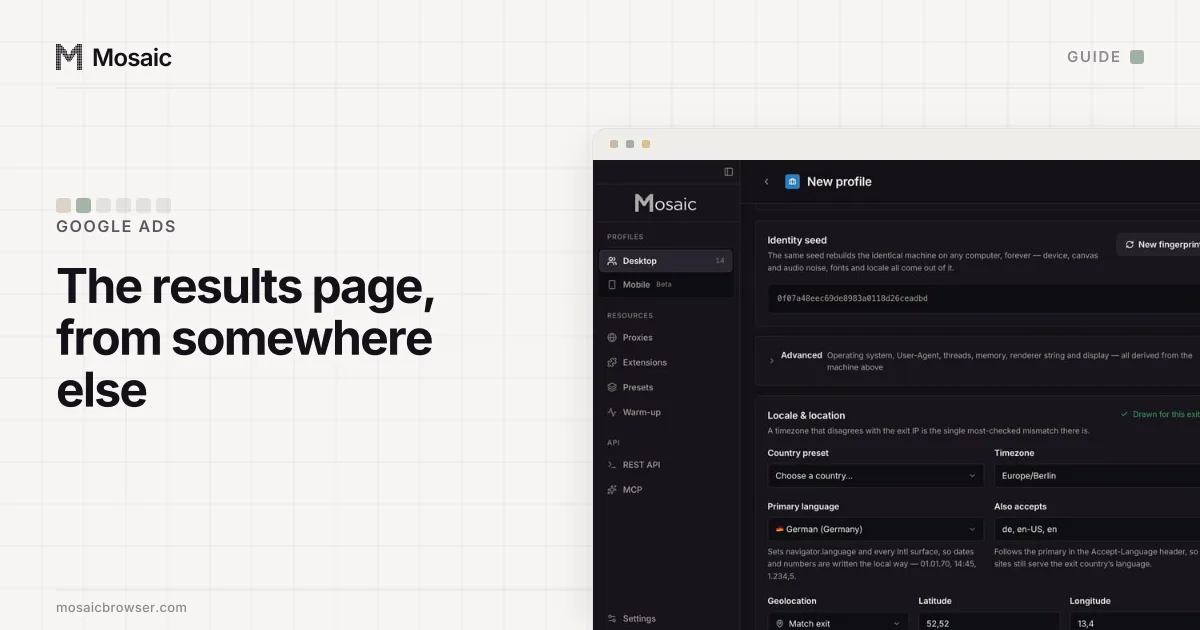
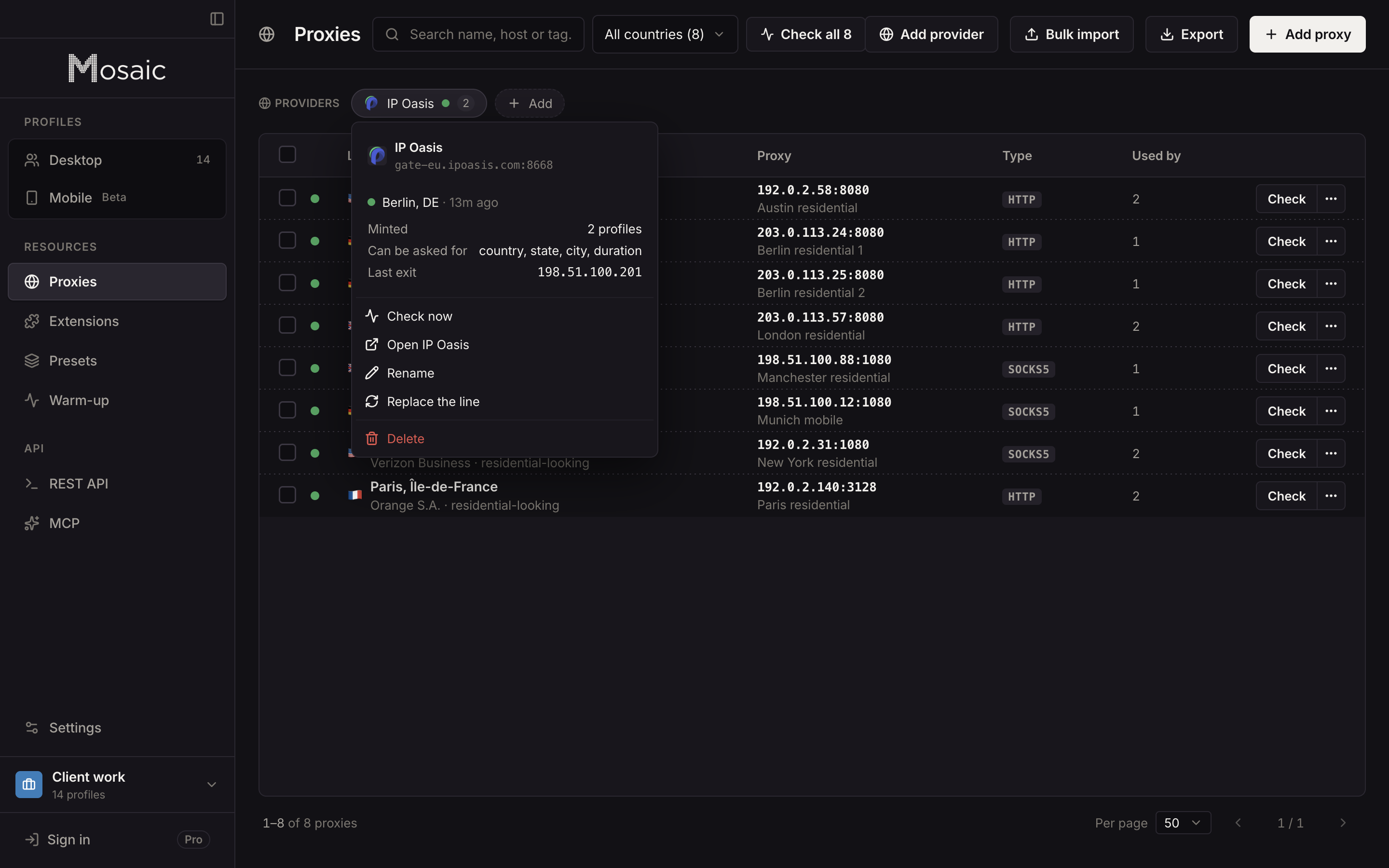
Mosaic gives a market its own profile, with its own proxy exit and its own cookies, and sets that profile's timezone, language and geolocation from the exit it measures. The detail of how the match is drawn is in exit matching.
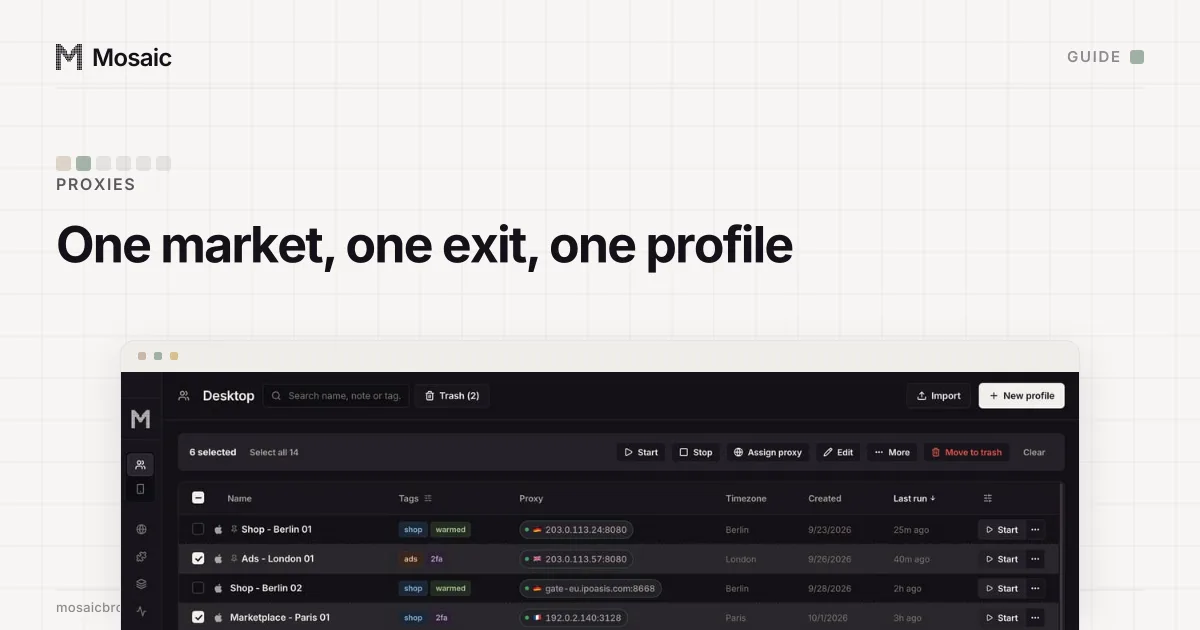
- Open Proxies › Add provider and paste one gateway line from your proxy seller's dashboard.
- Click New profile and name it after the market ("BE Brussels check"). In the profile's Connection card, pick the provider under Source, then the country.
- Start the profile. Mosaic checks that the proxy answers and tunnels before the browser opens, and refuses to launch if it does not, so the check never quietly comes from your own address.
- From the profile's row, choose Run leak test once. It reads the exit, WebRTC, timezone, language and geolocation from inside the profile's own page.
- In that browser, open the Ad Library with the same country set, and then the ad's landing page. You now see what a first-time visitor in that market sees, with no Facebook login and none of your own cookies.
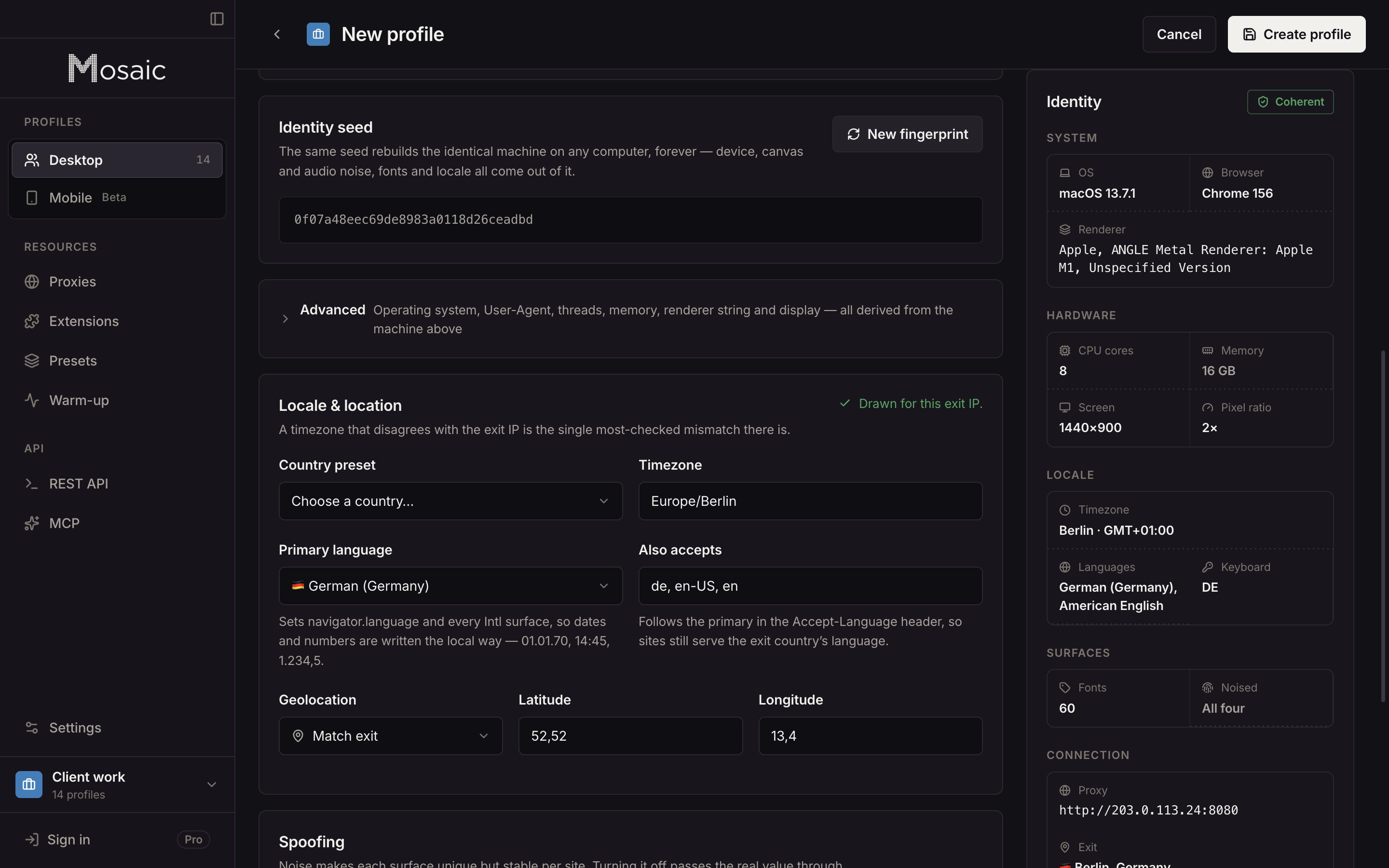
Each profile mints its own session from the provider, so a Belgian check and a Dutch check never share an exit. Residential exits are the better choice here, because a page can treat a data-centre address differently from a home connection; proxies for ad verification compares the two.
Look, do not click on your own paid ads: a click from you is a cost and a false conversion. And check what real visitors get; showing reviewers something different from what people see is cloaking, and Mosaic is not for it. The agency set-up, with a profile per client and per market, is in Mosaic for ad account management.
Sources
- Meta Ad Library, read November 2, 2026
- Facebook Help Center: What is the Meta Ad Library and how do I search it?, read November 2, 2026
- Meta Business Help Center: About two-factor authentication for your business portfolio, read November 2, 2026