Linken Sphere stores sessions locally if you ask it to. Its FAQ says a session's cookies, LocalStorage and other browsing data are not transferred when synchronization is switched off in that session's settings, and the switch can be set per session or in a preset. So Mosaic is not the only anti-detect browser that will keep a profile on your own disk. What differs is where the line sits, and which way the switch points when you never touch it.
What Linken Sphere local storage keeps, and what it sends
In Linken Sphere a profile is called a session. Each one has a synchronization setting, and the FAQ describes the two sides of it in plain terms. With sync on, the session's storage data, cookies and local storage included, goes to Linken Sphere's servers and comes back when you open it elsewhere. With sync off, that data stays on the computer.
Two things still leave with sync off, and the FAQ names them: licence status, and "session parameters, and metadata". That is the description of the session, as opposed to what it has collected while browsing. The FAQ also says all data is encrypted on disk and in transit, and that cloud-synced data is kept on the server after a licence lapses, so it is there when you renew.
The practical point for anyone who chose Linken Sphere for local storage is that the setting lives on each session. A session made from a preset gets the preset's choice. Check both, in the version you actually run, rather than assuming the default is the one you wanted.
Your profiles, cookies and proxies stay on your computerIn Mosaic: Local first. Profiles, cookies and proxies stay on your computer. Free holds 3 profiles. Pro is $49 a month for any number.
Mosaic is a desktop app
Email yourself the link and open it on your computer.
What Mosaic keeps on your computer
Mosaic has no sync switch, because there is nowhere to sync to. There is no cloud copy of a profile. Everything lives in one folder, ~/Library/Application Support/mosaic on a Mac:
- the profiles themselves, each a Chromium profile folder (ours run from 16 to 53 MB and 488 to 849 files each)
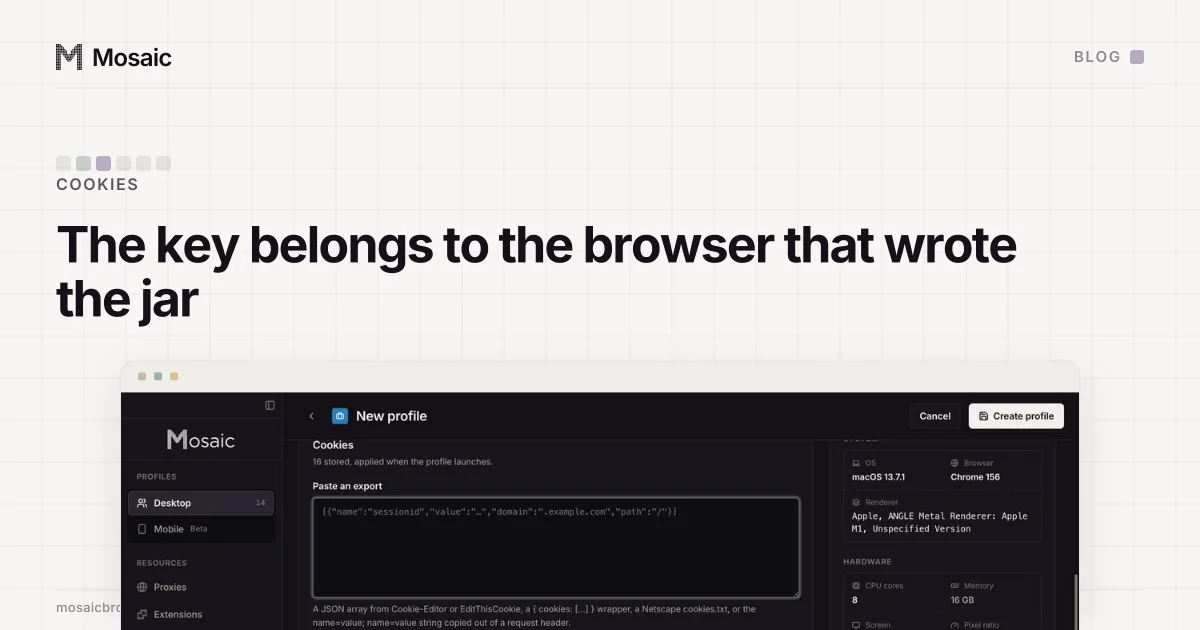
- the cookie jars, encrypted on disk
- proxies and providers, saved logins and two-factor secrets
- each profile's downloads, in a folder of their own, kept out of Spotlight and deleted with the profile
- daily backups of the library, kept for 7 days by default, and a trash that keeps profiles for 30 days
The encryption has a limit, and we would rather say it than have you find it. Without app lock, the data key sits in a file beside the data that only your user account can read. That stops another user on the machine. It does not stop someone who copies the whole folder. Turn on app lock and nothing decrypts without your password, so a copied disk is ciphertext. That one, and why the folder is the whole product, is on the local-first page.
Where the two products split
Both keep cookies off a vendor's server if you want them off. The split is in what each one is built to do next.
Linken Sphere's sync is a real feature. A session that lives on its servers can be opened from a second computer, or by a teammate, and that is a job Mosaic cannot do. Mosaic has no teams and no access from a second computer; moving a profile means exporting it to a zip and importing it on the other machine. If two people need to open the same profile in one afternoon, a synced product fits better, and saying otherwise would be untrue.
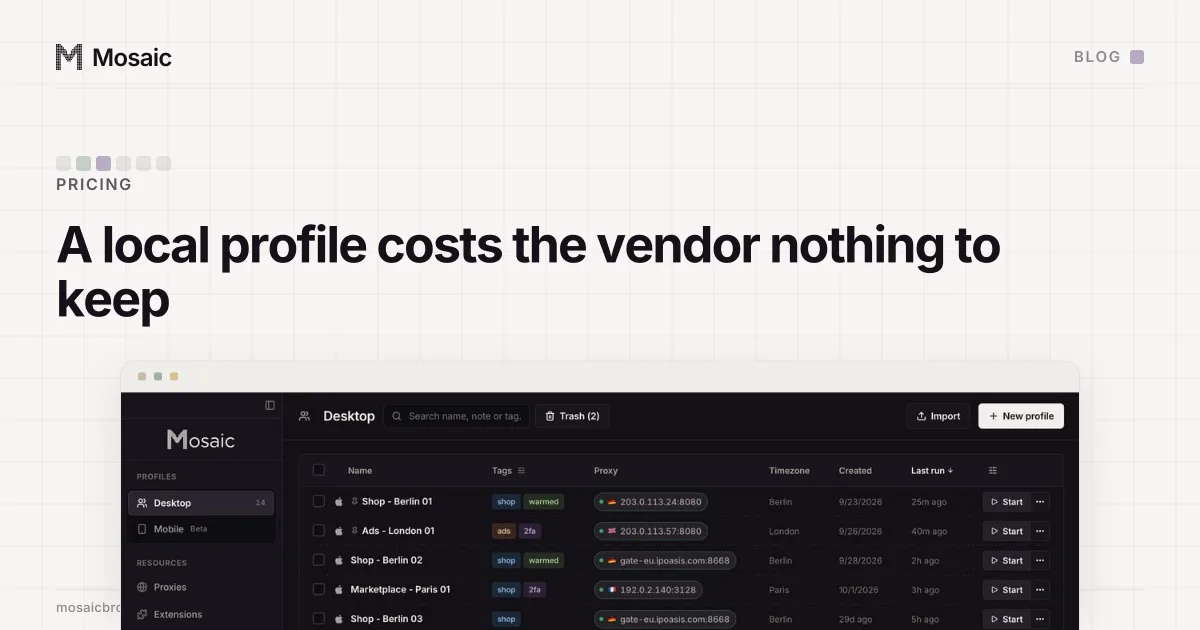
What Mosaic gives up sync for is a single answer to "where are my cookies". There is one copy, on your disk, and no setting that can quietly put a second copy somewhere else. Pricing follows the same line. A local profile costs the vendor nothing to keep, which is why products that sell both tend to count the cloud ones (why only cloud profiles get counted has the arithmetic).
Questions to ask any local-first product
The phrase covers a lot of designs, so it helps to ask the same five things of every product that uses it, Mosaic included:
- Which parts of a profile stay on the disk: cookies only, or history, storage, logins and downloads too?
- What still goes to the vendor when local storage is on, in its own words?
- Is local storage the default for a new profile, or a switch you have to find?
- Is the data encrypted on disk, and what does it take to decrypt a copied folder?
- What happens to a profile when the licence ends?
The traffic itself is a separate question. Whatever a browser keeps locally, every page you open through a proxy passes through the proxy seller's network, and what a proxy provider can see covers what that seller learns. For how the field as a whole handles storage, sync and teams, see the anti-detect browsers we compared.