The difference between local profiles and cloud profiles in an anti-detect browser is where the master copy of each profile lives: on your own disk, or on the vendor's servers. Products that sell both tend to let you make local profiles freely and put the number on the cloud ones. That split is not a marketing choice. It is the vendor's cost sheet showing through the pricing page.
What is in a profile, and where it sits
A browser profile is a folder. It holds cookies, local storage, IndexedDB, history, the browser's own settings and, in an anti-detect browser, the record of which machine the profile claims to be. Ours, measured on disk, run from 16 to 53 MB and from 488 to 849 files each.
A local profile keeps that folder on your computer and nowhere else. When you open it, the browser starts from the folder; when you close it, the folder is simply where it was.
A cloud profile keeps the master copy on the vendor's side. Opening it usually means fetching the folder, unpacking it, running the browser, then packing up whatever changed and sending it back when the window closes. Every session is a download and an upload, and every profile is storage the vendor pays for whether you open it or not.
Your profiles, cookies and proxies stay on your computerIn Mosaic: Local first. Profiles, cookies and proxies stay on your computer. Free holds 3 profiles. Pro is $49 a month for any number.
Mosaic is a desktop app
Email yourself the link and open it on your computer.
Why the local kind is the one left unlimited
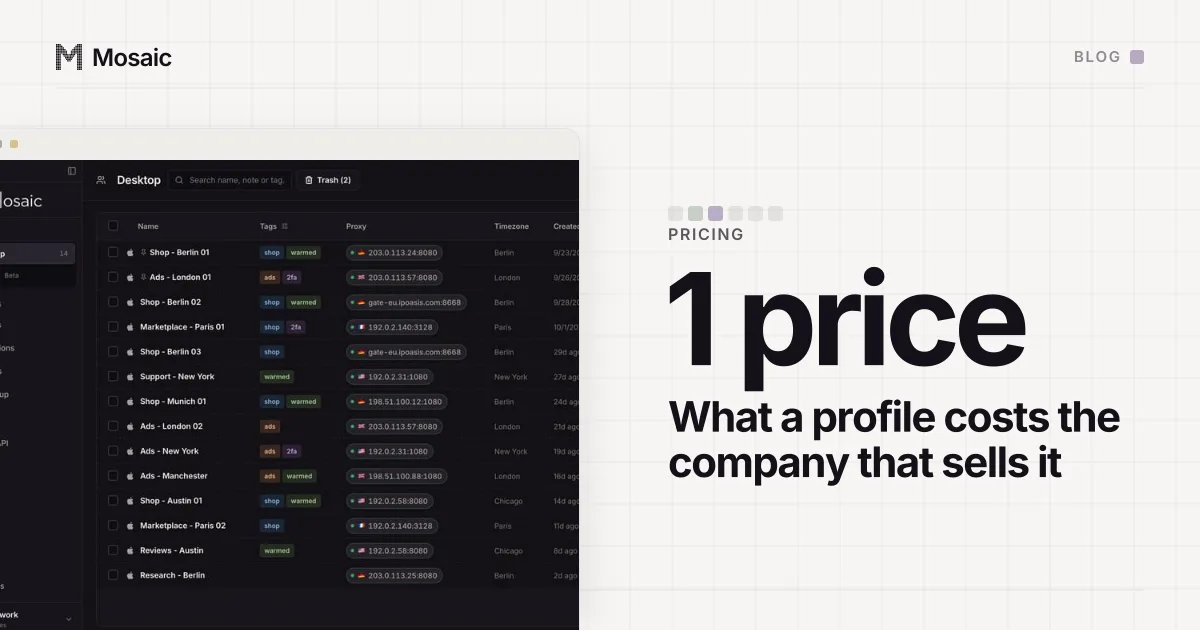
Count what each kind costs the company that sells it.
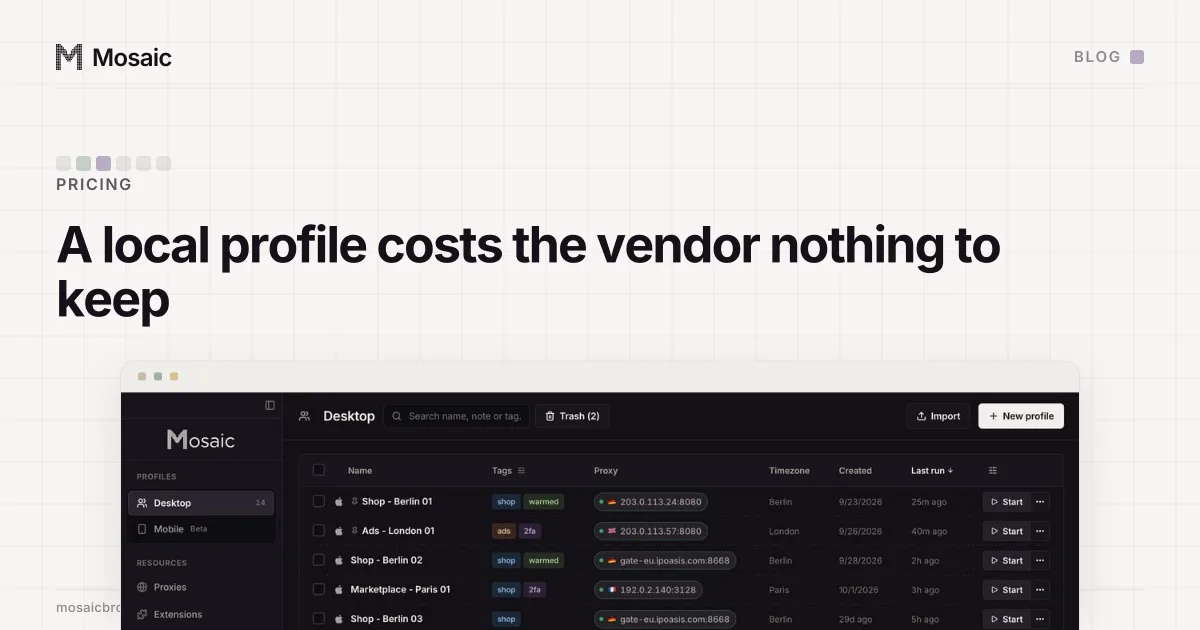
A local profile costs the vendor nothing after you install the app. The disk is yours, the bandwidth is yours, the CPU that runs the browser is yours. Profile number 300 costs the vendor exactly what profile number 3 did, which is nothing. A limit on local profiles is a price point, not a cost being recovered.
A cloud profile has a running cost. It is a few tens of megabytes sitting on the vendor's storage for months, plus a round trip on every open and close, plus the work of resolving what happens when two people open it at once. Multiply by a library of hundreds and it is a real line on somebody's bill.
So when one product offers both, the honest pricing is the one that meters cloud profiles and leaves local ones alone, and that is the shape you tend to find. It is also the market saying out loud what we wrote about in why anti-detect browsers cost what they cost: most of the price of a profile is the cost of storing it for you. A product that charges per profile and keeps every profile on your disk is charging for a cost it does not have.
What cloud profiles are genuinely for
A cloud profile does two jobs a local one cannot. You can open the same profile on a second computer, and a colleague can open it on theirs. For a team that hands accounts between shifts, or a person who works from a laptop and a desktop, that is the whole point, and paying for the storage is paying for a real service.
The price is where your sign-ins live. A cookie jar is a credential: a valid session cookie signs a browser in without the password, and on many sites without the two-factor code. A cloud profile puts that working sign-in on a company's servers under its encryption and its retention rules. Free plans that are cloud-only make that trade before you have decided whether to trust the vendor at all.
There is also a quieter cost. Sync is a merge. Two machines opening one profile, or a close that never finishes uploading, can leave a profile older than you think, and a profile that suddenly forgets a login looks to the site like a new device.
Local profiles vs cloud profiles: how to choose
Ask two questions. Does anyone other than you, or any computer other than this one, need to open the profile? If yes, you need cloud profiles or something like them, and the vendor's storage limit is a fair thing to pay for. If no, a cloud copy buys you nothing except a second place your cookies are kept.
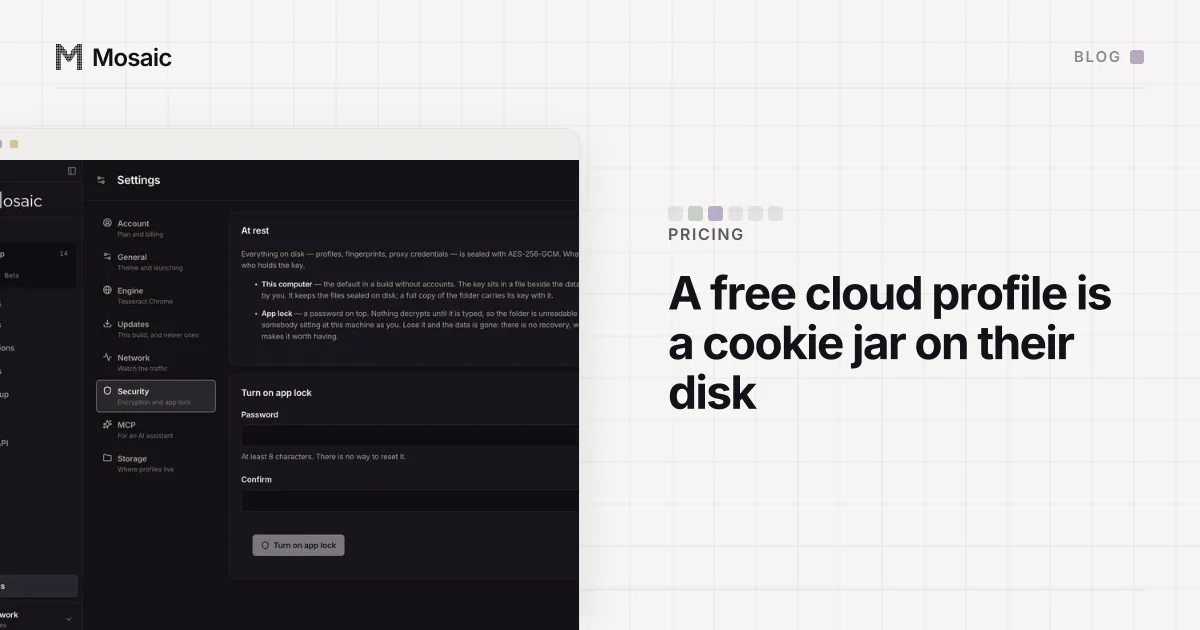
Then ask what protects the local copy, because a local profile is only as safe as the disk it sits on. You want the store encrypted at rest, a password that has to be typed before anything decrypts, and backups you can restore without the vendor.
Pricing models are worth reading with the same arithmetic. Some vendors count profiles, some count browsers open at the same time, and some count both. The model that matches the cost is the one where you pay for what the vendor actually stores or serves.
Where Mosaic sits
Mosaic is local only. Mosaic has no cloud copy of your profiles: profiles, cookies and proxies stay on your computer. The store and cookie jars are encrypted on disk, and with app lock on nothing decrypts without your password. The library takes a daily snapshot, kept for 7 days by default, and a trashed profile waits 30 days before it is gone.
That also means we cannot do the things cloud profiles do. Mosaic has no sync, no access from a second computer and no team sharing; a profile lives on the computer that made it, and moving one means exporting a zip and importing it. If you need a profile on two machines, a cloud product is doing a job we do not.
Because a profile on your own disk costs us nothing to keep, Pro does not charge per profile. The free plan's limits and Pro's price are on the pricing page, and the rest of the local-first design is on local first.