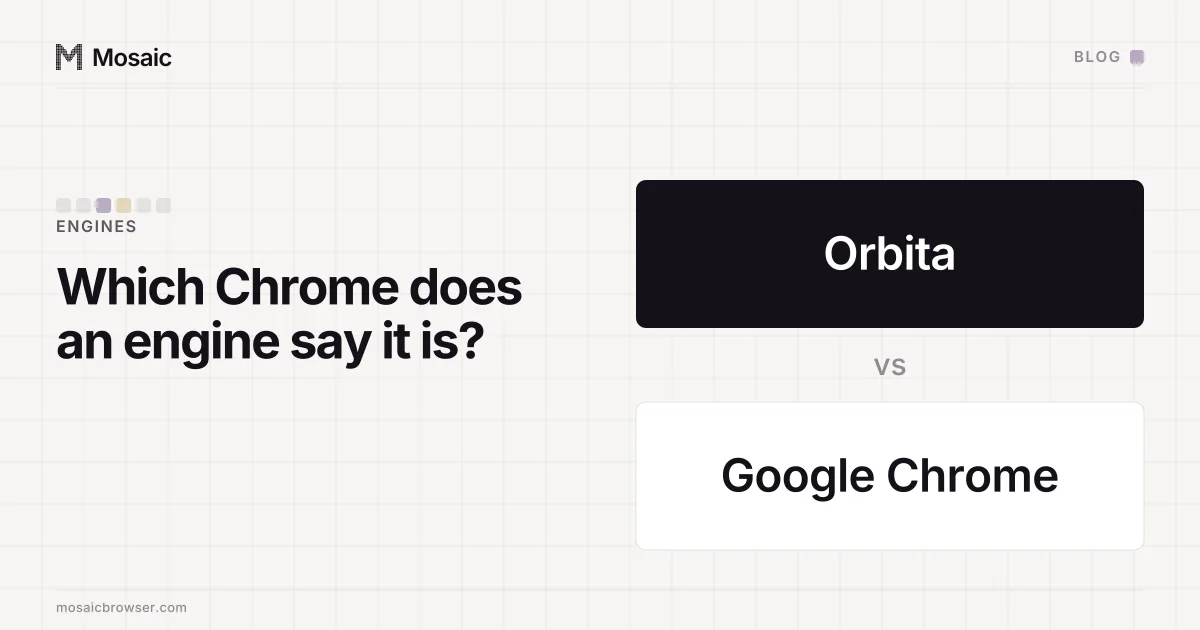
Orbita is GoLogin's own browser, the one a GoLogin profile runs in. GoLogin's help article on Orbita puts it simply: when you click Run on a profile, "a browser window opens. That browser is Orbita." It looks like Google Chrome and is, in GoLogin's words, "built on the same open-source foundation as Chrome", which is Chromium. The difference is in what it tells websites about the computer.
We make a different anti-detect browser, so this is not an outside reviewer's view. Everything below about Orbita comes from GoLogin's own help pages, with no version numbers in it, because those change. The second half is a check you can run on Orbita, on our engine or on any other, to see which Chrome it claims to be.
What GoLogin says Orbita changes
GoLogin's article lists what Orbita answers with the profile's values instead of the computer's real ones:
- the browser version and operating system reported to sites
- screen size and resolution
- graphics card details
- the list of fonts available on the device
- how the browser renders graphics and audio
- timezone and language
- IP exposure through WebRTC
It adds "some more things under the hood", and says each profile keeps its own cookies, saved logins, history and session data. GoLogin also has an Android app that, by the same article, uses Orbita as its engine. The article says the changes are invisible to the person browsing. Bookmarks, extensions, shortcuts and developer tools work as they do in Chrome.
None of that is unusual for the category. Any anti-detect browser has to answer the same questions. Where products differ is in how and where the values are changed, and whether the answers agree with each other.
The fingerprint is changed inside the engine, not painted on topIn Mosaic: Its own Chromium. Tesseract Chrome: values changed in C++, not JavaScript. Free holds 3 profiles. Pro is $49 a month for any number.
Mosaic is a desktop app
Email yourself the link and open it on your computer.
How it works: Its own Chromium
"Orbita tracks Chrome's version releases"
That is the line in GoLogin's article that matters most for a reader checking things for themselves. It goes on: "a browser reporting an outdated version looks suspicious to websites", GoLogin updates Orbita regularly, and you can update individual profiles to the latest browser version from the profile menu. Its advice for older profiles is to check, from the three-dot menu, that they run the latest version.
Read together, those sentences say that the browser version belongs to each profile as well as to the app. Two GoLogin profiles created a long time apart can run different Orbita versions, and so claim different Chrome majors, until each is updated. That is GoLogin's design described in its own words, and it explains why its help centre asks you to look.
How to check which Chrome major any engine claims
This works on Orbita, on our engine and on stock Chrome. Run it inside the profile you want to know about.
- Read the major.
navigator.userAgentcarries it asChrome/<major>.0.0.0. TheSec-CH-UArequest header andnavigator.userAgentData.brandscarry it as a brand list. - Read the full build.
navigator.userAgentData.getHighEntropyValues(['fullVersionList'])returns the four-part version, for example<major>.0.<build>.<patch>. - Look the build up in Google's own listings: the Chromium Dash schedule for when each major reached stable, and the Chrome Releases blog for the exact builds Google shipped.
- Compare. The major should be one real people are still running, and the full build should be one Google actually released for that platform.
- Check the brand list against the User-Agent. A brand list naming
Chromiumbeside a User-Agent claiming plain Chrome disagrees with itself.
Steps 2 and 4 are the ones people skip, and both have caught our own engine.
Three ways a version claim contradicts itself
We have got each of these wrong at some point, so these come from our own work rather than anyone else's.
A full version with no build number. For a while our engine reported uaFullVersion as the bare string "153". No Chrome that has ever shipped does that, and a page reads it with one call. The fix was to send the engine's own four-part build, after which FingerprintJS's confidence figure matched the one it gives a stock Chrome on the same machine.
A build that was never released. The four-part version we then reported, 153.0.8010.37, was our own build's number, and it was never a stable Chrome Google shipped. We tried claiming the real stable build of that major, 153.0.8010.52, to see whether IPHey's score moved. It did not. The .37 was still a claim a released Chrome does not make, and step 3 finds that kind in a minute. Our build script can ask Google's version history for the current stable release on the platform, so the number we build is one Google shipped.
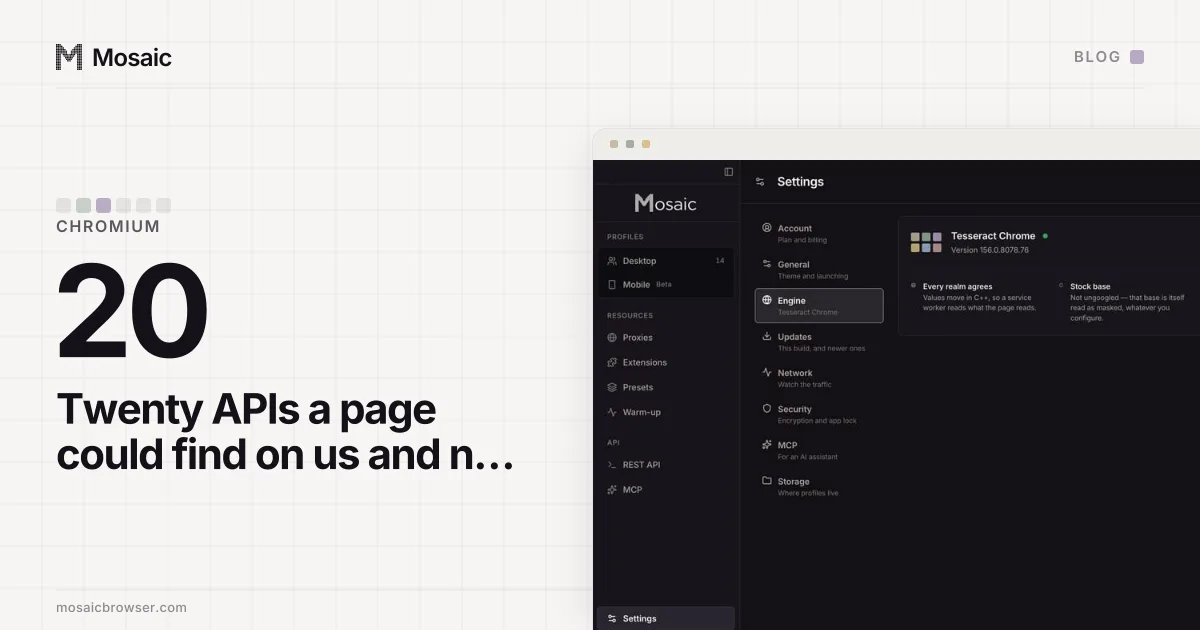
Features that belong to another browser. An unbranded Chromium carries field trials Google Chrome does not run. Against Chrome 153 on our build Mac that was twenty API differences, each of them visible to a page listing properties. A version string can be right while the feature set says something else.
Where Mosaic stands on this
Our engine is Tesseract Chrome: stock Chromium source with our patches applied, tracking a current stable Chrome major. When a profile's claimed major matches the engine's, it reports the engine's own build number, because that is the browser actually answering. The values a profile claims are changed in the engine's C++ rather than by a page script, and C++, not JavaScript explains why that matters for consistency. Mosaic also imports GoLogin profile exports, mapping names, notes, proxies, start pages, cookies where present and the fingerprint fields GoLogin recorded. Whichever browser you use, the five steps above take a few minutes and tell you what each profile claims.