Managing multiple social media accounts with residential proxies sounds like a proxy problem, and the proxy pages that rank for it tend to sell the proxy as the whole answer. It is one piece. A residential proxy changes the address a platform sees, from your office line to a household connection somewhere else. It does nothing about the cookies, the device fingerprint or the habits that also tie accounts together, and it does not change how many accounts a platform lets you run.
Platforms differ on that number. Instagram lets one person add several accounts and switch between them (Help Center); LinkedIn allows "only one LinkedIn account", in your real name (User Agreement); both read 2 November 2026. Mosaic keeps accounts you are entitled to run apart; it does not change what a platform allows. A proxy is not a way back onto a platform that closed an account, and nothing here is about that.
What a residential proxy changes, and what it leaves alone
An agency signing in to twelve clients' accounts from one office sends twelve unrelated businesses through one address. A residential proxy per account splits that: each account signs in through its own residential exit, an address an internet provider assigned to a home, in the city the account belongs to.
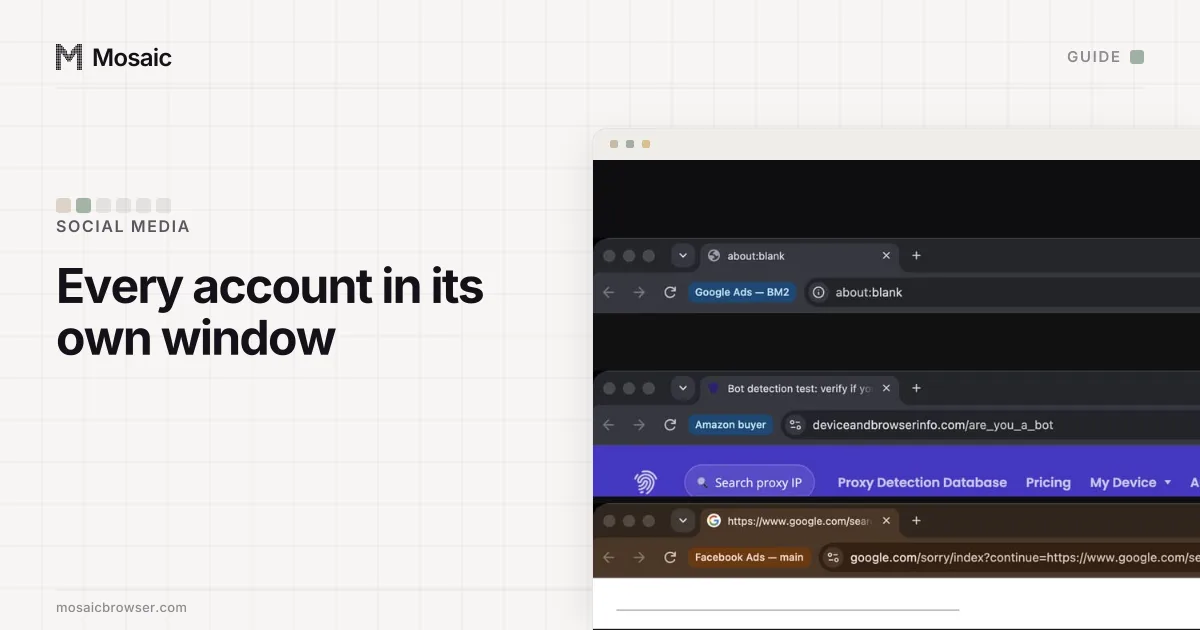
Three things stay exactly as they were. Cookies live in the browser, so two accounts signed in through one browser still share a cookie jar whatever the proxy. The fingerprint (screen, graphics card, fonts, timezone) comes from your computer, so every account reports the same device. And the timezone your browser reports is still your own, which means an account exiting in Lisbon with a browser clock set to Chicago contradicts itself. That last one is the first comparison a scanner makes.
So a residential proxy only does its job with a separate browser profile per account, and with that profile's timezone and language set from the exit.
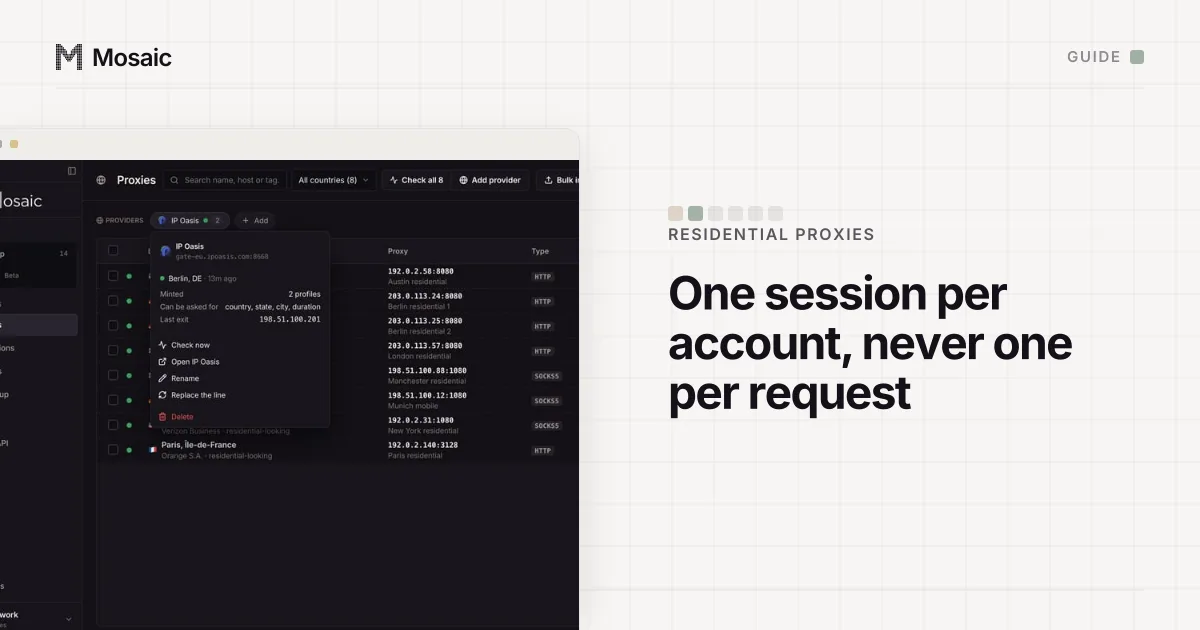
Paste one gateway line. Every profile mints its own exitIn Mosaic: Provider minting. One gateway line, a separate exit for every profile. Free holds 3 profiles. Pro is $49 a month for any number.
Mosaic is a desktop app
Email yourself the link and open it on your computer.
How it works: Provider minting
Sticky sessions, not rotation
Residential sellers sell two modes. Rotating gives a new address per connection or every few minutes, which suits collecting public pages. Sticky keeps one address for a set time, and a signed-in account needs that, because it should look like one person on one connection.
Sessions are shorter than people assume. Oxylabs documents a default of 10 minutes, or 60 seconds without a request, extendable with a sesstime option (Oxylabs). Bright Data's residential FAQ says a session keeps its address for up to 5 minutes of idle time (Bright Data). Both read 2 November 2026. A social account lives for years, so the session will end; what you control is where the next one lands. Ask for the account's city every time, so a new session moves it across town rather than across the country.
For the few accounts that must keep one address for weeks, a static ISP proxy is the better product; the trade-offs are in the best residential proxies for multiple accounts.
One session per account
A seller's gateway is one host and port for every customer. What makes an exit yours is the session id written into the username. Same id, same address. So the most common mistake is pasting one gateway line, unchanged, into every account's browser: that is every account on one address, which is where you started, only slower.
The rule is one session id per account, never shared, and never changed by hand between sign-ins.
When the exit dies
A residential exit is somebody's home connection, and it goes offline. We measured it on IP Oasis: of forty fresh sessions, the twenty-ninth came back 504 and stayed dead for all four attempts on that session, while of the next three fresh sessions, two answered 200. Retrying a dead session does not bring it back. The fix is a new session in the same city, and the account then signs in from the new address.
Before trusting an account to any session, check that it answers, where it really exits and whether the address is on a blocklist; how to check a proxy before you use it has each check.
Managing multiple social media accounts with residential proxies in Mosaic
In Mosaic a proxy seller's gateway line is pasted once as a provider, and every profile mints its own sticky session from it, so no two profiles share an exit by accident. Country, state, city and session minutes are offered per profile where the seller's line format has a word for them; a pick the seller cannot spell is refused by name rather than quietly dropped.
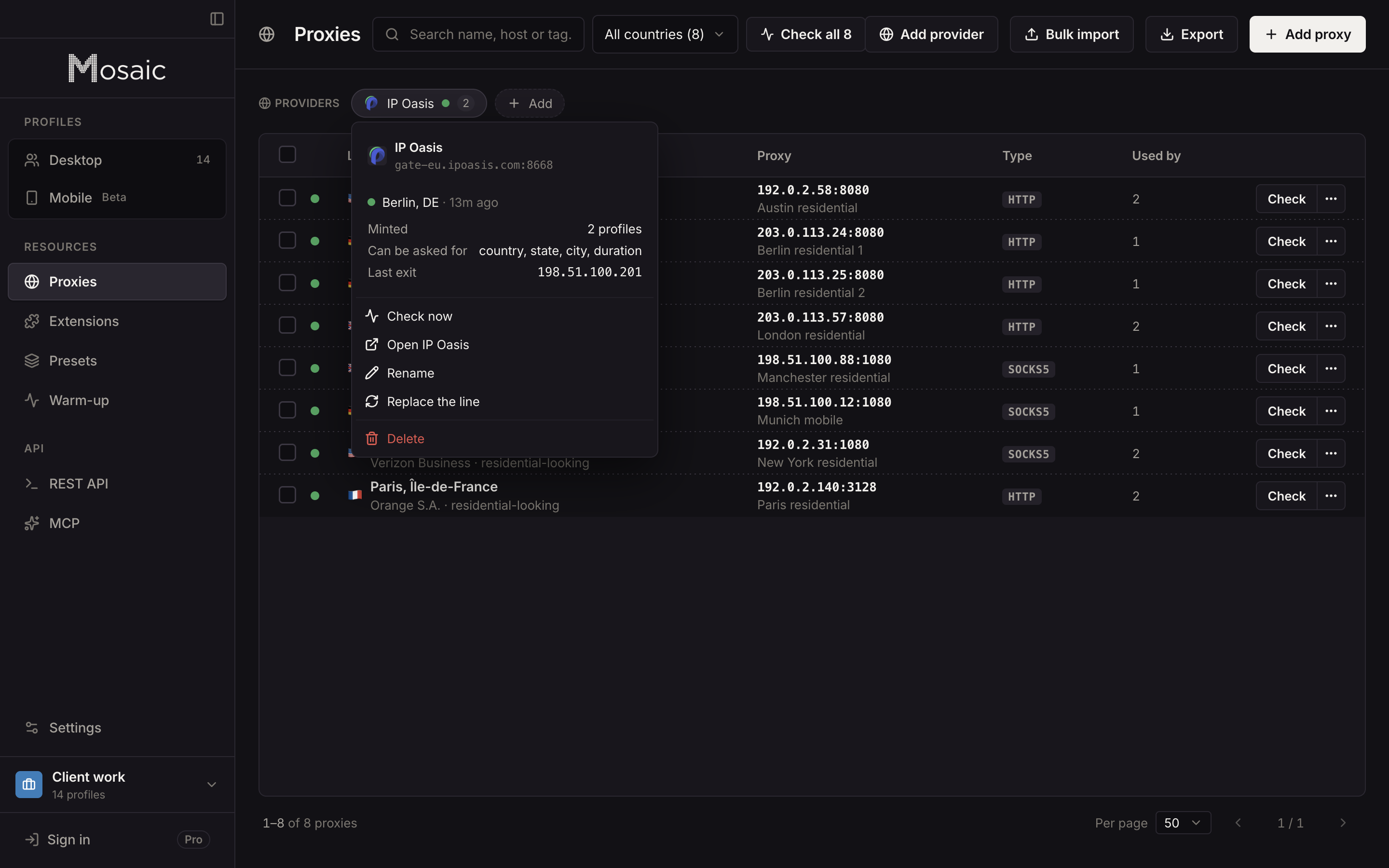
The rest of this page is handled at launch:
- The proxy is checked before the profile opens; if it does not answer and tunnel, the launch stops and says why.
- The profile's timezone, language and geolocation follow the measured exit.
- With a proxy attached, the engine stops WebRTC from going around the proxy and exposing your real address.
- A session Mosaic minted that turns out dead is replaced with a different one; a session you pinned by hand is never moved.
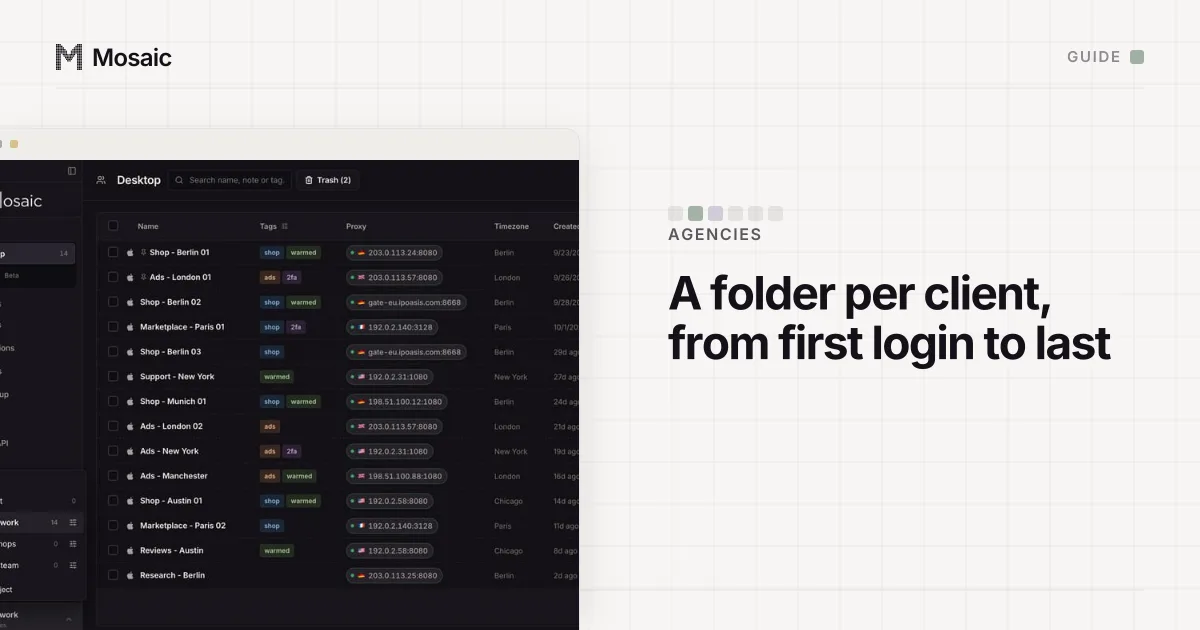
Each profile is also its own cookie jar and its own fingerprint, drawn from real hardware, so the address is not the only thing that differs between accounts. How this fits the wider routine, with schedulers and platform roles, is in how to manage multiple social media accounts.
Sources
- Oxylabs Developers: Residential proxies session control, read November 2, 2026
- Bright Data Docs: Residential products FAQ, read November 2, 2026
- Instagram Help Center: Add and switch between multiple accounts, read November 2, 2026
- LinkedIn User Agreement, read November 2, 2026