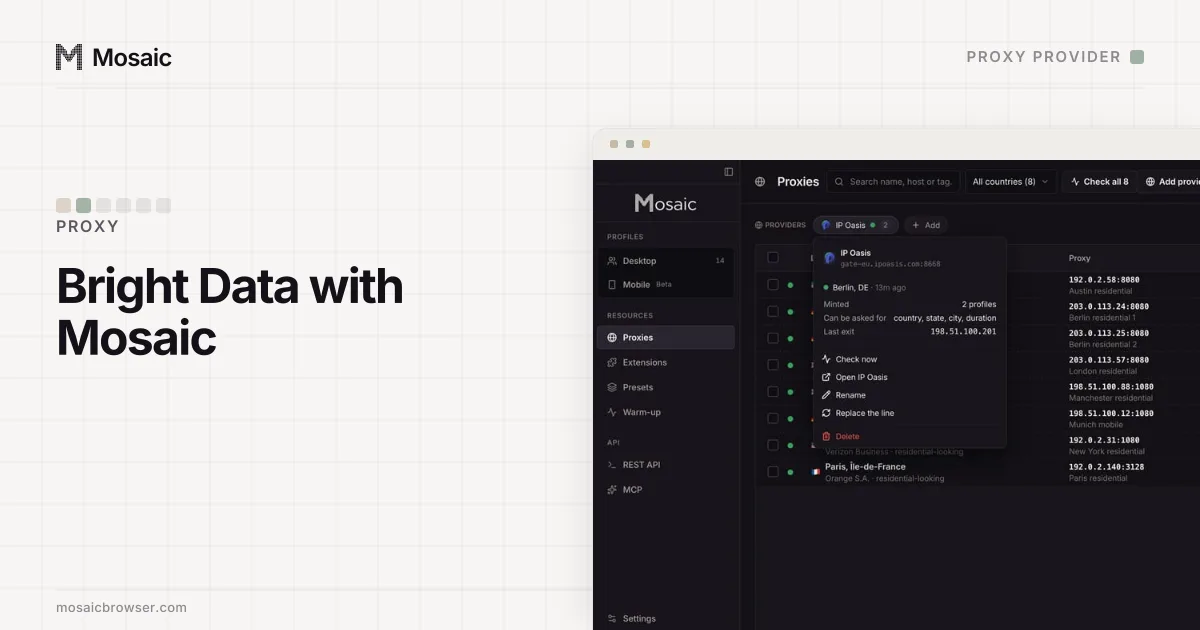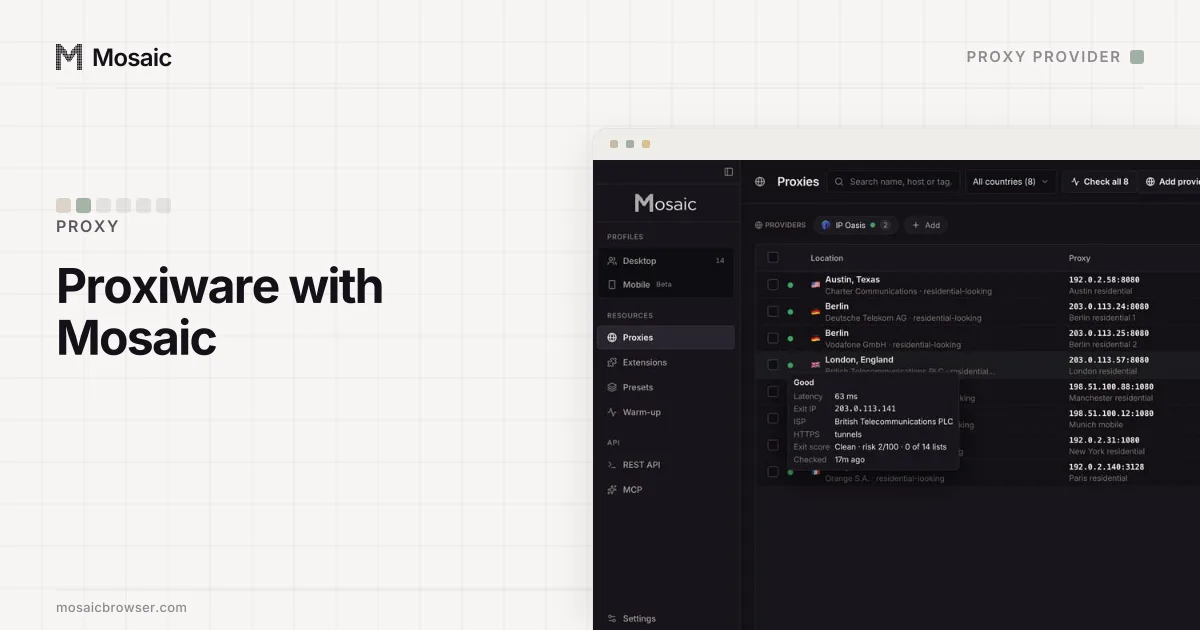
We make Mosaic, the local-first anti-detect browser; Proxiware is a proxy seller you bring your own account to. This page is the setup, not a review of Proxiware's network.
Proxiware gives you one gateway line with your account's tokens in it. Mosaic read Proxiware's gateway line from a real account, so the separator, the place tokens and the session shape are read off that line rather than retyped.
Proxiware carries a session id and a time-to-live on the username, so a profile keeps the same exit for as long as that lifetime.
Connect Proxiware to Mosaic
- In Proxiware's dashboard, copy the gateway line for the pool you want, with your username and password in it.
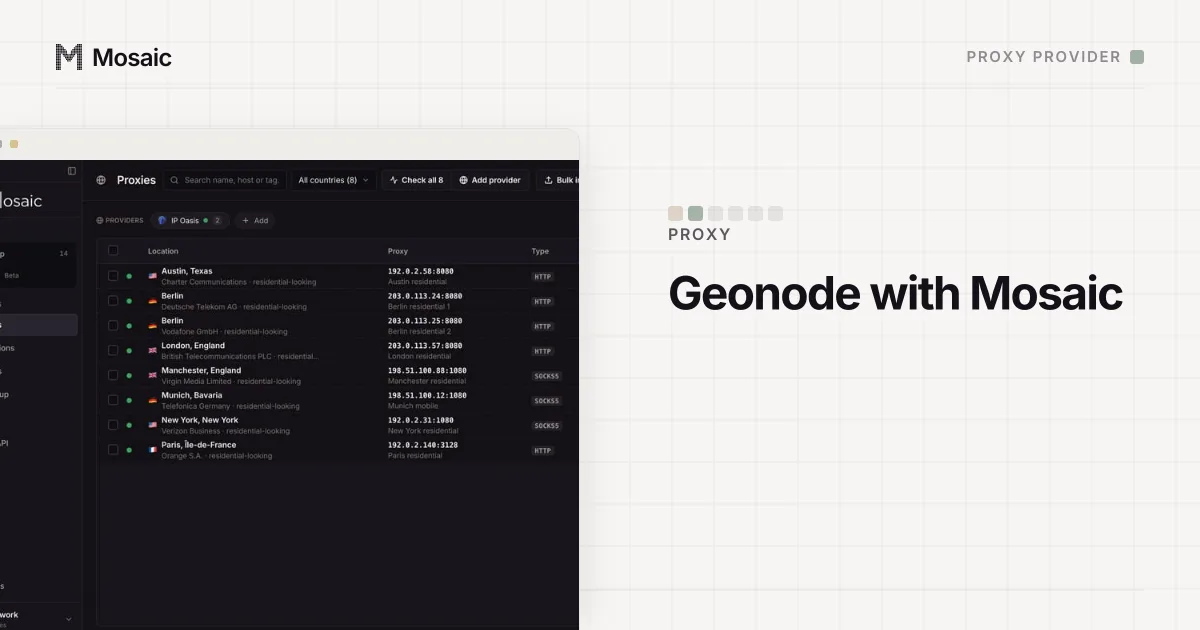
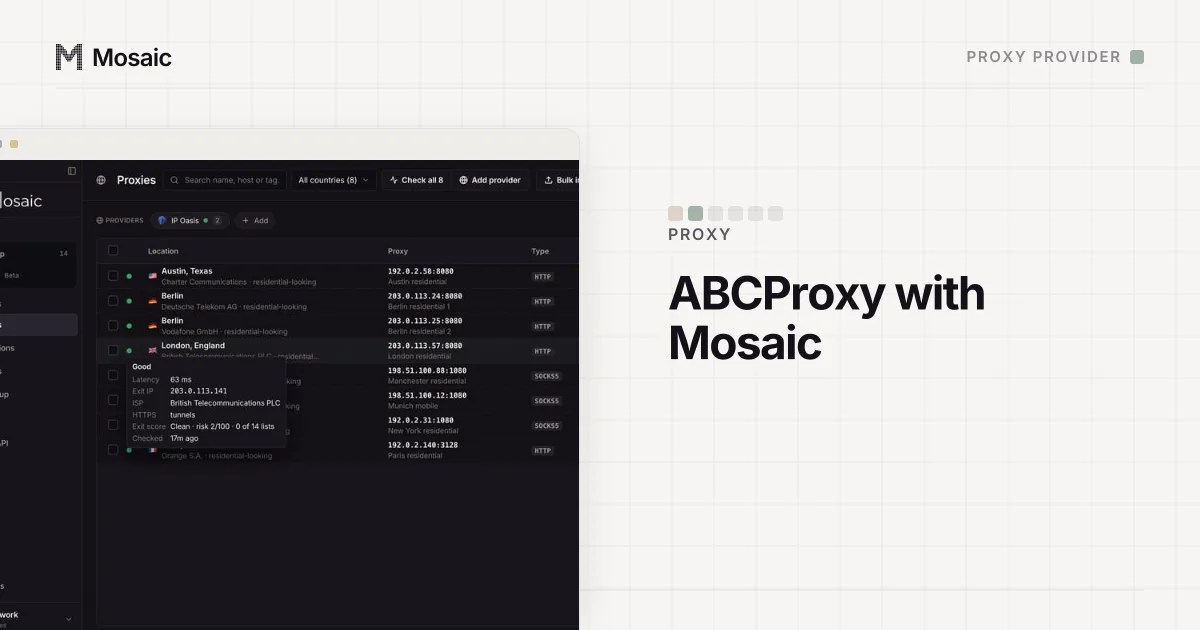
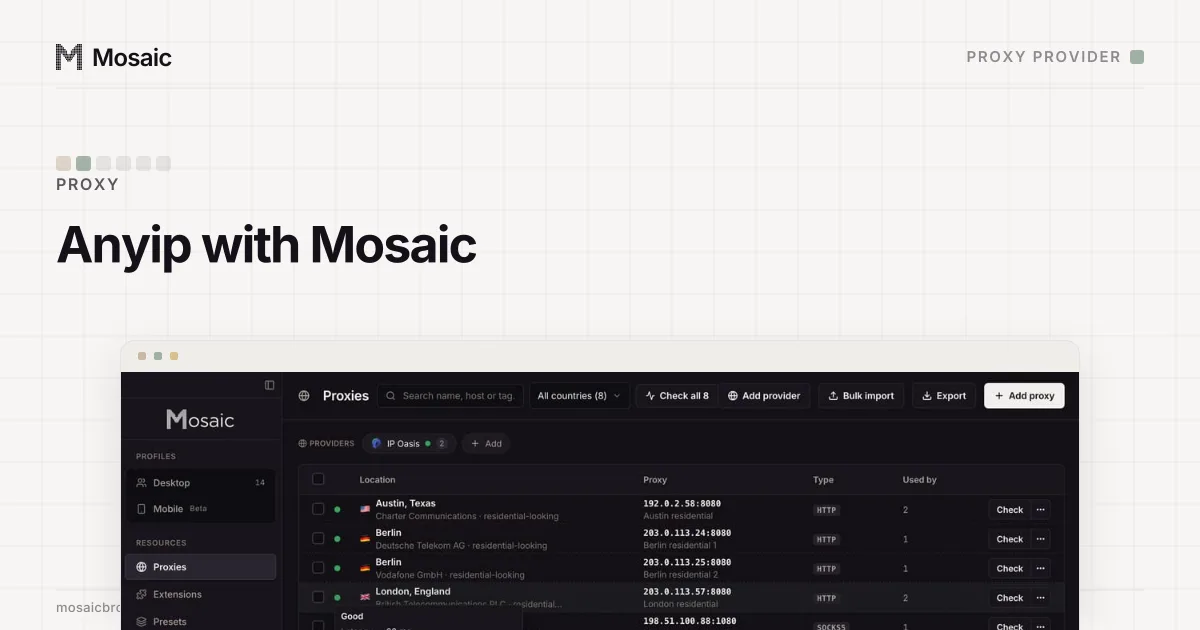
- In Mosaic, open a profile's proxy field, or the Proxies screen, and paste the line. Mosaic detects it as Proxiware and saves it as a provider you can reuse.
- Attach the Proxiware line to each profile. Mosaic checks the exit it reaches before the browser opens.
- Press Start. Mosaic checks the proxy before every launch and will not open the browser until Proxiware has answered and tunnelled, so a dead proxy never leaks your own address.
Proxiware's line has no session token Mosaic reads, so profiles share its rotation unless you paste one of Proxiware's own sticky endpoints. If a Proxiware endpoint stops answering, the launch stops and names what failed, so you fix the line rather than browse on your own IP.
Paste one gateway line. Every profile mints its own exitIn Mosaic: Provider minting. One gateway line, a separate exit for every profile. Free holds 3 profiles. Pro is $49 a month for any number.
Mosaic is a desktop app
Email yourself the link and open it on your computer.
How it works: Provider minting
What you can set per profile with Proxiware
Proxiware's line carries the exit country, so those are what Mosaic lets you choose per profile. Pick country in Proxiware's own words, and the exit matches. A pick Proxiware has no word for is refused by name, because a token a gateway silently ignores would put the profile somewhere else without telling you. The words Mosaic does not recognise still survive, because the line is copied rather than rebuilt, so an option Proxiware added that Mosaic has never seen still reaches the exit.
What Mosaic does with the Proxiware exit
Once a Proxiware proxy is checked, Mosaic reads the public address and city it comes out at and matches the profile to it: the timezone, the languages and the geolocation are set from the exit, not from the proxy's label. Mosaic also stops WebRTC from going around the Proxiware proxy, so a page cannot read your real address that way. The authentication runs through a local relay, so a Proxiware login works over HTTP, HTTPS and SOCKS5, including SOCKS5 with a username and password, which Chrome cannot log in to on its own.
The honest limits
Mosaic does not sell proxies or proxy traffic; the Proxiware bill is between you and Proxiware. Mosaic read Proxiware's format from a real line, but a proxy pool still changes under you, which is why every Proxiware proxy is checked again before each launch. Whether to run several accounts on Proxiware exits is the platform's rule, not ours: Mosaic keeps accounts you are entitled to run apart, and does not change what a site allows.
If you are still choosing a seller, the proxies worth using with an anti-detect browser sets out what to look for, and rotating against sticky sessions explains which kind each job wants. Mosaic Pro is $49 a month for any number of profiles, with the first 14 days free, and Free holds 3 profiles.