To manage multiple supplier portal logins, keep each one with the business it buys for, not in one long list. A seller with three stores ends up with a wholesale account, a dropship feed, a packaging supplier and a freight portal per store, each registered to that store's company, address and card. File them by store, with the two-factor key and the notes beside each password, and the question "which login is this" has an answer before it comes up.
Supplier portals are the logins nobody plans for. The marketplace accounts get attention because they are the business. The supplier accounts arrive one at a time, months apart, each one when a new product line needs stock. A year in, there are twenty of them, and they live wherever they happened to be saved.
Why the usual places mix them up
The usual home is the browser's own saved passwords. It works with one store. With three, the browser's list is sorted by site, not by business, so a wholesale portal where each store has its own buyer account shows three entries under one domain, distinguished only by an email address you have to read carefully. Autofill offers whichever one it ranks first.
The browser also holds one cookie jar per site. Signing in to a supplier as store B means signing out as store A, and the portal's cart, saved quotes and shipping address book belong to whichever account was signed in last. The expensive mistake is the ordinary one: an order placed in the right portal under the wrong account, billed to store A's terms and shipped to store B's warehouse.
The spreadsheet is the other usual home, and it has the problems we wrote up for agencies: every password readable by everyone with the file, no two-factor codes, and a copy in every inbox it was ever sent to.
Write the recipe once, then make forty profiles from itIn Mosaic: Presets and extensions. One recipe, forty profiles, forty exits. Free holds 3 profiles. Pro is $49 a month for any number.
Mosaic is a desktop app
Email yourself the link and open it on your computer.
How it works: Presets and extensions
What to keep for each portal
A supplier login carries more than a password, and most of what goes wrong is the rest of it.
- The login URL. Many suppliers run the shop, the trade portal and the invoicing system on three different addresses.
- The username, often an email address. Use one the business owns, so resets do not land in one person's personal inbox.
- A unique password. NIST's password guidance, SP 800-63B, has long pushed the same way: long, unique secrets, kept in a password manager rather than remembered.
- The two-factor setup key, if the portal uses an authenticator app. Kept with the login, it is still there when the phone is replaced.
- Account notes: the account number, the rep's name, payment terms, minimum order, the cut-off time for same-day dispatch.
The notes are what people end up searching email for. The account number is printed on a PDF from eight months ago, and the minimum order changed in a reply to a reply.
Managing supplier portal logins with one profile per store
The arrangement that keeps all of this straight is one browser profile per store. The store's marketplace account, its payment and shipping tools and its supplier portals all live inside it. Each profile has its own cookies, so every supplier portal stays signed in as that store and nothing else. The password list inside it holds only that store's suppliers, so there is no wrong entry to pick. A seller's day already runs one profile per store; the suppliers simply join the store they belong to.
Where two stores are separate businesses with separate supplier accounts, this keeps the accounts as separate as the businesses are. It is not a way to hold a second account a supplier has not agreed to. If a supplier gives one buyer account per company, your second store's company applies for its own, the way it would for anything else.
How we set it up in Mosaic
Mosaic keeps logins in the profile they belong to, rather than in one vault for everything, because a shared vault is how the wrong account gets filled into the wrong session.
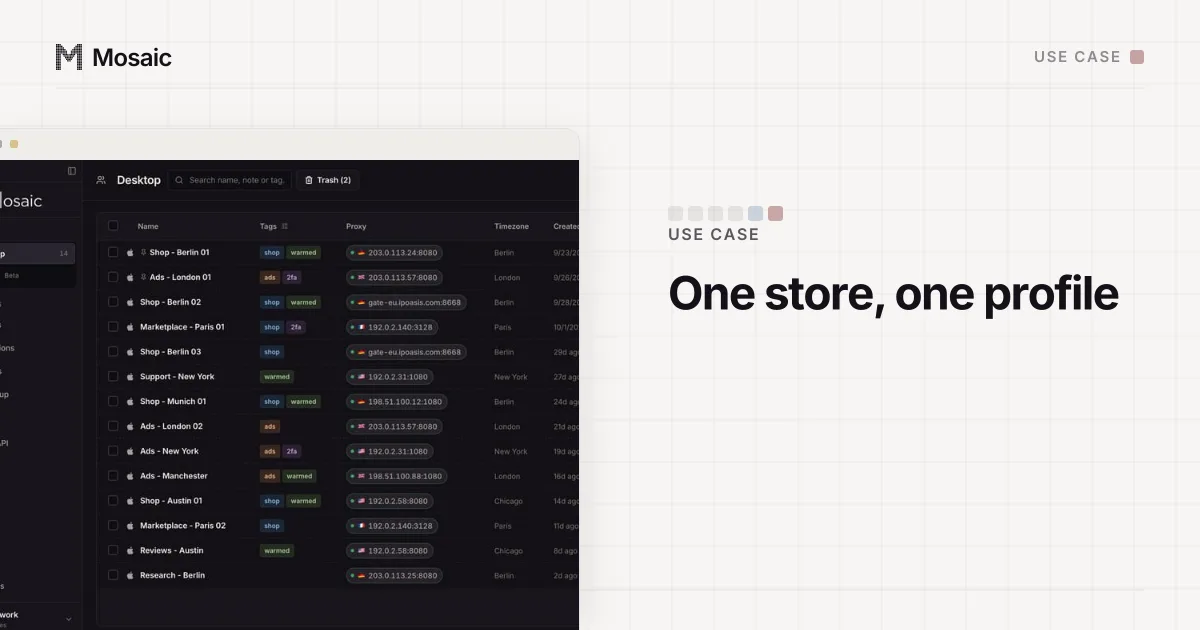
- Make a project for the business and one profile per store inside it. The e-commerce set-up covers the profiles themselves: proxy, start pages, tags.
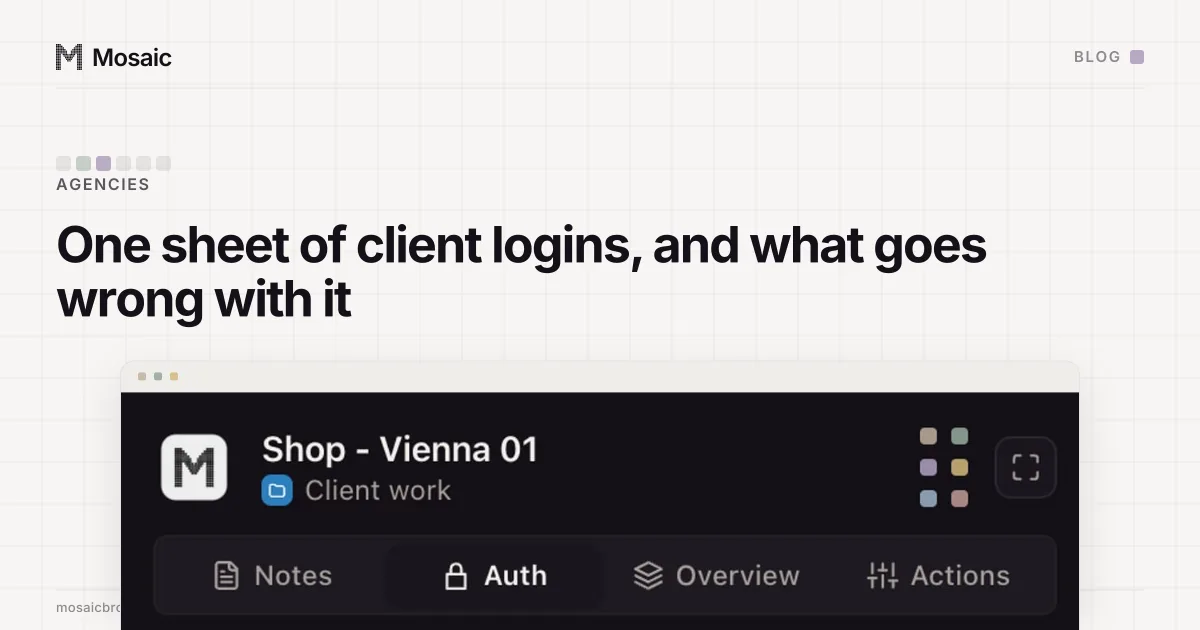
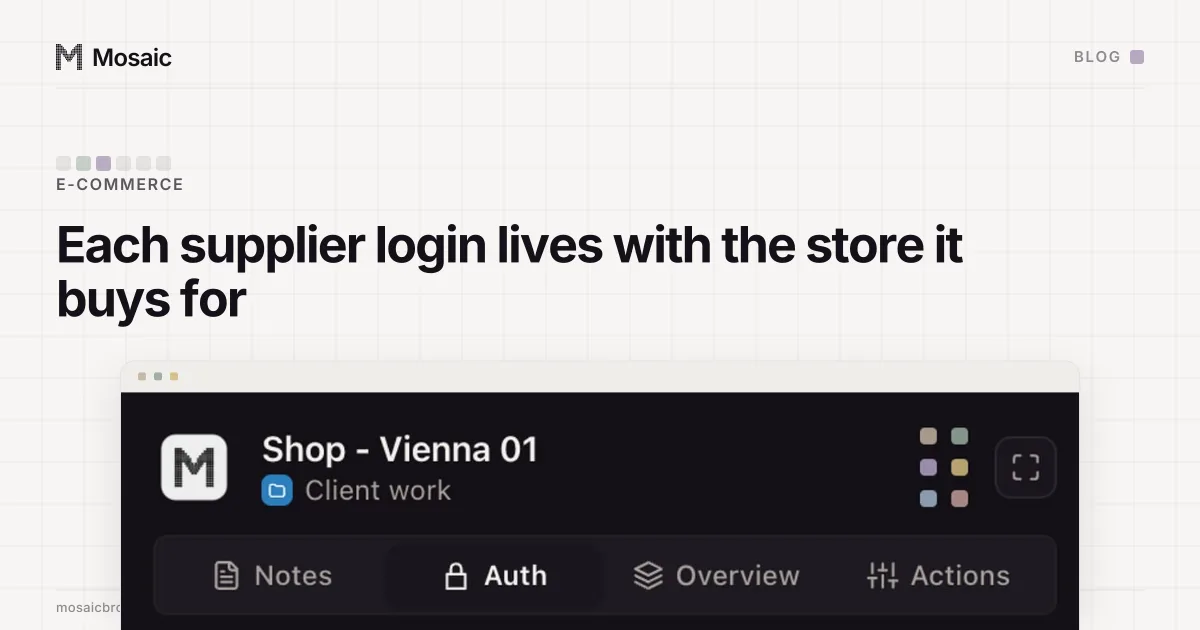
- Open the store's profile in the editor and go to the Logins tab. Press Add login.
- Fill in Label (the supplier's name, as you say it), Site (the portal's domain), Email or username, and Password.
- If the portal uses an authenticator, press Two-factor secret or notes and paste its setup key into Two-factor secret. A base32 key or a whole
otpauth://link both work. A key that cannot produce a code is refused when you save it, not discovered at the login screen. - Put the account number, the rep, the terms and the minimum order in Notes.
Inside the profile's browser, the companion shows that profile's notes and live two-factor codes for its logins, and nothing from any other profile, so the code you copy is always the right store's. To sign in, click into the portal's username box and choose Type the username from the login's menu in Mosaic, then click into the password box and press Fill, which types the password. Both arrive as real keystrokes in whichever field has focus. Mosaic does not guess where the password goes, because guessing wrong types a password into a search field. Passwords are encrypted through the computer's keychain before they are written, the window never receives one, and no API route returns it. A login you delete is gone at once rather than kept in the trash.
When someone else does the ordering, check the portal before you hand over a password. Many trade portals let an account add users, and a buyer with their own login can be removed when they leave, without changing the password everyone else uses. Mosaic has no shared profiles or seats, so this is the portal's job, and giving an assistant access without the password goes through the platforms that do it well.